
You are viewing a potentially older version of this package. View Latest Version
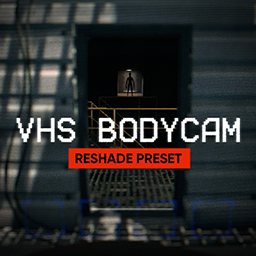
✔️ A simple preset for the RESHADE program. It makes the game more realistic and authentic.
2.After you have downloaded it, you need to run the installer and select Lethal Company in the list.
3.On the next step select DirectX11 (Standard version that the game uses).
After that, the program will ask you to specify the shader preset. Choose the preset from my archive.
Done. Immediately after launching the game, you will see the Reshade menu at the top, and all effects should start immediately after launching. But you can change and edit the preset settings via the Home button on your keyboard. Reshade is a very simple program, and allows you to very fine tune each effect.
If you want to get rid of vanilla post-processing (Bypassing all geometry), I suggest installing the HD Lethal Company mod. There you will need to remove the post-processing option in the mod settings. Read the description of this mod.
TY
