
You are viewing a potentially older version of this package. View Latest Version
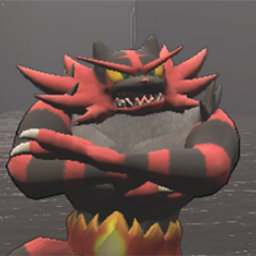
Place the MattyLite-FunnySuitsPlusX.X.X folder in your BepInEx/Plugins folder. Make sure the moresuits folder is in the same folder as MoreSuits.dll.
After launching the game with the mod once, a config file is created. You can disable individual suits from being loaded or attempt to load all suits (which is useful if you have another mod that helps manage lots of suits).
For a list of supported features, see: https://docs.unity3d.com/Packages/[email protected]/manual/Lit-Shader.html
Add a "PRICE" key to your advanced .json to put a suit in the store rotation. See Glow.json for an example of adding a suit with emission that must be purchased from the store.
