DevLaunch
Starts test copies of the game straight into a LAN game for mod development: one hosts, the others join.DevLaunch
For mod developers. Skips Lethal Company's launch menus and goes straight into a game, so several test copies on one computer can end up in the same lobby.
- Who needs it: each test copy. Players don't.
- Config: the Label section sets how the label naming each copy looks.
It reads the game's command line and does nothing unless one of these is there:
--lanor--onlinepicks the launch mode.--hosthosts a lobby.--join <address>joins the LAN game at that address, retrying while the host loads.--tile <n>/<count>switches to a window and puts it in cell n of a grid with count cells.
With any of these, the window title and a corner of the window show which copy it is: Host, then Client 2, Client 3 and so on. The Label settings turn either off, and pick the corner, colour and size.
To run a host and a client on one computer, start one copy with --lan --host --tile 1/2 and another with
--lan --join 127.0.0.1 --tile 2/2.
In Mortar
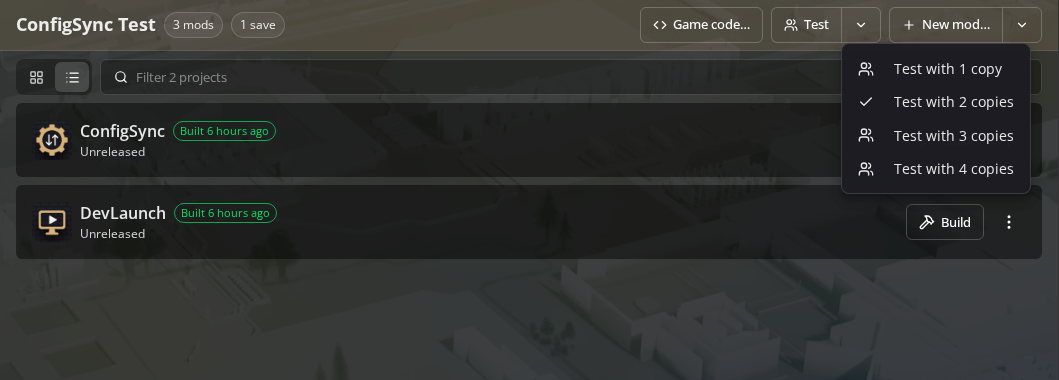
The Test button on Mortar's Develop tab does this for you: one copy hosts and the others join. It adds DevLaunch to the profile if it's missing. The arrow beside it picks 1 to 4 copies, and the profile remembers the choice. Test copies keep their own saves, so yours aren't touched.