

A Pikmin-themed custom scrap mod, with nearly 500 scrap based on ship parts, treasures, fruit, characters, and other collectibles/interactables from the Pikmin series and adjacent properties.
If you'd like to check out the moons these go with, head on over here!
If you have a themed moon you'd like these scrap items to show up on, simply add the "pikmin" tag to make them show up with a spawn weight of 50 by default.
This mod uses DawnLib, so custom weights can be changed in the config. (Details towards the bottom of this page.)
*** !!! LethalMin Nightly does not include default Pikmin Type scripts, so currently, Pellets will never be considered to be a matching type. i.e. Red Pikmin bringing a Red Five Pellet to the Red Onion will always give 3 Pikmin. I have no way to fix this unless LethalMin Nightly is eventually updated. !!! ***
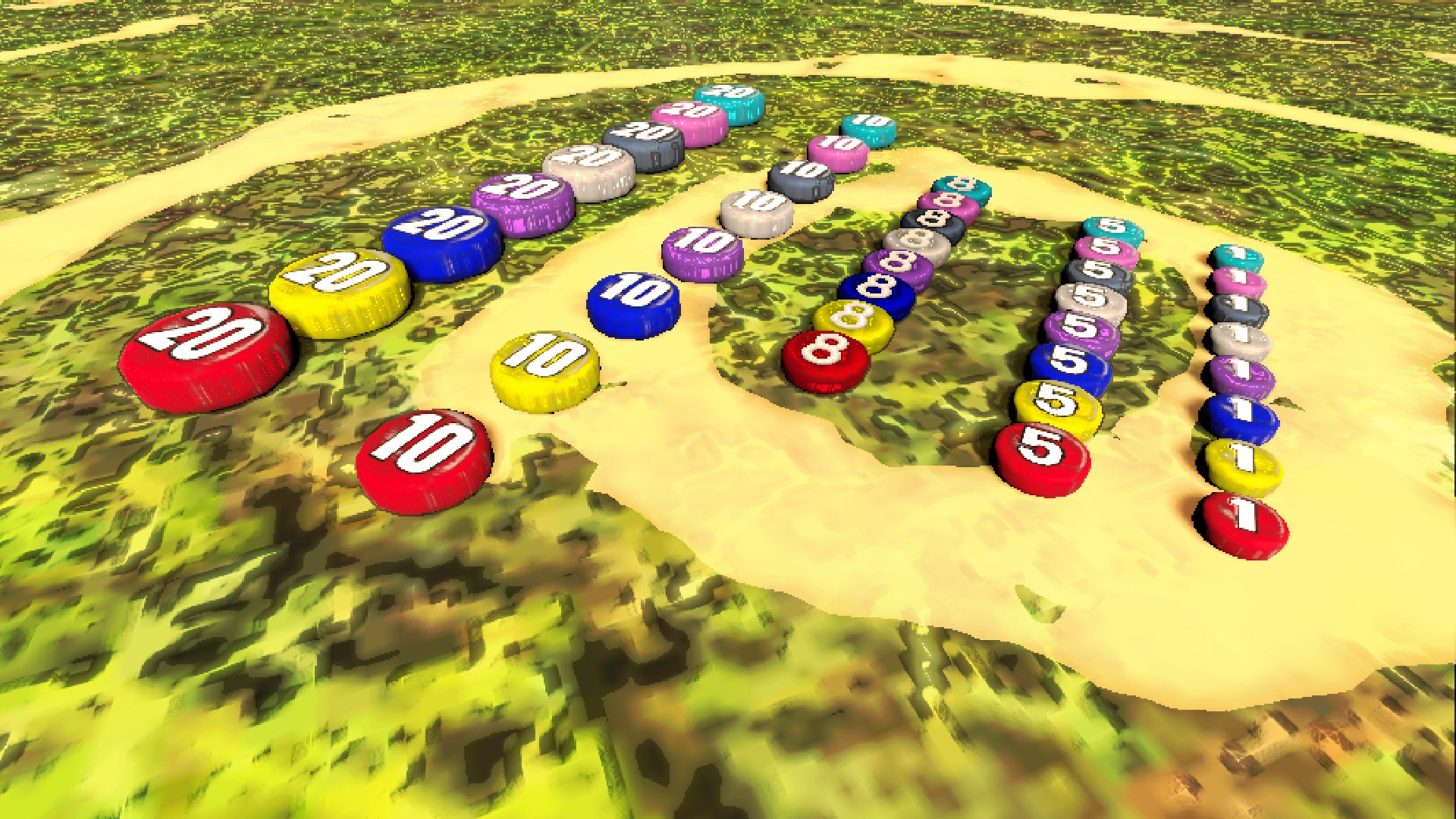
Every growable Pikmin type has a pellet of each type (besides glow pikmin).
Pikmin prioritize bringing them to the onion, so if you want cash from them, you'll have to carry them back yourself.
5, 10, and 20 pellets can be found on top of their larger counterparts in Pikmoons moons.
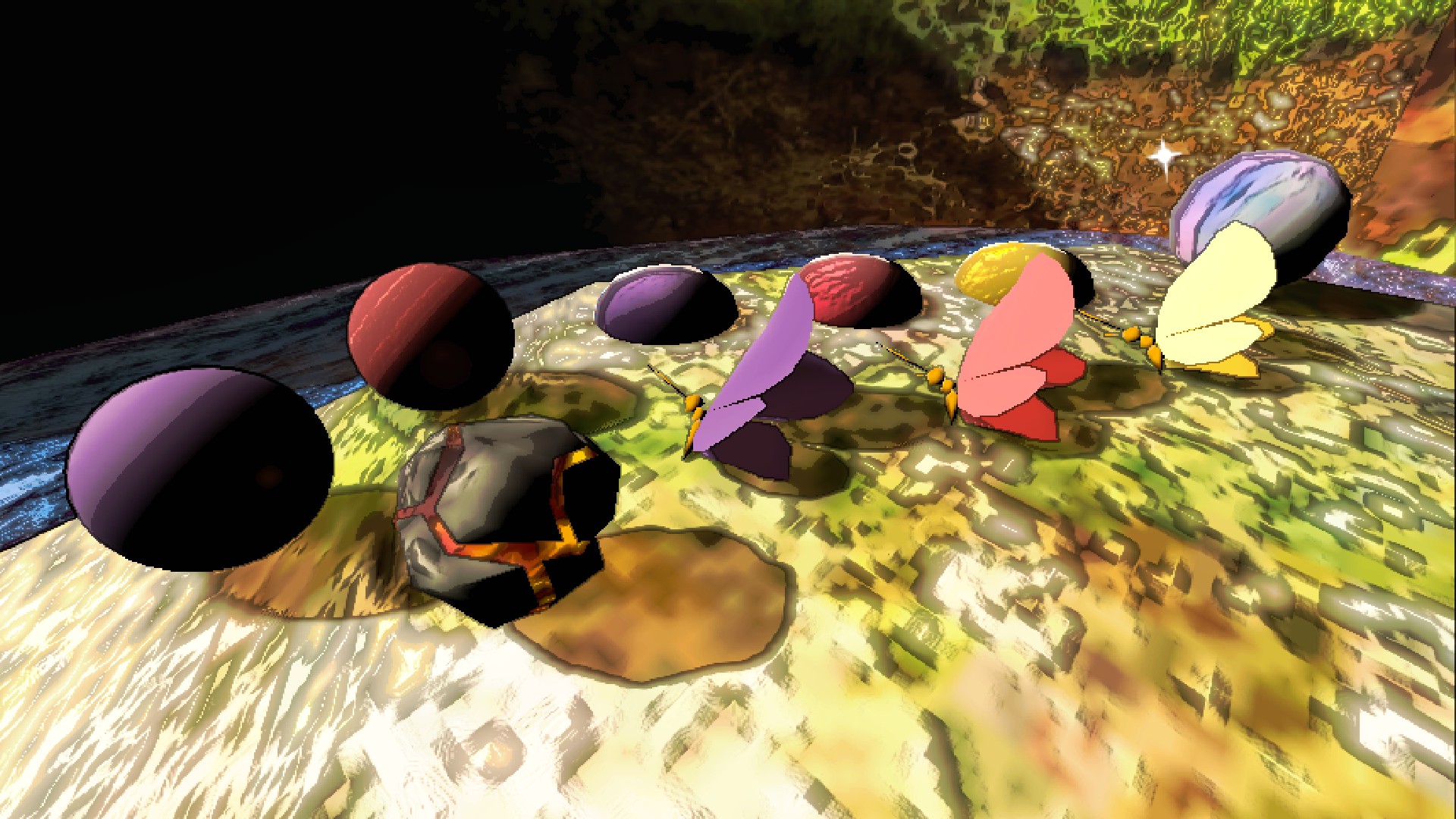
These are scrap that can mainly be found by interacting with Pikmoons' map props, such as berries, spray and nectar drops, and clamclamp pearls.
Bomb Rocks are especially useful, and destructive! Be careful!
Each one of the S.S. Dolphin's ship parts are in this mod. Some of them make noise, others are animated, and some of the larger parts are heavier and two-handed.


A something-something-scale replica of the S.S. Dolphin! It even moves and sounds the same.

The previous mod that covered the treasures, PikminScrap, is now deprecated.
Since that is the case, 196 of the 201 treasures from Pikmin 2 can now be found in this mod, instead.
The other 5 treasures are already contained within the Pikmin 3 fruit scrap.
For now, just Pikpik carrot scrap.
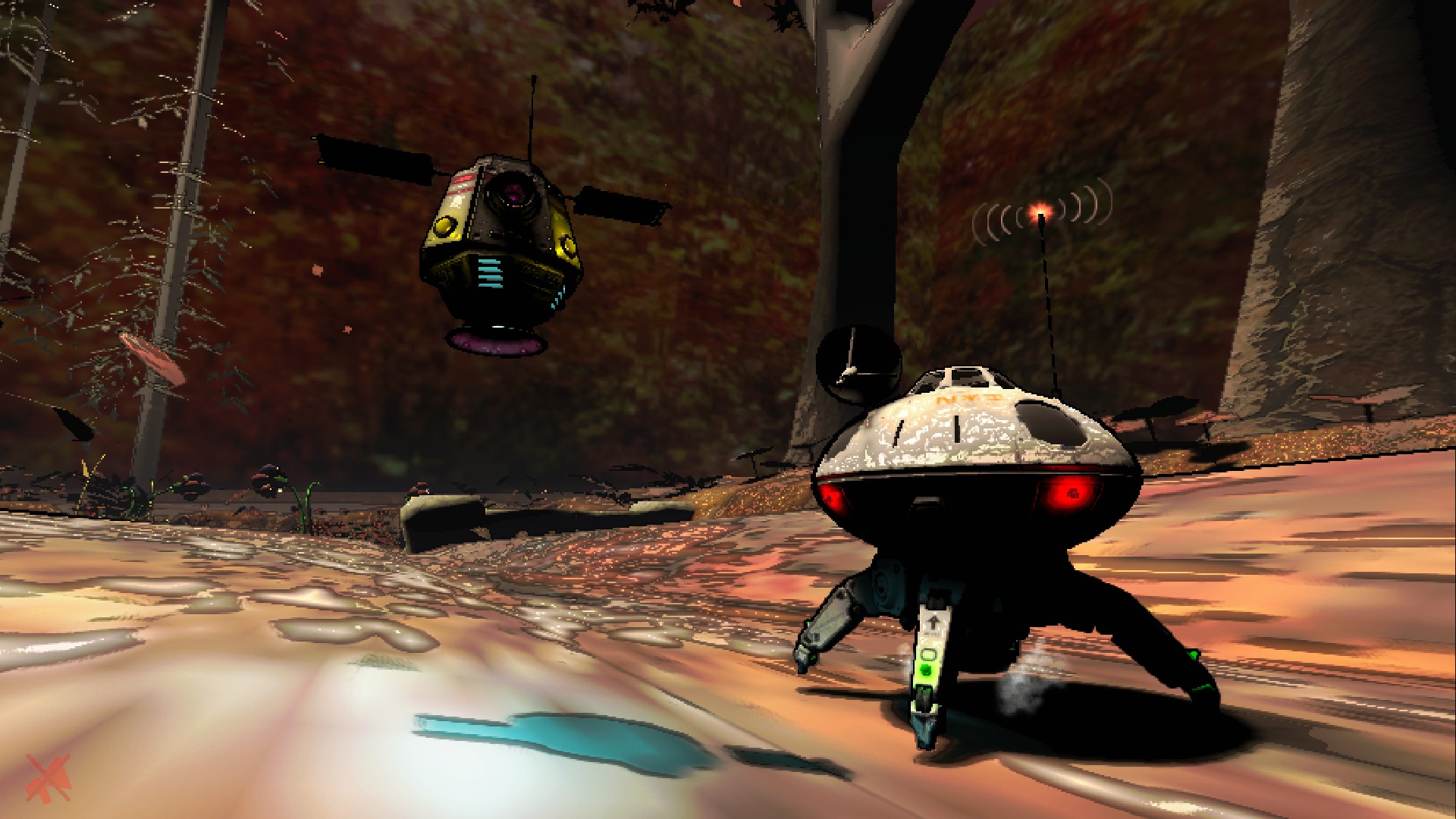
Rusty's got two forms, so there are two sets of replicas; the pods, and the full ships. Both are animated and have sound, and they may talk to you when you carry them; they yap quite a lot.

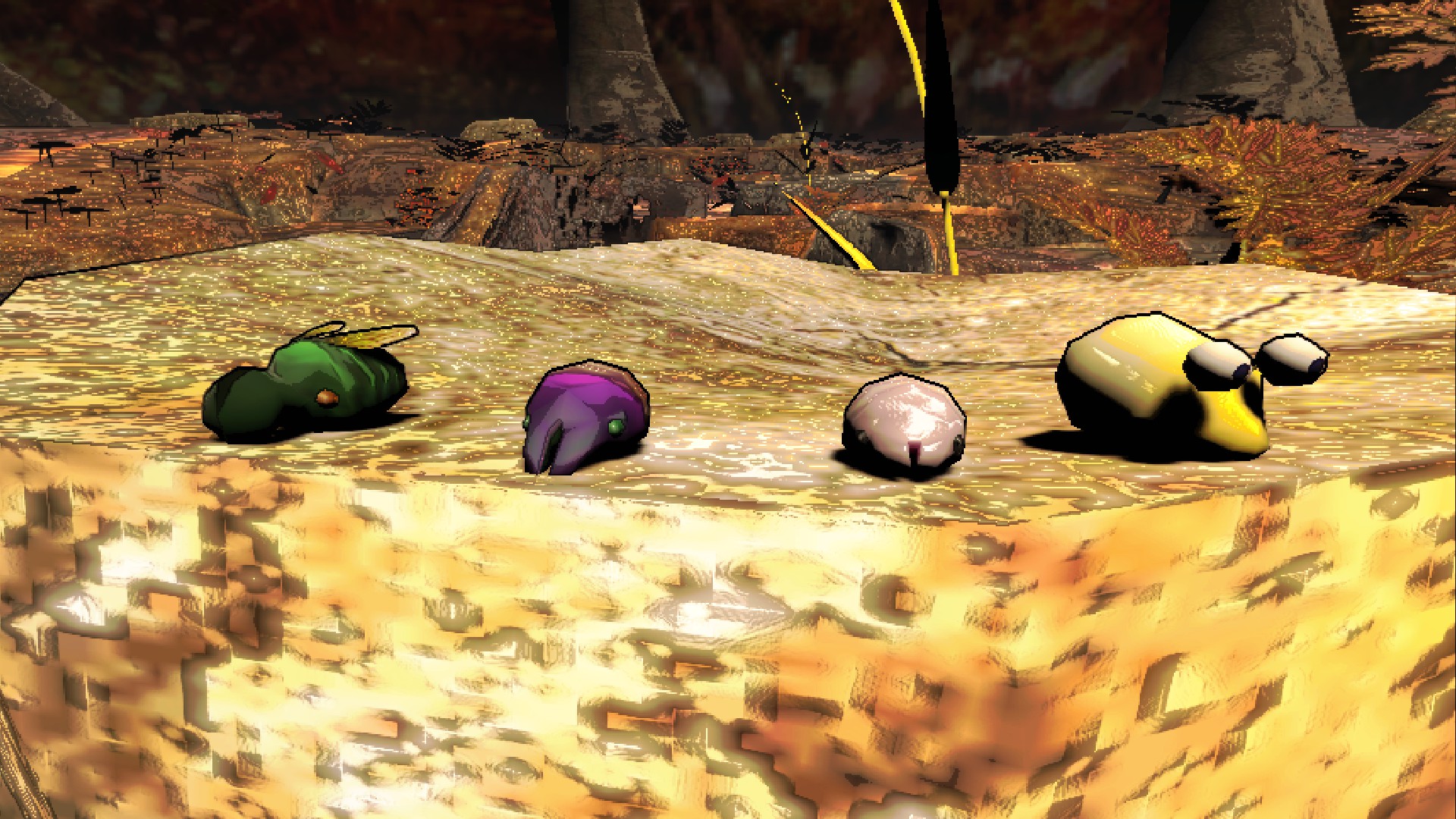
Turns out, some enemies are friendly! Male sheargrubs, female sheargrubs, shearwigs, and bulborb larvae can be found as scrap items. Three of them are aggressive and can be used to bite enemies, and the fourth can be cradled like the baby it is.
Every fruit from Pikmin 3 is here, including some golden fruit worth more. The Slapstick Crescent is good for slapping, and you can even whack enemies with a signpost. Most of the scrap from Pikmin 3 are fruit, but there are some exceptions. (macarons, dodge whistle, mushrooms, weapons) The dodge whistle and deployable bounceshroom have unique controls/interactions, try them out for new movement options!


Can't leave out the Pikmin 3 ships!
The S.S. Drake and SPERO drone also have replicas.
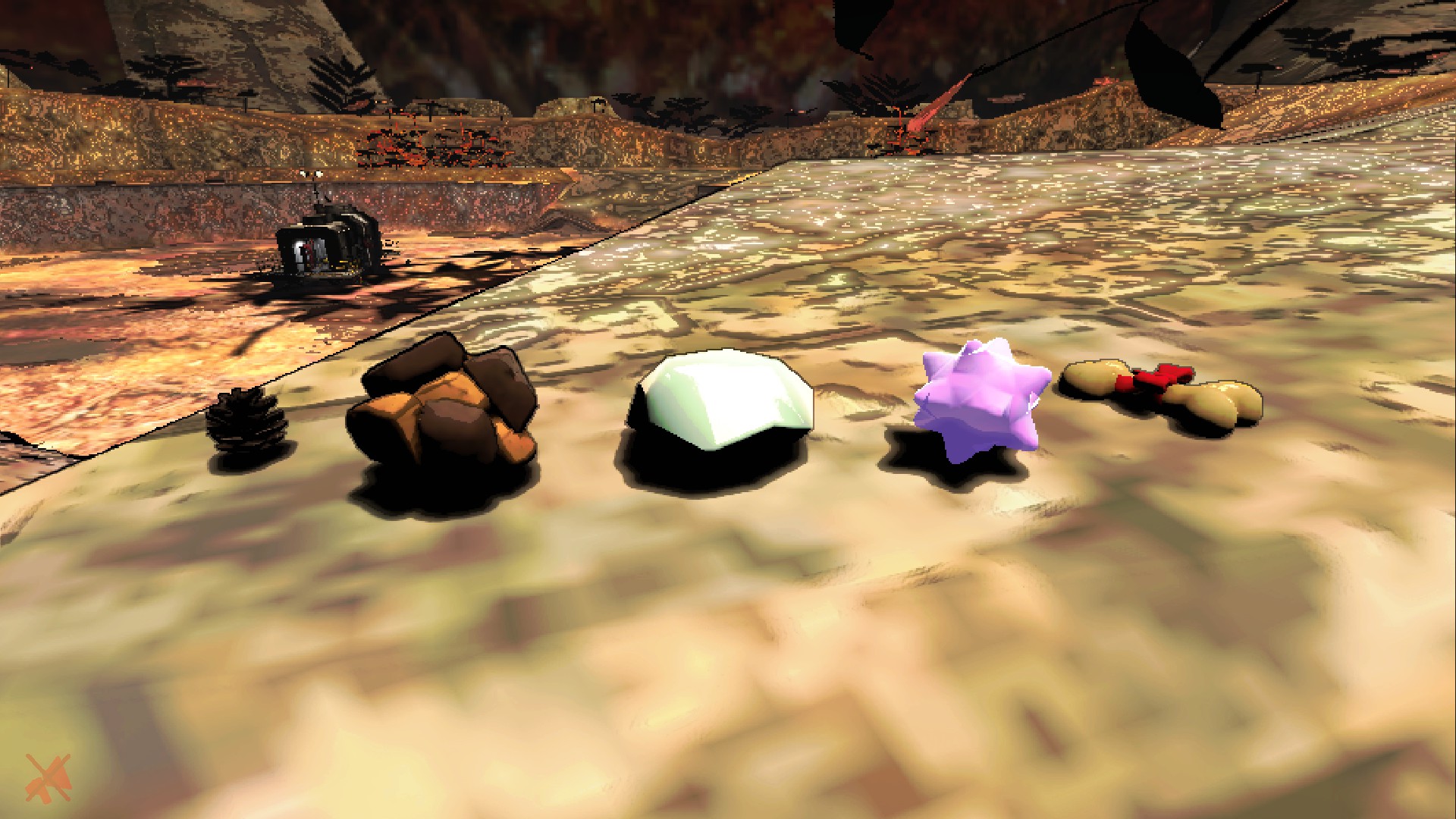
No treasures for now, but other collectibles are here.
Raw material, its clay-ball form, and glow pellets are normal scrap.
Scrummy bones attract dogs, so watch out!
Firestarters can be thrown to ignite! Giants especially hate them, for good reason.
Only two of 'em for now, the most important ones!
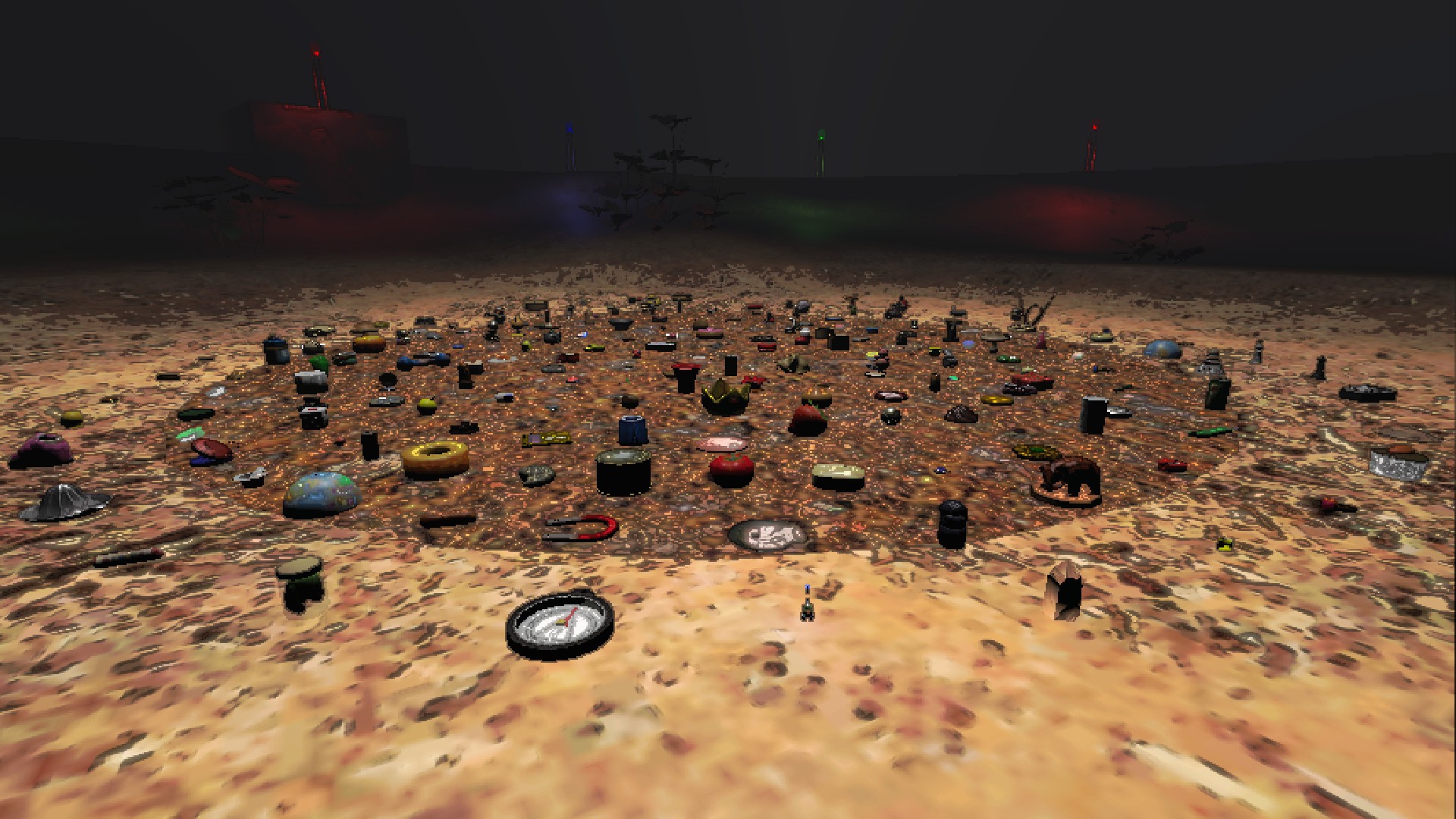
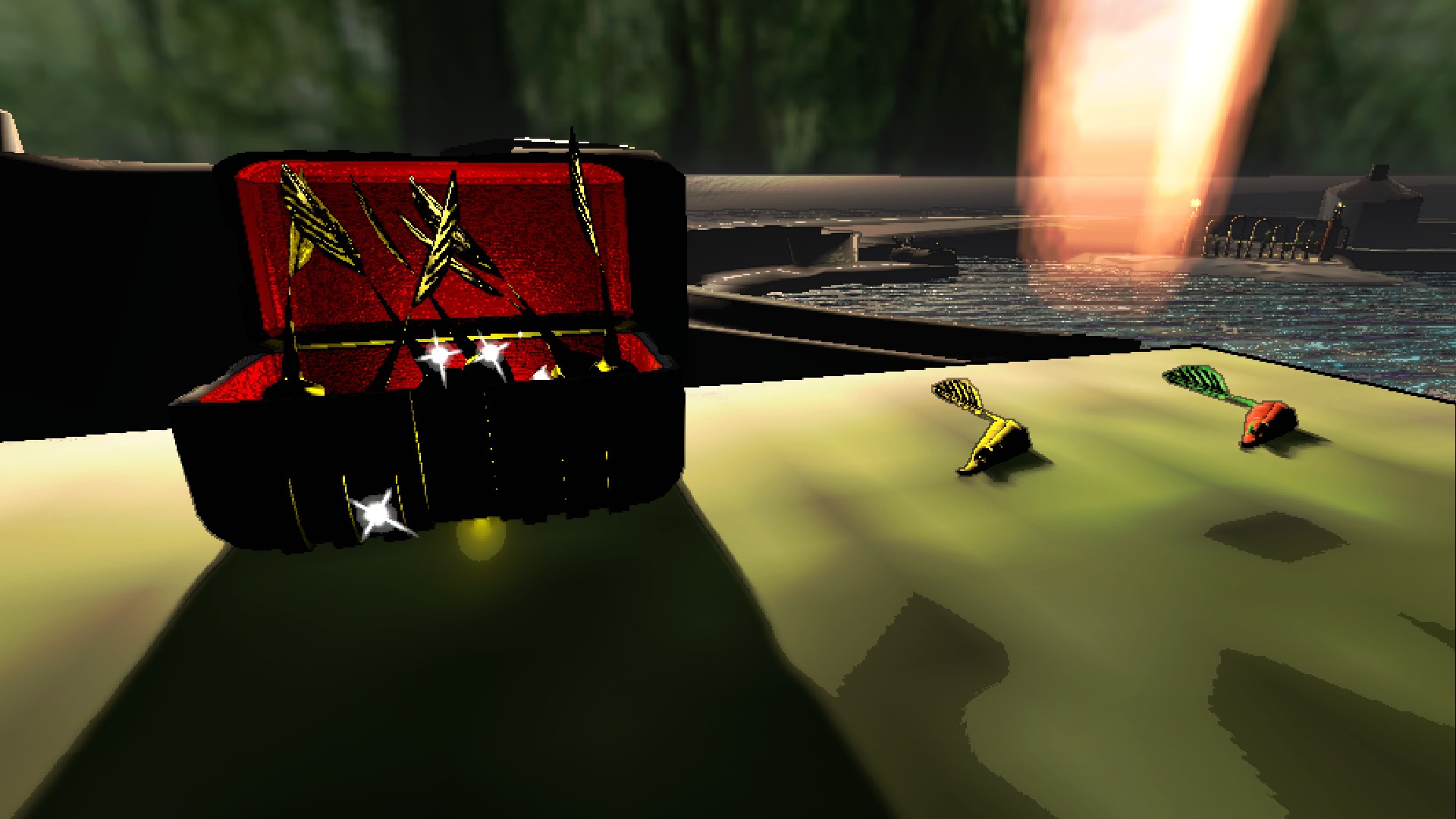
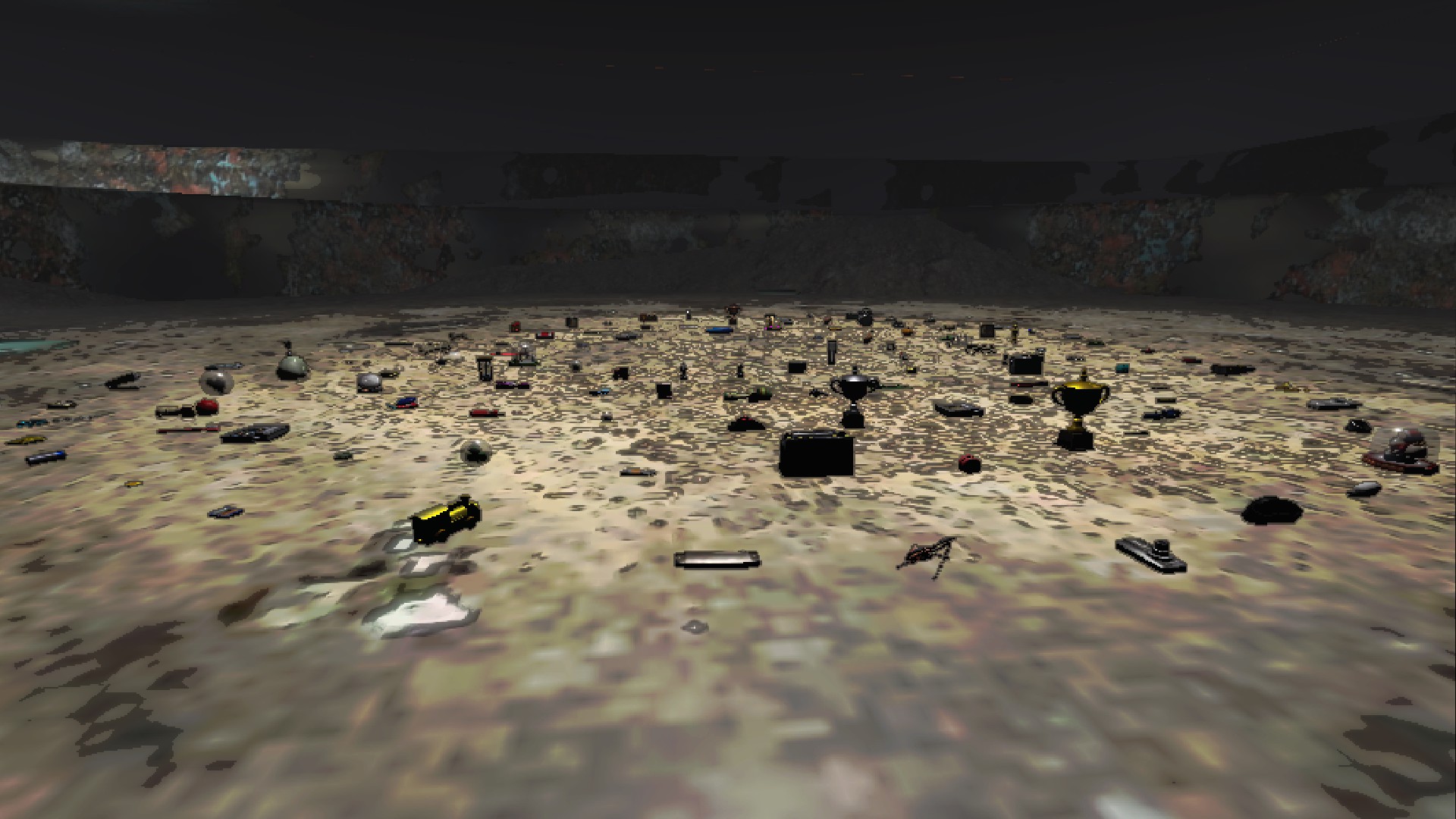
They're a little hard to see, but all 125 non-amiibo treasures are here.
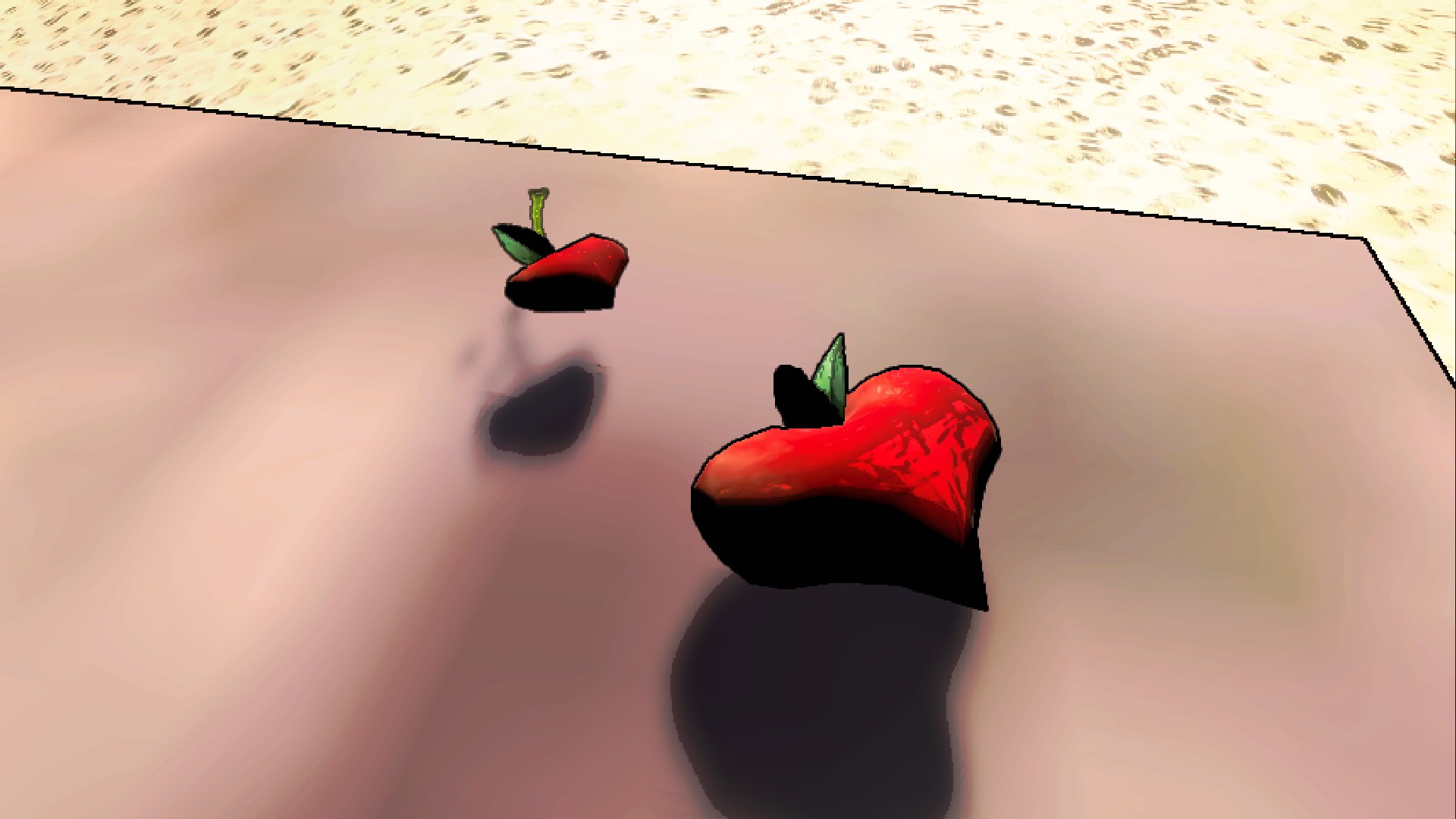
For now, only the heart fruits are in this section, as sparklium seeds are just sprites.
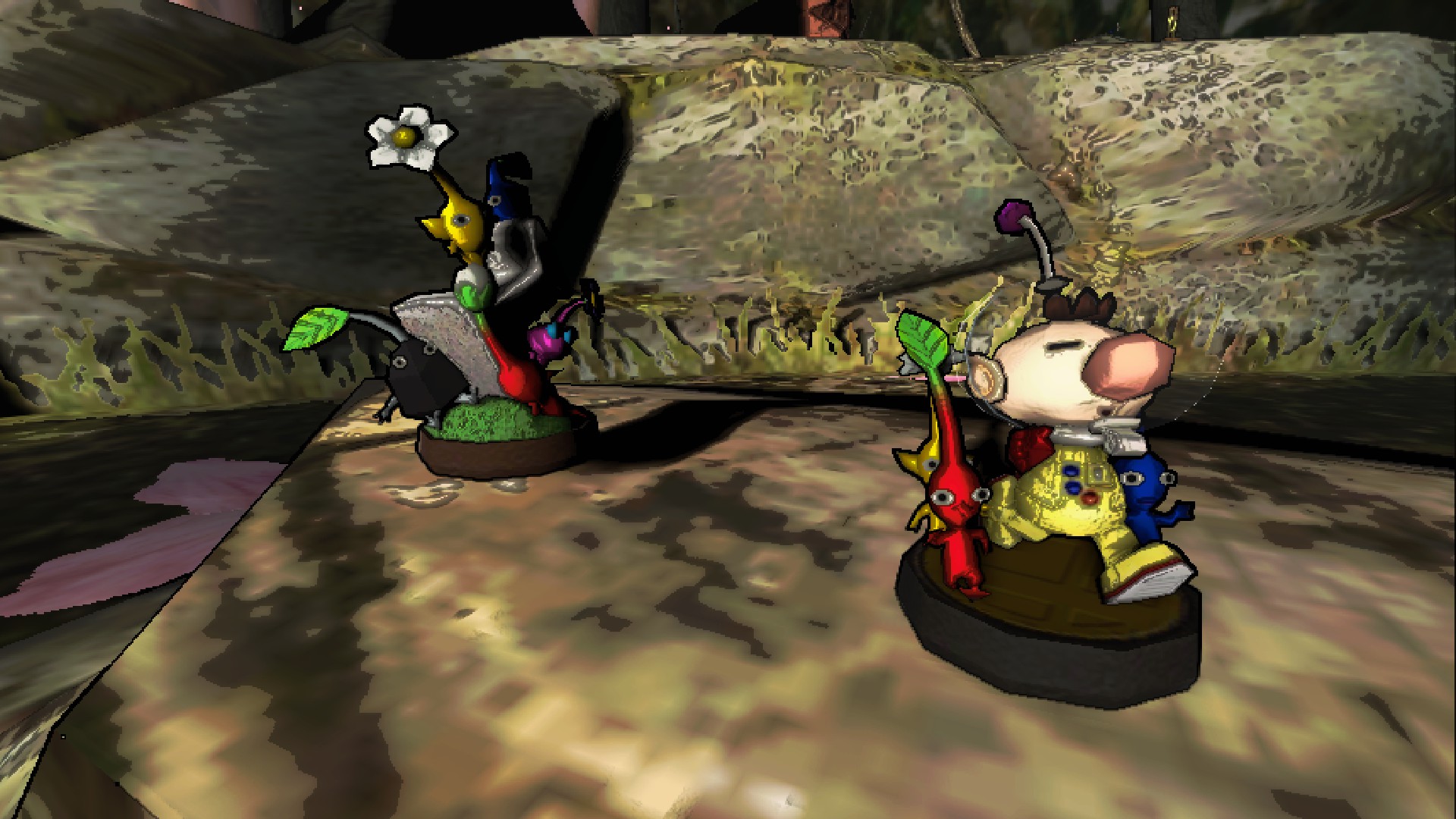
Every trophy from Super Smash Bros. Melee and Brawl that references the pikmin series is available as scrap, totaling 22.

The moon and all its dependencies should automatically install when using your mod manager of choice (Thunderstore, r2modman, Gale).
For manual installation, install BepInEx, DawnLib, and drag and drop all files in the .zip into a separate folder in plugins.
All players are required to have this mod and dependencies installed in order to be able to join the lobby at all.
I don't use Gale or the Thunderstore mod manager, so this section will only cover r2modman, however the process should be very similar on other platforms.
The config can be accessed by clicking "Config Editor" on the left, and searching "Pikmoons".
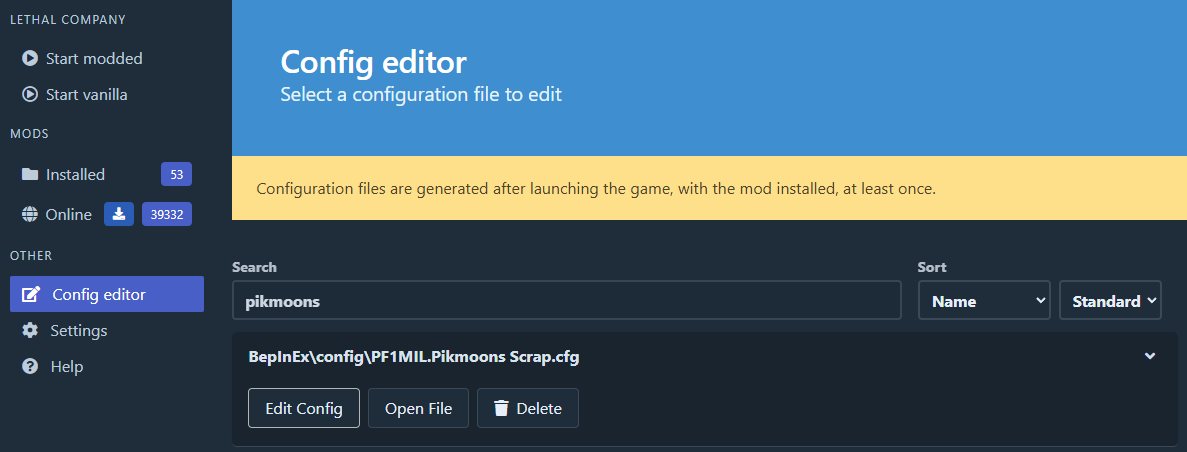
The config is split into roughly the same categories as seen on the mod page. Each section can be disabled as a whole, or each individual scrap can be configured.
Each scrap has separate moon, interior, and weather spawn weights. To add any specific spawn weights, you need the "namespace:key" combo.
For example, vanilla moons' namespace:key combo is "lethal_company:vanilla". (I think right now only the key is strictly required, but I'd include both if you know them, for future-proofing if nothing else.)
Moon scrap weights are filled in automatically when the config is generated, with only the values below:
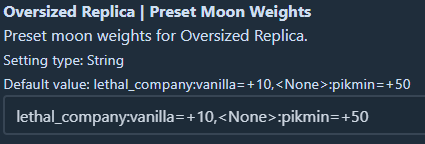
The number after the equals sign is added/subtracted to the scrap's spawn-weight when in the respective moon/interior/weather. Higher spawn-weight means it spawns more frequently, and vanilla scrap ranges from 0-100 weight.
The namespace:key pairs for Pikmoons are pikmoons:moon_name. For example, Repose's is pikmoons:repose.
If you add new tags to the config, be sure to add a comma between entries, like the default.
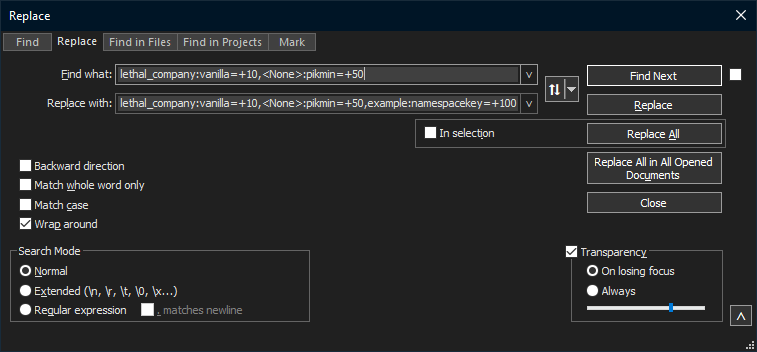
To edit all scrap weights at once, Find and Replace is your friend. I generally use Notepad++, as such:
If you're unsure what tag to use to make the scrap spawn on a particular mod's content, check the documentation of the mod to see what tags it has.
If you encounter a game-breaking or very annoying bug, let me know in the Lethal Company Modding Discord thread for my mod, or the official Pikmoons Discord.
The thread can be found here.
I did not make Lethalmin. Any bugs relating to Pikmin behavior not directly relating to my mods should be reported to the Lethalmin thread on the lethal modding discord.
Extra thanks to pacoito for all the help making my mods. (He helped out quite a bit with many aspects of all of my projects, from general unity knowledge to writing custom scripts!)
pacoito for Itolib, which I use for custom scrap, props, and various other script-based mechanics.
NoteBoxz for LethalMinNightly, and for making Lethalmin altogether.
The Warner Bros. Sound Effects Library, which Nintendo themselves also sample from.
IAmBatby for LethalLevelLoader, for the ExtendedItem script that makes this mod possible.
Thanks to Pikmanfan2002, creator of the PikminScrap mod, for responding when I reached out.
Thanks also to debbicar of RuntimeIcons BetterRotations for maintaining compatability with my mod!