

You are viewing a potentially older version of this package. View Latest Version

WE BALL
MEHHRequired mods (66)
This package requires the following packages to work.


Adds the Scarlet Devil Mansion from Touhou as a possible dungeon to Rend and Dine.
Version:1.0.4

Adds the SCP foundation as a potential dungeon to exlore.
Version:2.0.0

BepInEx pack for Mono Unity games. Preconfigured and ready to use.
Version:5.4.2100

Fixes the stamina meter display on the HUD, so it more accurately represents your current stamina percentage.
Version:1.1.1
Replaces the ships internal camera (right monitor) with bodycams that are linked to the radar.
Version:1.0.5

Let's you easily load audio files (With LCSoundTool) and replace any in game audio clip.
Version:2.2.0
Play as the monsters found in Lethal Company and scare your friends!
Version:1.0.7
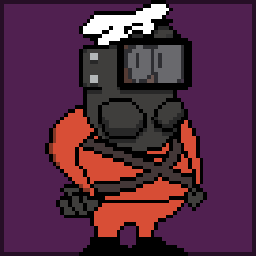
Plays music from SCP:SL when the early ship leave alert appears, and upon pulling the apparatus
Version:1.0.0

Generates MonoMod.RuntimeDetour.HookGen's MMHOOK file during the BepInEx preloader phase.
Version:0.0.5

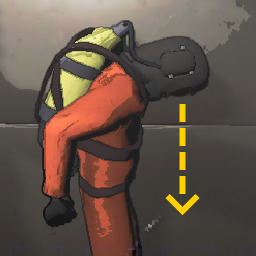
This mod simply lets you look down all the way. Well, almost all the way.
Version:1.0.1

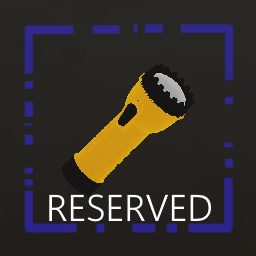
Gives a free, dedicated Flashlight slot on the right side of your screen. Can be toggled with [F] to activate the Flashlight at anytime.
Version:1.5.10
The core mod for all ReservedItemSlot mods. Adds functionality for my ReservedItemSlot mods.
Version:1.8.11
Gives a free, dedicated Walkie slot on the right side of your screen. You can press [X] to activate and speak into the Walkie at anytime.
Version:1.5.5