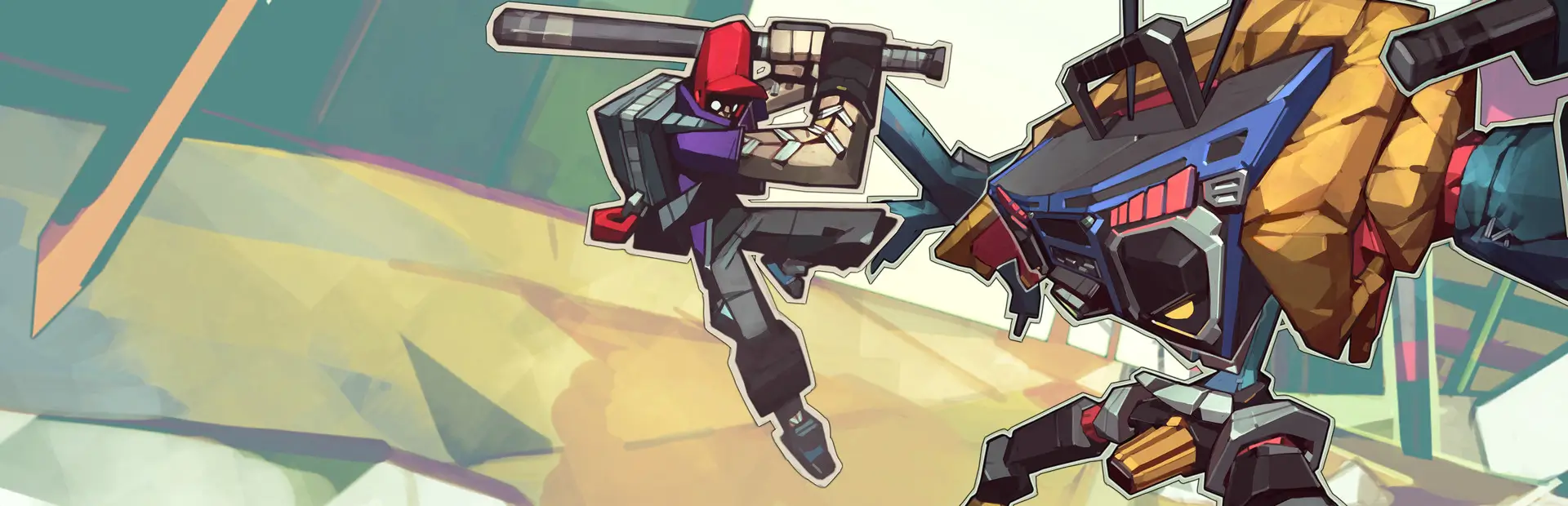

MonoStages
Turns every stage black and white with a hint of purple, so players, the ball and the HUD stand out. Works on all 3D and 2D stages and the menu backgrounds. Four presets, a per-stage skip list, F4 to toggle.MonoStages
Turns every stage in Lethal League Blaze black and white with a hint of purple. Players, the ball and the HUD keep their colours, so they stand out against the stage. It pairs well with NeonHUD's Mono theme.
It works on all stages, 3D and 2D, including the stage backgrounds behind the menus. It doesn't ship any stage files. It recolours the game's own stage the moment it loads, so it keeps working if the game updates. It's purely client-side: other players see their own stages, and gameplay is unaffected.
Presets
| Preset | Look |
|---|---|
| Mono (default) | Black and white with a purple hint |
| Greyscale | Plain black and white |
| Noir | Darker and harder, so players and the ball pop the most |
| Muted | Mostly grey with a little colour left |
| Custom | Your own brightness, contrast, tint and saturation |
Keys
| Key | What it does |
|---|---|
| F4 | Mono on/off. Switching it back on also reloads the config, so you can edit settings while playing |
| Shift + F4 | Writes BepInEx/MonoStages_dump_<STAGE>.txt, a list of everything on the current stage and what was done to it |
Settings
Open the mod manager's Config editor and pick MonoStages, or edit BepInEx/config/MonoStages.cfg in your profile (it appears after the first launch).
| Setting | Default | |
|---|---|---|
Preset |
Mono |
See the table above |
Brightness / Contrast / TintColor / TintStrength / Saturation |
0.85 / 1.1 / #8B5CF6 / 0.2 / 0 | Only used when Preset = Custom |
SkipStages |
(empty) | Stages to leave in colour, e.g. STADIUM, ROOM21_2D |
Lights, FogAndAmbient, Particles, VertexColors, Lightmaps, StageScripts, Sprites |
on | Turn off any part you'd rather keep in colour |
CompressTextures |
on | Uses about 4× less memory for the converted textures, at the cost of a slightly longer stage load |
What gets recoloured
- Stage textures and material colours. Data textures are left alone: normal maps, masks, noise, HDR.
- 2D stages. Every animation frame, including the eclipse, siren and winter versions.
- Stage scripts. Colours they hold, such as eclipse tints, blinking signs, texture cycles and flags.
- Particles and baked colours. Stage particle effects, mesh vertex colours and lightmaps.
- Lights, fog, ambient light and the skybox. These become neutral grey. Characters are lit by the stage lights, so this also takes coloured light off them. Turn
Lightsoff if you'd rather keep it.
The original look is never lost: everything changed is recorded and put back when you press F4 or leave the stage.
Limits
- Slower first load per stage. Each stage's textures are converted the first time it loads, while the loading screen is up. How long that takes depends on the stage and your PC; the log line shows the exact time. Rematches on the same stage cost nothing.
- Some colour may remain. A few things can't be recoloured from a plugin: colours baked into animation clips, live camera screens (the Stadium screen shows the actual match), and meshes the game marks as unreadable.
- Memory. The converted textures use extra memory, which is freed when you change stage.
Troubleshooting
- Something on a stage is still in colour: press Shift + F4 on that stage and look at the dump. If a material has a colour slot with an unusual name, add it to
ExtraColorProperties. - Something looks wrong (black, noisy, odd shading): it's probably a data texture that got recoloured. Find its slot name in the dump and add it to
SkipTextureProperties, or add the stage toSkipStages. - You'd rather turn it off than tune it: set
Enabled = false, or press F4.