HideKeyPrompts
Cleans up your HUD by hiding contextual key prompts and dimming enemy health bars.
Features
- F9 — Toggle contextual key prompts (ControllerLayout, RHS action hints, interaction HUD)
- F7 — Toggle floating damage numbers (combat + harvesting)
- Enemy health bars are automatically dimmed to 30% opacity (less distracting, still readable)
Changelog
1.2.0
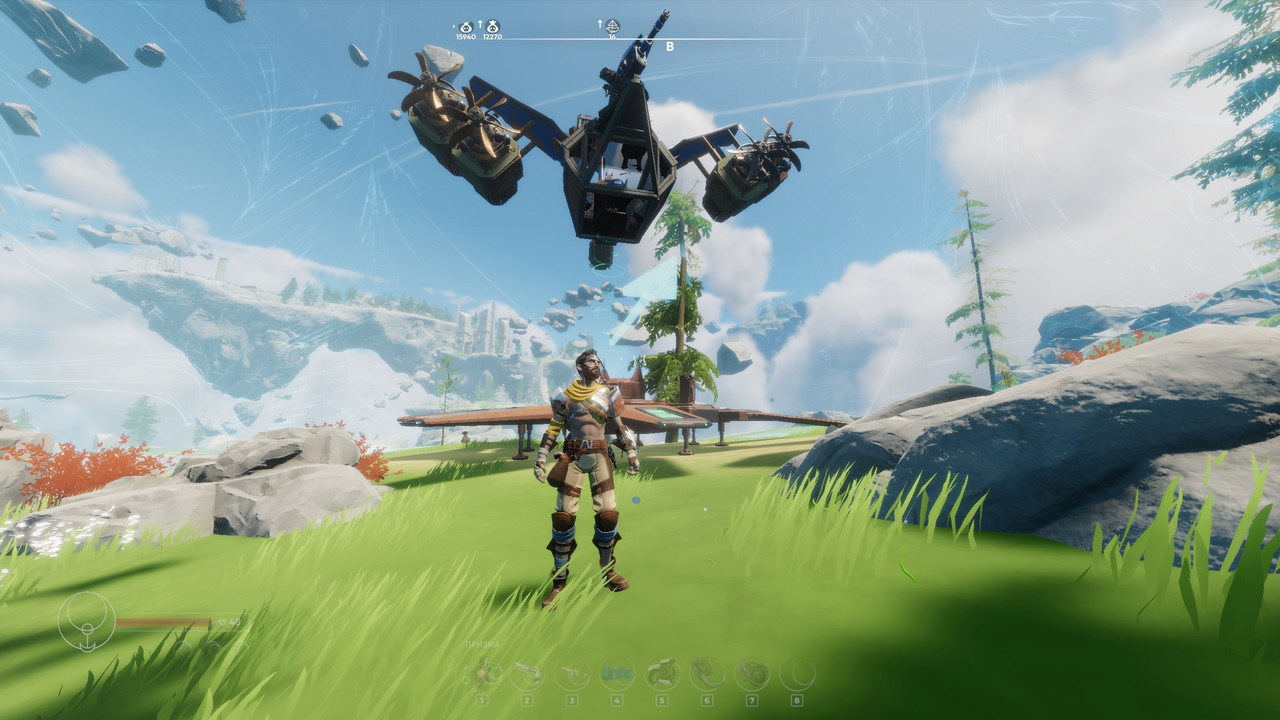
- Added: player HUD auto-dimming (HP, stamina, toolbar at 30-50% opacity)
- Added: stamina bar scaled down 2x
- Fixed: RHS prompts (Shoot/Aim) now hidden by F9
- Added: screenshot preview
1.1.0
- Fixed: prompts reappearing after weapon switch (now re-searched on every toggle)
- Added: F7 toggle for damage numbers
- Added: automatic enemy health bar dimming
1.0.0
Controls
| Key |
Action |
| F7 |
Show / hide damage numbers |
| F9 |
Show / hide key prompts |
| F8 |
Dump all UI objects to log (for debugging) |
Installation
Install via r2modman or Thunderstore Mod Manager. Requires BepInEx.
Notes
- Settings take effect immediately, no restart needed
- F9 hides:
ContextualInputPrompt, InteractionHud, ToggleHelpText, PlayerInputHelp
- Enemy health bar dimming applies automatically when enemies are present