NOTE: This WILL NOT work if your system language is not English
Images can be in PNG, JPG, JPEG, and BMP format
Flags are saved in the plugin's folder
You can share flags by pasting another file into the folder
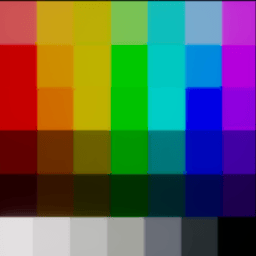
Editing the Contrast and Noise can help for detailed images or images that are compressed
A default brightness value is fine for most images, decreasing or increasing this in .10 increments can give good results
Usually, increasing the sharpness increases the detail on detailed images
Images that you resize will work better, but it does auto resize for you
Images will automatically load onto the canvas if the editor is opened, otherwise, they will be saved to your saved flags folder and you can load it later
Usage:
Press F10 To Open and Close the Menu
You can adjust Brightness, Sharpness, Contrast, and Noise to adjust final flag quality
After adjusting your settings, hit the "Generate and Set Flag" button, and the flag will load onto the canvas
You will notice that it will save the flag at the bottom of the menu. There is no limit on how many you can save.
If you generate a flag with the same image name it will overwrite the old one.
Bugs:
There shouldn't be any bugs, again, if your System language is not in English, flags in general do not work, this is a known issue.
Contact me in the Mage Arena/Mage Arena Modding discord if you have any questions/issues
Thunderstore development is made possible with ads. Please consider making an exception to your adblock.