You are viewing a potentially older version of this package. View Latest Version
LoadoutPresets
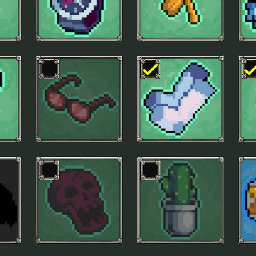
Save and Load presets for all of your items, tomes, and weapons.Loadout Presets
A mod that allows you to manage loadout presets in Megabonk.
Installation
Install with a mod manager like r2modman or Thunderstore Mod Manager.
Usage
- Adds a new button in the Main Menu that opens a new Loadout Manager menu.
- Set up your Unlocks however you like, then open the Loadout Manager and click "Save Current Loadout".
- You can create a custom name for your loadout, or leave it blank to use the default name.
- When you want to load a saved loadout, open the Loadout Manager and click "Load" on the desired loadout.
- You can share loadouts with others by clicking the "Open Folder" button in the Loadout Manager, which will open the folder where loadouts are saved. You can copy and share the loadout files with others.
Changelog
0.1.1
- Fixed issues with Readme and Manifest having incorrect data
0.1.0
- Initial release