
MarkerMod
Use paintballs as markers in dungeons. Paintballs create puddles and leave footprints when you walk through them. Without this mod, these effects are useless as they disappear too quickly. MarkerMod makes them into practical markers you can use in dungeonsMIMESIS - MarkerMod
🛟 Need help or found a bug? Get support at support.doodesch.de/markermod.
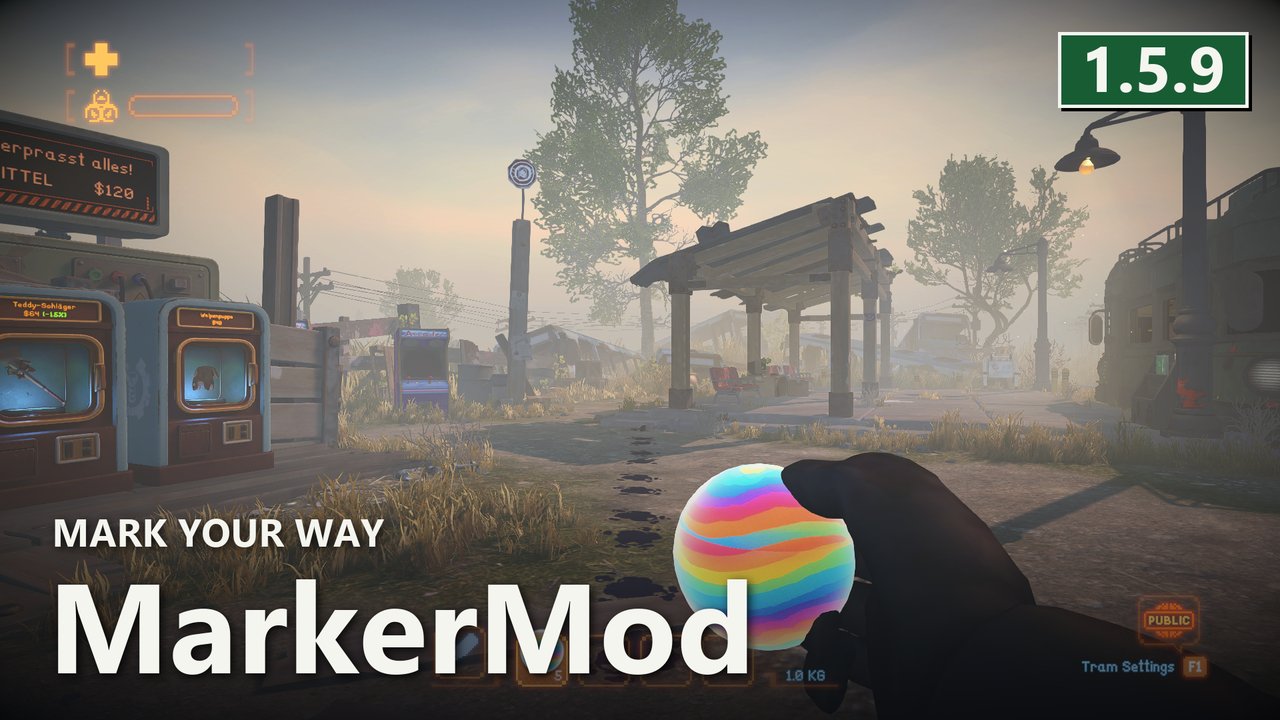
Turn paintballs into permanent dungeon markers. Puddles and the footprints you leave normally vanish almost instantly - MarkerMod makes them persist so you can mark rooms, paths and dead ends, with optional color cycling and infinite paintballs.




Features
- Keep footprints - the paint footprints you leave after walking through a puddle persist instead of fading away (on by default).
- Keep puddles - the spawned paint puddles themselves also stay instead of drying up (off by default).
- Configurable lifetime - a single setting controls how long persistent paint stays visible, in seconds (default 86400 = 24 hours, minimum 1 second).
- Paintball color cycling - while holding a paintball, right-click to cycle its color through Red, Yellow, Green, Blue, Orange, Purple, White, Black and back to default. The color applies locally to the held item and paint effects (on by default).
- Infinite paintballs - paintballs are not consumed when thrown, so you never run out of markers (off by default). The inventory shows an infinity symbol while the host enables this option.
Screenshots
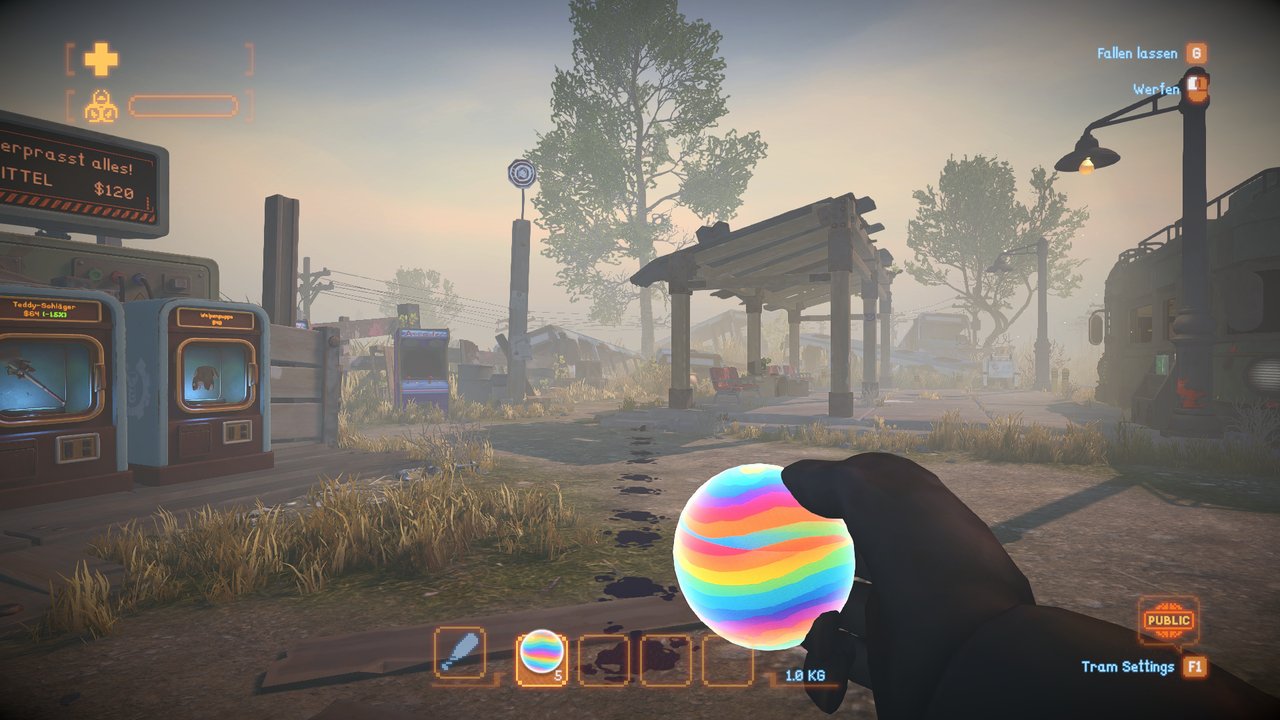
A real paint trail created by movement through paint.
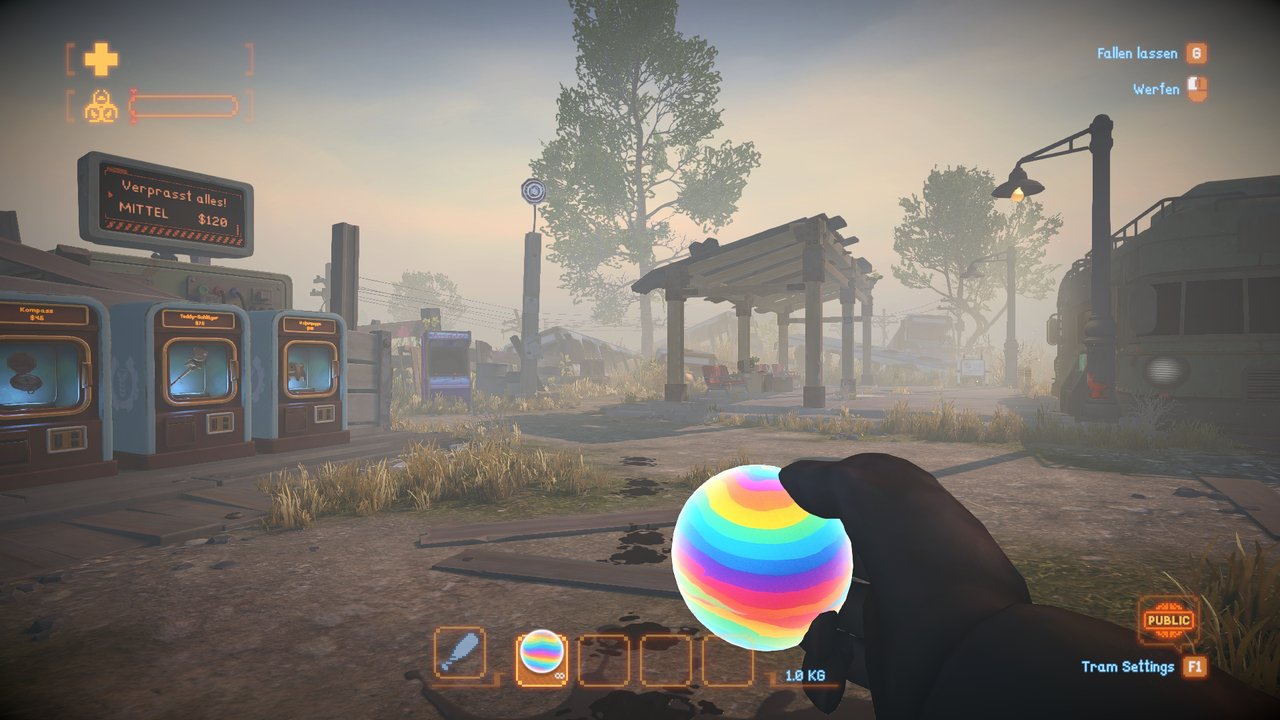
Enable infinite paintballs on the host to replace the charge count with the native infinity symbol.
Requirements
| Component | Version |
|---|---|
| MIMESIS | 0.4.0 |
| MelonLoader | 0.7.3+ |
| MimicAPI | Required - recommended maintenance fork: MimicAPI 0.4.3, Nexus download, install separately |
For Nexus, install MimicAPI 0.4.3 separately. Keep one Mods/MimicAPI.dll; the mod archive does not include it. Thunderstore resolves its existing MimicAPI dependency through the mod manager.
Installation
- Recommended: install through a Thunderstore mod manager (r2modman / Gale). MimicAPI is pulled in automatically as a dependency.
- Manual: download
MarkerMod.dll, make sureMimicAPI.dllis also installed, and drop both intoMIMESIS/Mods/. Launch the game once to generate the config file atUserData/MelonPreferences.cfg.
Configuration
Stored in UserData/MelonPreferences.cfg under [MarkerMod].
Gameplay settings follow the lobby host without overwriting saved client preferences. Without the mod on the host, clients use vanilla behavior. Live settings apply after the host changes them through a MelonPreferences UI or reloads the preferences; editing the file alone does not reload it. Use the same current mod version on host and clients for the new options and live updates. Older versions retain their initial legacy snapshot. Invalid new values use the registered default with a warning.
The host controls paint rules, persistence and the palette. Enabled, keepFootprints, keepPuddles, permanentLifetimeSeconds and PaintballColors apply to the next lobby. Existing timed paint keeps the lifetime assigned when it spawned. Consumption, self-hit protection, color permission and long-throw settings are live. The color-cycle mouse button stays local.
| Option | Default | Range and effect |
|---|---|---|
Enabled |
true |
Master switch, next lobby. |
keepFootprints |
true |
Keep footprints, next lobby. |
keepPuddles |
false |
Keep puddles and their host contact effect, next lobby. |
permanentLifetimeSeconds |
86400 |
Persistent paint lifetime, minimum 1 second, next lobby. |
infinitePaintballs |
false |
Prevent charge consumption and show the native infinity symbol. |
enablePaintballColorChange |
true |
Permit cycling the held paintball's color. Disabling restores its default material. |
preventPaintballSelfDamage |
true |
Prevent projectile and paint-field self-hits. Projectile protection also covers other projectiles. |
allowLongPaintballThrows |
false |
Experimental host navmesh search adjustment for physics projectiles. |
LongThrowSnapRadius |
25 |
Positive navmesh search radius used by the experimental option. |
PaintballColors |
Native eight colors | Comma-separated HTML colors, 1-32 entries, next lobby. Default: #FF0000,#FFFF00,#00FF00,#0000FF,#FF8000,#8000FF,#FFFFFF,#000000. |
ColorMouseButton |
1 |
Local input: 0 left, 1 right, 2 middle, -1 disables cycling. |
Usage
- Hold a paintball and throw it to create a puddle.
- Walk through wet paint to leave footprints.
- With
keepFootprints/keepPuddlesenabled, the marks persist for the configured lifetime so you can navigate complex dungeons. - Right-click while holding a paintball to cycle its local color (Red, Yellow, Green, Blue, Orange, Purple, White, Black, then back to default).
- With the host's
infinitePaintballsenabled, paintballs are not consumed when thrown.
Compatibility
Built for Mimesis 0.4.0 / MelonLoader 0.7.3. Requires MimicAPI.
Credits / License
Author: DooDesch. Released under the MIT License (Copyright (c) 2025 DooDesch). Source: github.com/DooDesch-Mods/Mimesis-MarkerMod.
Images
Screenshots and the package icon are captured in MIMESIS.