You are viewing a potentially older version of this package. View Latest Version

MimesisMap
Room-by-room building map and minimap: explored or full, exits with the shortest path out, stairs, loot. Shared exploration, in-game settings (F8). Client-side only.MimesisMap
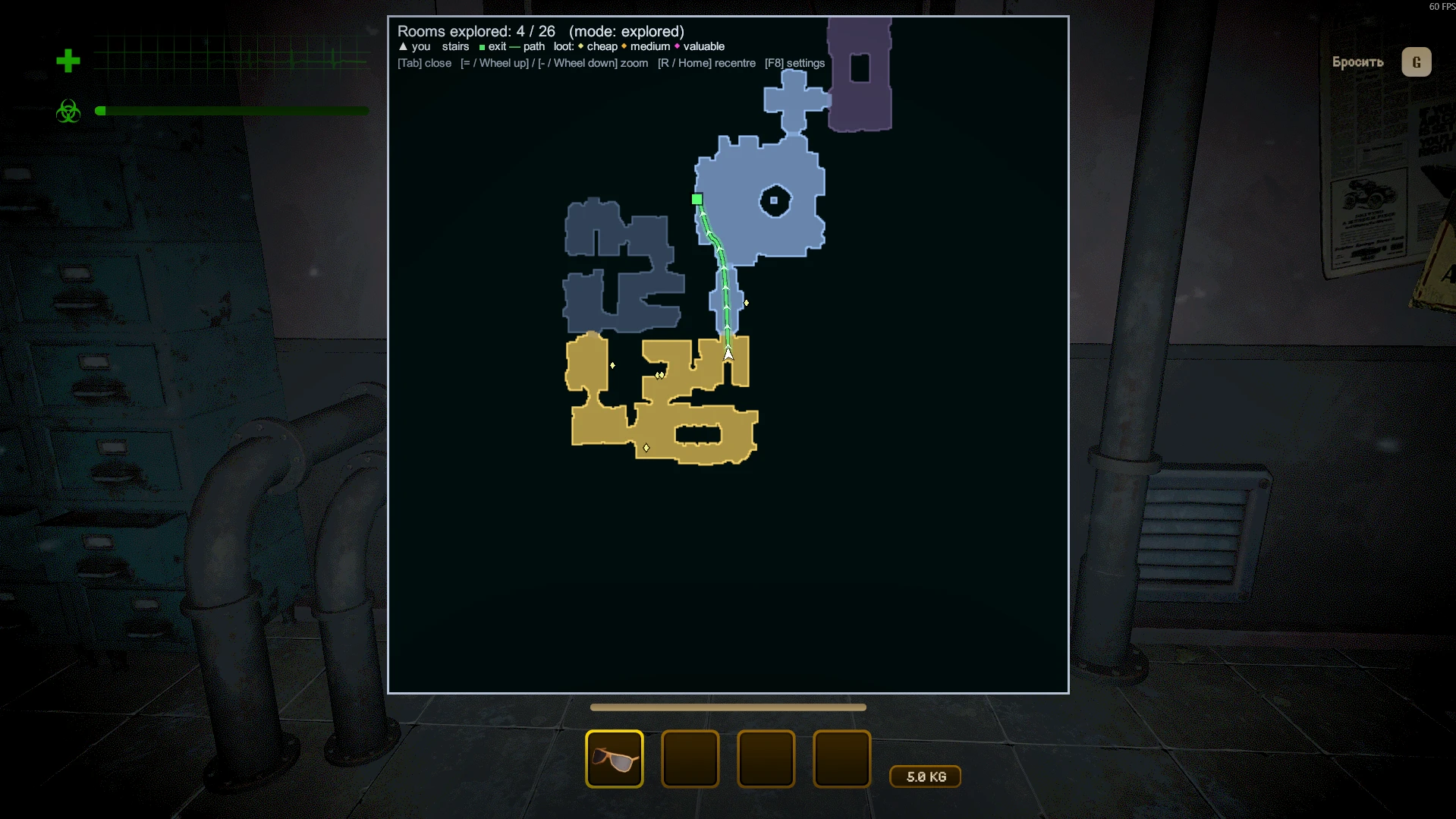
A building map and minimap for MIMESIS. The building is put together from prefab rooms every run, and remembering the way back is hard: MimesisMap draws what you have explored, room by room.
Only you need it. It is fully client-side: the host and other players don't need the mod.
Screenshots
Features
- Map of the building, room by room. A room appears as soon as you step into it, not only the area around you. Or switch to the full map from the start.
- Exits: building exits and entrance doors are marked, with the shortest path to the nearest known exit along the game's own navigation.
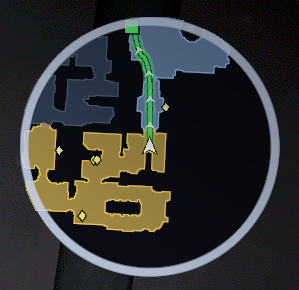
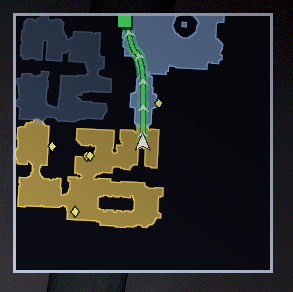
- Minimap: range, size, position, round or square, rotating with your view or north-up.
- Big map (hold Tab): opens centred on you, mouse wheel zoom, rotating or north-up, stays clear of the game's HUD. In press-to-toggle mode you can drag it with the mouse.
- Stairs and floors: staircases get an icon, other floors are dimmed.
- Two styles: clean floor plan (Plain) or a real top-down view with fog over unexplored rooms (Graphic).
- Markers: loot coloured by value; teammates and monsters (both off by default: teammate markers would give away mimics).
- Shared exploration: rooms where teammates have been open up too, and players who have the mod share their explored rooms through the Steam lobby. No host mod needed.
- Works in levels, the tram and the lobby.
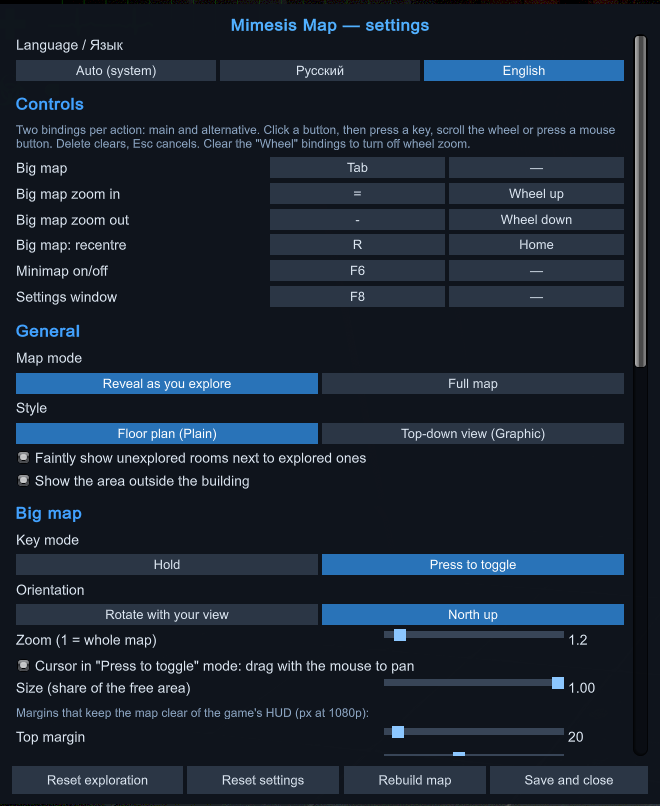
- Everything is set up in game: press F8, or use the "Map (mod)" button in the game's settings window. English and Russian.
Controls
Every action has a main and an alternative binding (keys, mouse wheel, mouse buttons), all changeable in the settings.
| Action | Main | Alternative |
|---|---|---|
| Big map (hold; press-to-toggle in settings) | Tab | — |
| Zoom in / out | = / - | Wheel up / down |
| Recentre the big map | R | Home |
| Minimap on/off | F6 | — |
| Settings window | F8 | — |
Notes
- Loot, monsters and teammates are only known to your game when the server sends them, which is roughly when they are near you.
- Settings are stored in
UserData/MelonPreferences.cfgof your profile.
Source, license and credits
Source code: https://github.com/StimDesu/MimesisMap
Public domain (The Unlicense). A mention is appreciated but not required: idea by StimDesu, code written with the AI assistant Claude (Anthropic).