You are viewing a potentially older version of this package. View Latest Version
Noncosmetic mod that allows one to edit fields from BalanceData, and as an example of a mod using Trainworks Reloaded that has user editable configuration.
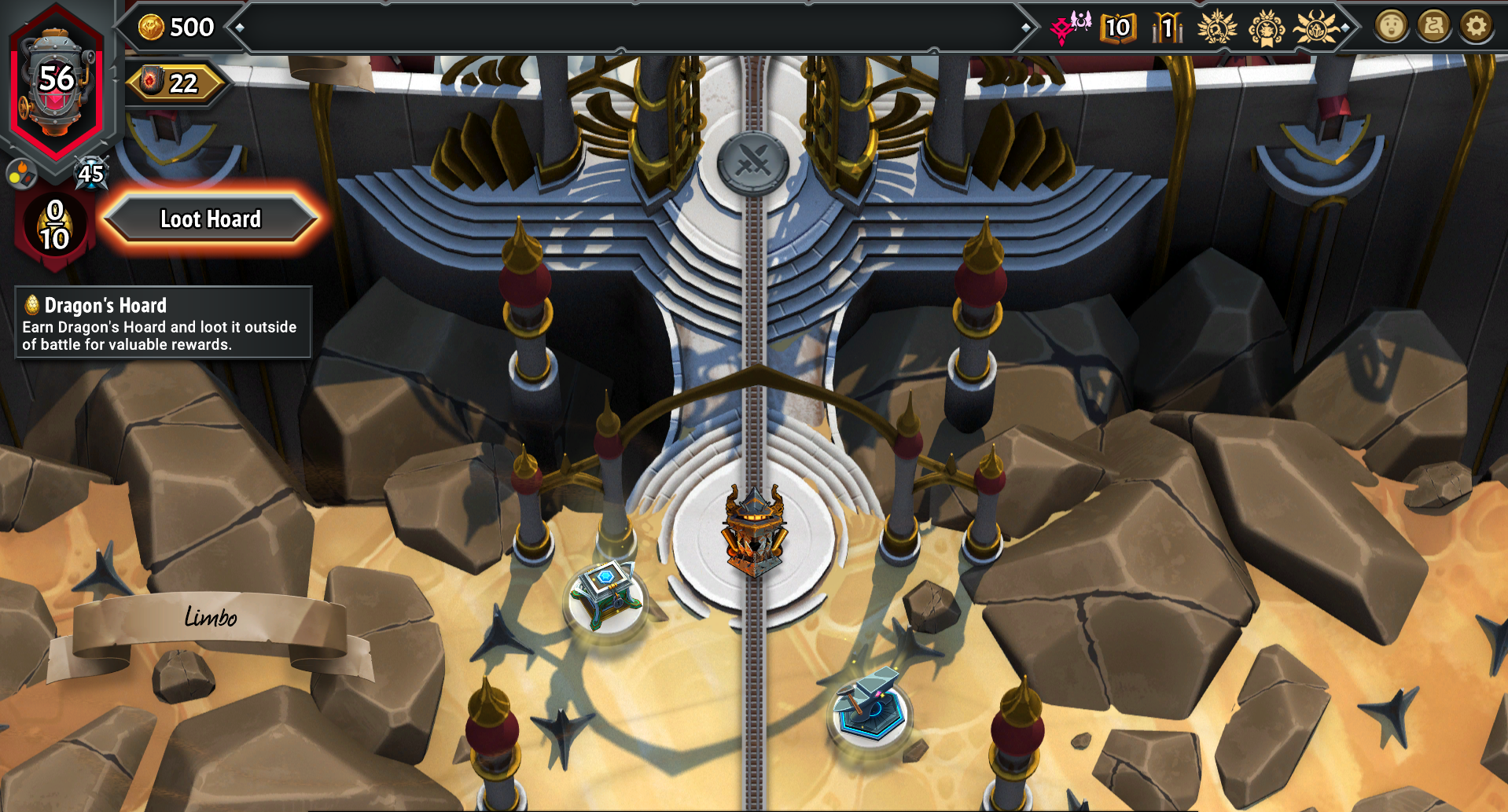 Adjusted starting gold amount from 50 to 500, and set the initial dragons hoard count to 10 from 8
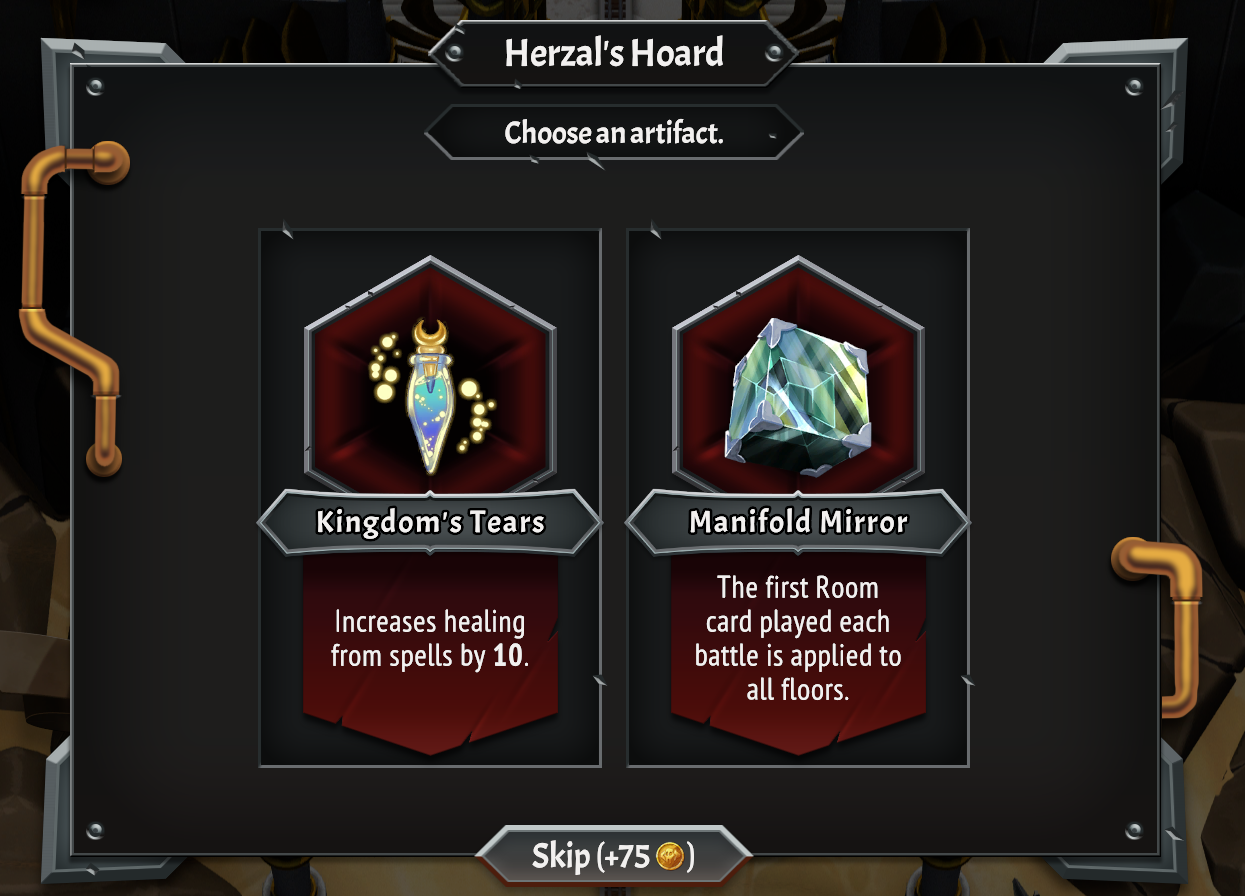 The reward for skipping an artifact was adjusted from 25 to 75 gold
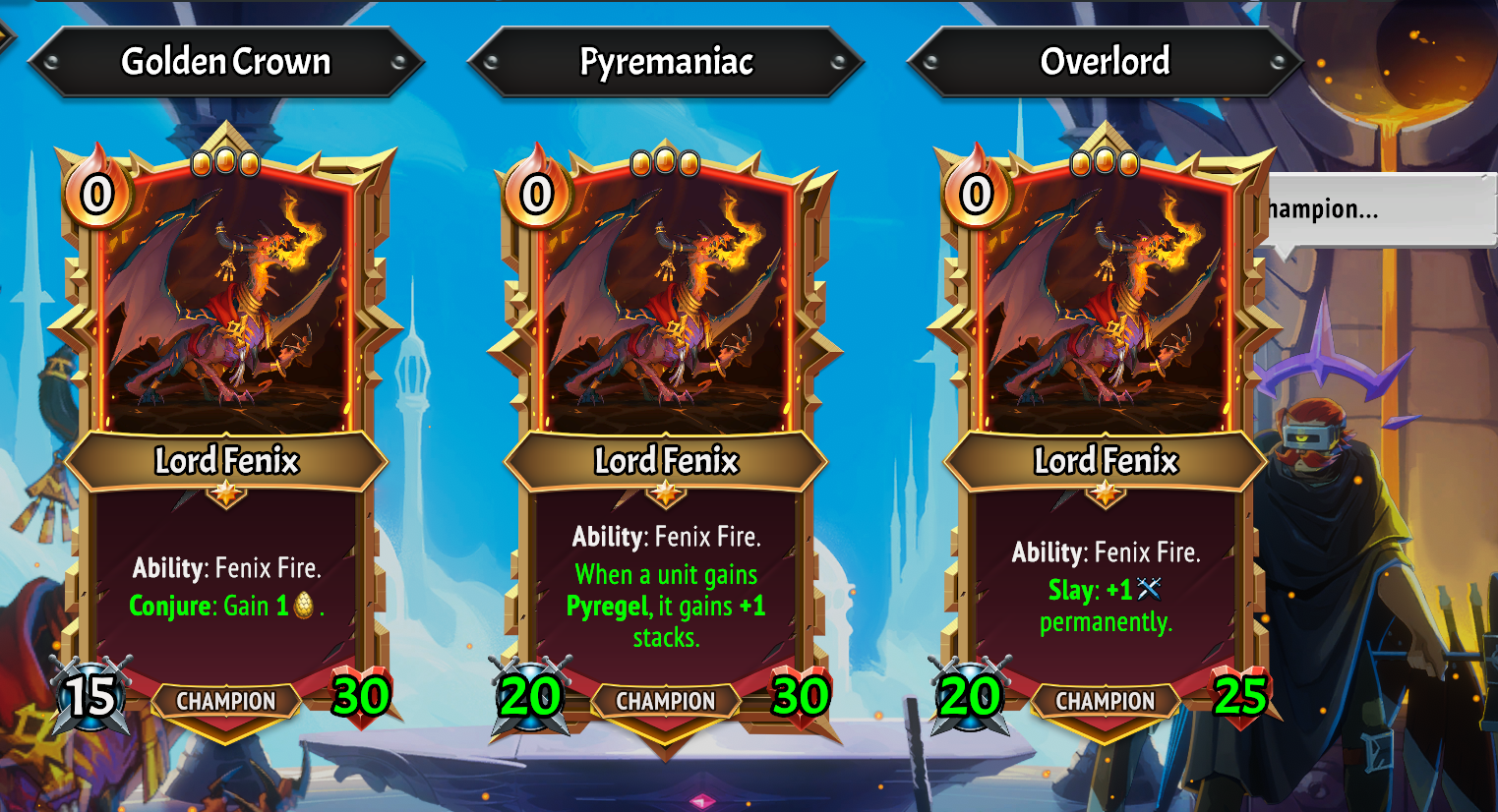 All three champion upgrades are available! (The UI doesn't handle this well)
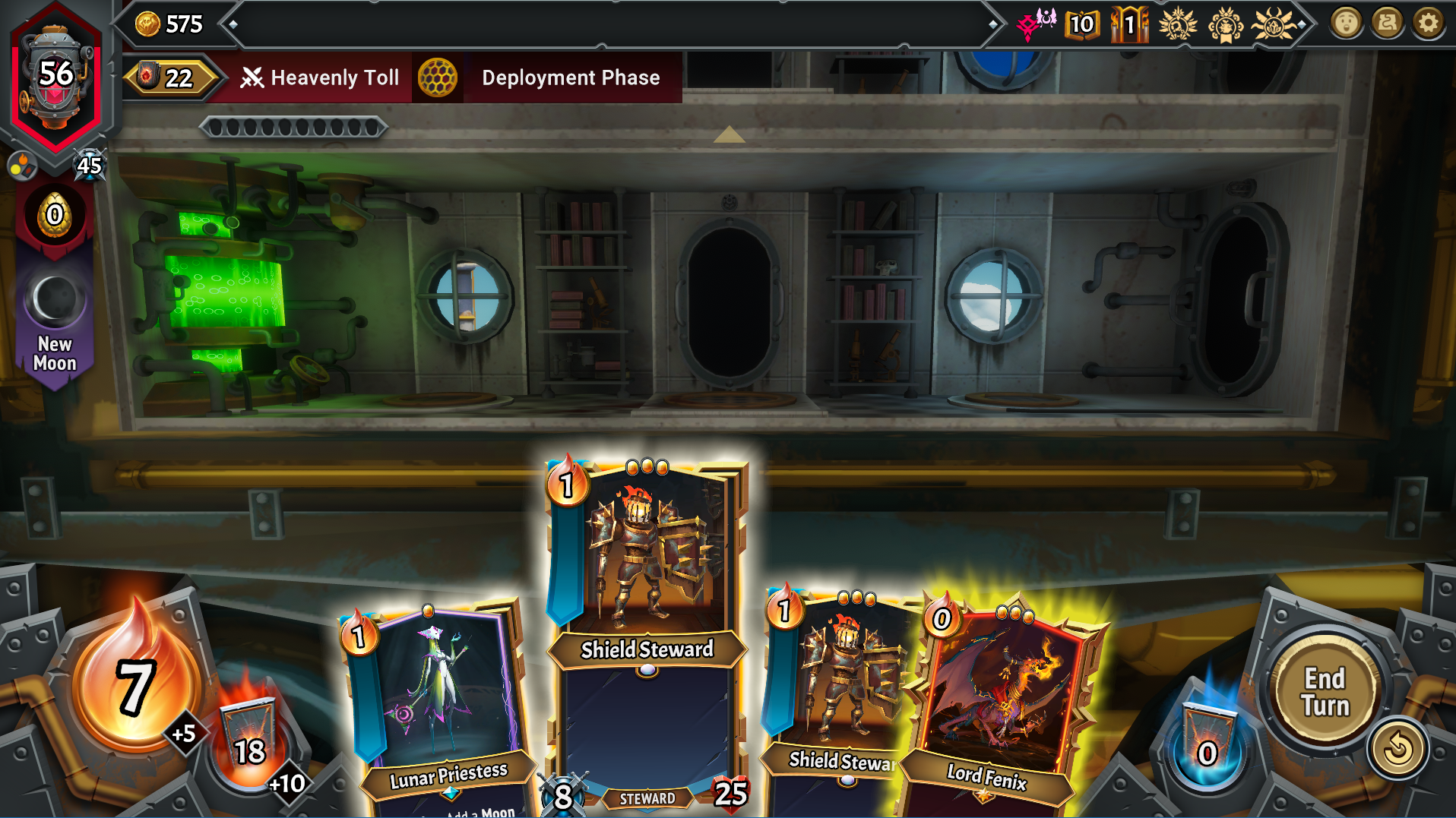 You can change ember amount and the extra deployment ember
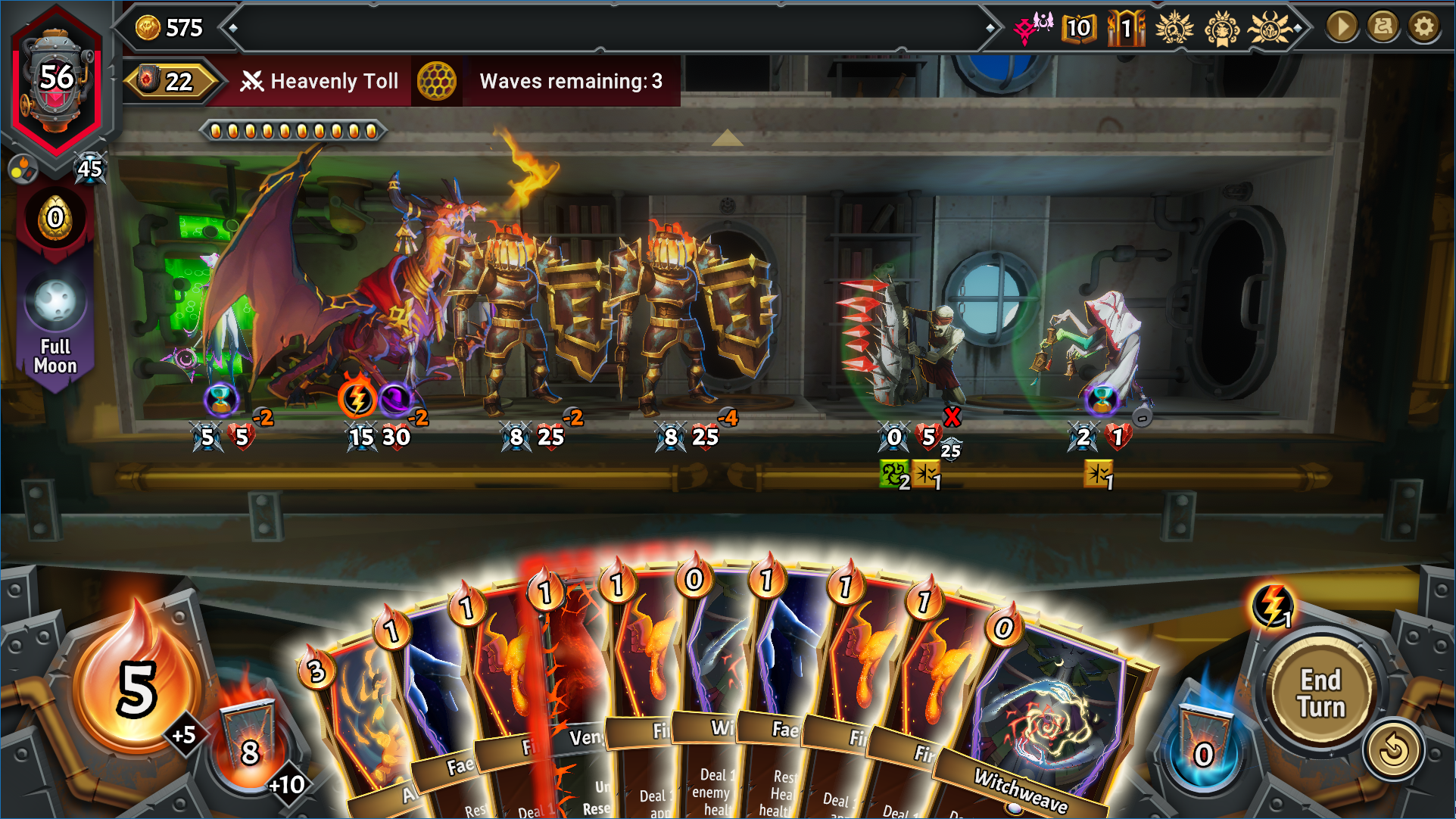 You can change your hand size and the maximum hand size. Here its 10. Along with 5 ember
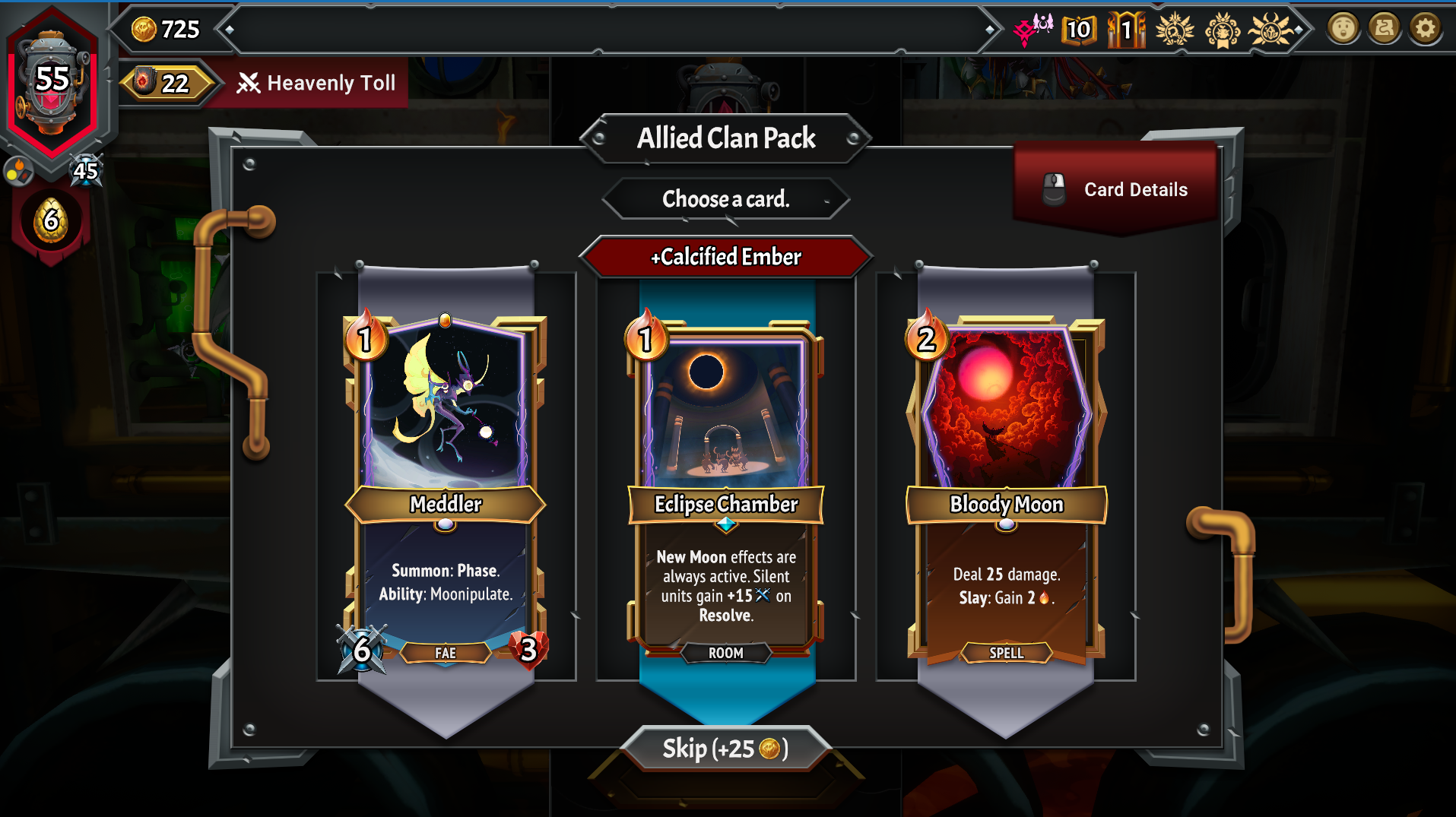 Reward for skipping card drafts can also be adjusted
Ability to edit particular starting details of runs among other things:
Once installed via thunderstore or manually. The file to edit is json/settings.json. The default values are those used within the game. Edit to your liking.
If installed via thunderstore. The file settings.json can be edited in the thunderstore config editor. If you want to edit the file in another text editor it should be located C:\Users\<user>\AppData\Roaming\Thunderstore Mod Manager\DataFolder\MonsterTrain2\profiles\<test>\BepInEx\plugins\Conductor-BalanceConfigurator\json\settings.json
If installed manually it should be placed where you installed BepinEx. Normally such an install would be placed in the same directory as the game's executable.
C:\Program Files (x86)\Steam\steamapps\common\Monster Train 2\BepInEx\plugins\Balance-Configurator\json\settings.json
As with all non cosmetic mods and as a warning do not do anything online such as community challenges or the daily challenge with modded content. Getting an unfair advantage and setting a high score will surely get you banned (Steam forums post - Don't anger ShinySteve!).
The default configuration in the mod (see usage below) is the same as how the game was configured.
The only probably safe fields you can modify without giving an yourself an unfair advantage in online play are
F8 bug reports will be disabled with this mod enabled (you can still open the menu, but submitting a report won't send it anywhere). This feature was asked for directly from Shiny Shoe and should be present in most mods. If you find a bug in the game and suspect that it isn't due to your use of mods, file a report at Monster Train 2 Bugs and Technical issues :: Steam Community or on the Shiny Shoe discord.
We are not responsible for any unintended behavior / damage that results from using this mod. Use responsibly.