ValheimLikeMaps
Valheim-style map. Clouds hide unexplored land, and exploring marks ores, trees, chests, villages, shrines and more. Filters, custom markers. Pairs great with BetterBiggerMaps.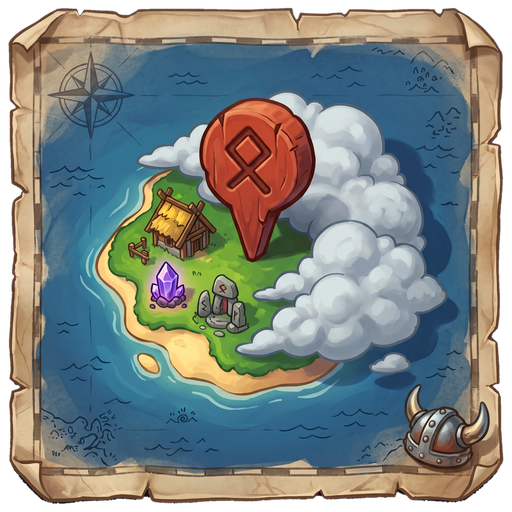
ValheimLikeMaps
A Valheim-style map for Muck. Explore to clear the clouds and find everything.
The island starts hidden under clouds. Walk around to uncover it, and the map marks what you find: ores, villages, shrines, chests and more. Once something is used up, its marker goes away.
Version: 1.0.0 · Game: Muck (Steam) · Needs: BepInEx 5
What it does
- Clouds over the island. Only the water is visible at first. The clouds clear around you as you explore.
- Marks what you find with its own icon: ores, trees, villages, caves, shrines, chests, animals and bosses.
- Removes markers when you're done with them: ore mined, tree chopped, chest opened, shrine used, animal killed.
- Filter menu on the map, so you only see what you care about.
- Your own markers. Double-click to drop a stickman, name it and pick a colour.
- Treasure maps still work. The ship map and gem map show the shipwreck and Guardians, even under the clouds.
- Works as host or guest. Only you need the mod.
Best with bigger islands
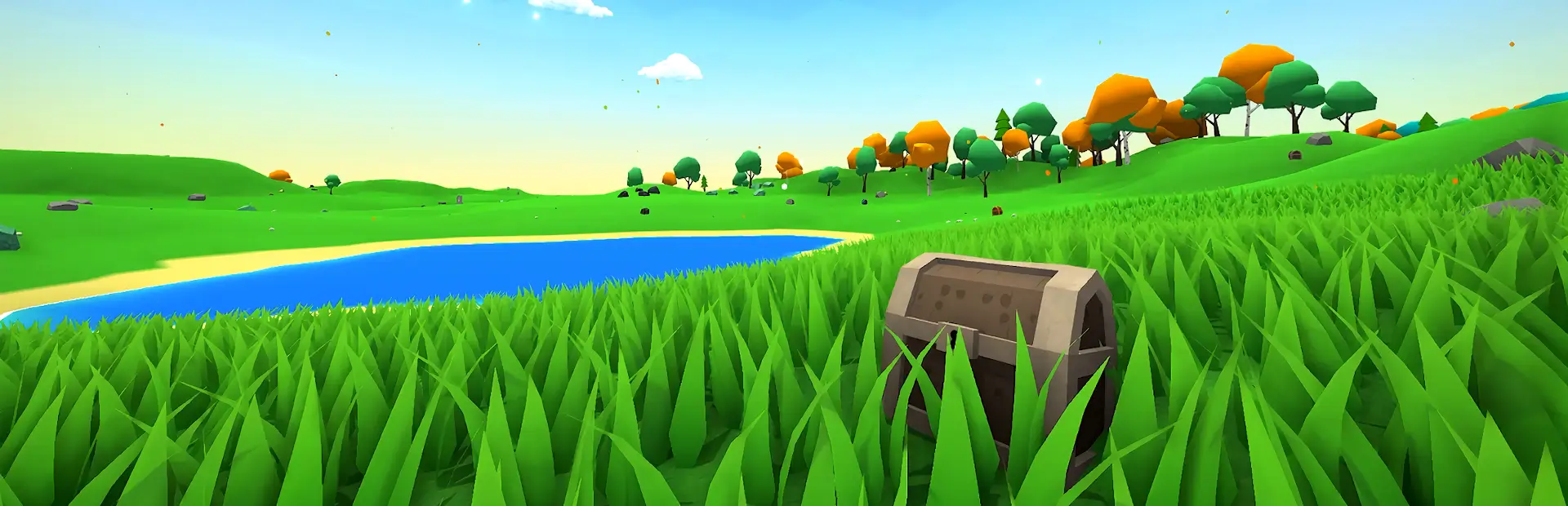
Muck's default island is small, so you'll uncover it quickly. On a bigger island there's much more hidden under the clouds, and exploring to find everything is a lot more fun.
That's why ValheimLikeMaps pairs great with BetterBiggerMaps by Johnny_Beanzz. It's optional, and ValheimLikeMaps works fine without it.
If you use it, ValheimLikeMaps also gives its lobby settings a cleaner look:
- Pick the island size with buttons, from 1x to 5x. No typing numbers.
- Everything in one tidy column in the game's own style, instead of overlapping boxes.
- The host can still change shrine, house, structure, cave and camp counts.
Everyone in the lobby needs both BetterBiggerMaps and ValheimLikeMaps.
How to install
- With a mod manager: search for ValheimLikeMaps and download it. That's it.
- Without a mod manager: download
ValheimLikeMaps.dlland put it in yourBepInEx/pluginsfolder.
How to use
- Start or join a game and wait until you spawn.
- Open the map with M.
- Explore. New things appear on the map as you find them.
| On the map | What it does |
|---|---|
| Double-click | Add your own marker |
| Click your marker | Rename it or change its colour |
| Right-click a marker | Remove it |
| Hover a marker | See what it is and how far away it is |
Shown by default
These are shown when you first install. Press Reset in the filter menu to go back to them.
| Group | Shown by default |
|---|---|
| Places | Villages |
| Shrines | Boss shrines, Battle shrines, Revive totems |
| Ores | Adamantite, Obamium |
| Yours | My markers |
Turn on more (other ores, trees, chests, caves, animals, bosses) whenever you need them.
The filter menu
It's in the top-right corner of the map.
| Part | What it does |
|---|---|
| All / None / Reset | Show everything, nothing, or the defaults |
| Preset 1 / Preset 2 | Press Save to keep your current filters, click the name to use them again |
| Tick boxes | Show or hide each type. The number is how many you've found. |
| Options | Marker names, marker size, bring back removed markers |
Settings save automatically.
Common questions
- Does it work if I'm not the host? Yes.
- Do my friends need it? No. It only changes your own map.
- Where are the night bosses? They spawn near a random player at night, so they show up on the map the moment they appear.
- Does it remember my map? Yes. Play the same seed again and your explored area and markers are still there.
- Can I use it with other map mods? Don't use it with other map-marker mods. They fight over the same mouse clicks.
Disclaimer
This is a fan-made mod. It isn't made by or connected to the makers of Muck or Valheim.