This package has been deprecated and may no longer be maintained. We recommend looking for an alternative.
Cyberfall Collection by Rwyn
An old package which contains Cyberpunk 2077 theme sound and 6 animated menu backgrounds.Cyberfall Collection - an old package which contains some menu backgrounds and sounds.
The reason why I had to update this after almost 2 years is because WeaponLaser Mod was included and I had to remove it from this package due to conflicts with new mod installation methods.
Also please do not use mod managers to install this, since this isn't actually a mod. Download the zip manually and choose the files you want.
What is this package?
It contains 6 Cyberpunk themed backgrounds and Cyberpunk OST as Main Menu & MP Lobby music.
Preview Images
These are all animated backgrounds, the ones you see right now are just preview -non-animated- screenshots.
Please be aware, you cannot install more than one background at the time, so you'll need to pick only one.
1. 2B Nier x Cyberpunk
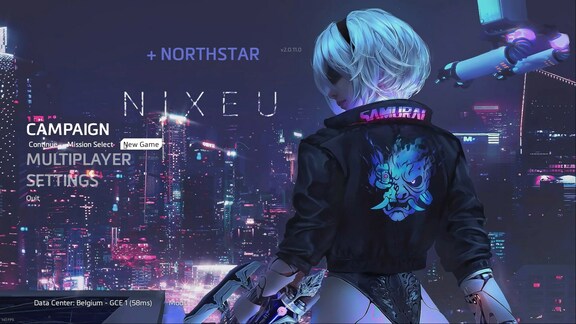
2. The Eye
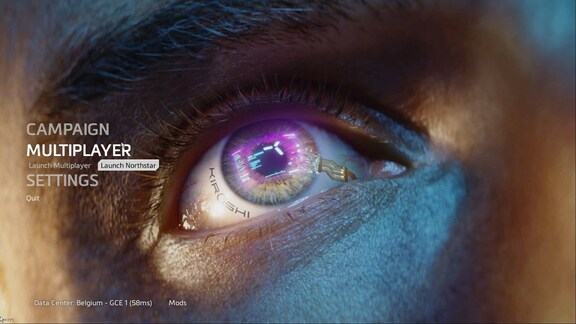
3. Cybergirl P1 Psycho
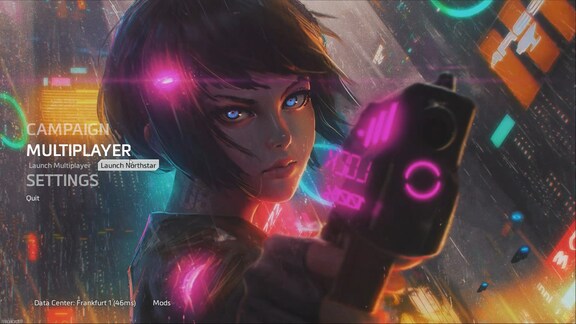
4. Pink Samurai
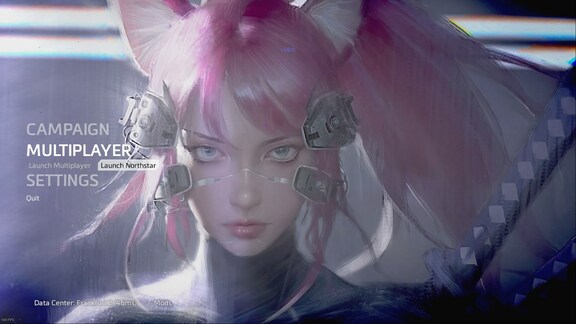
5. Mantis Blade
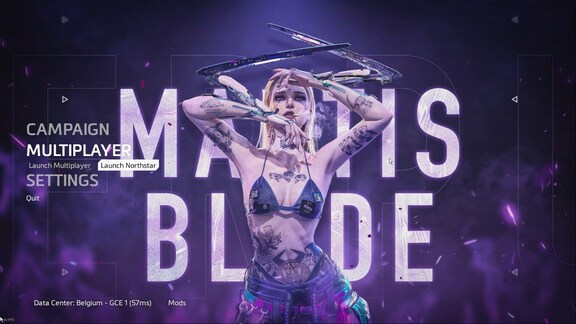
6. Cybergirl P3 Pistol
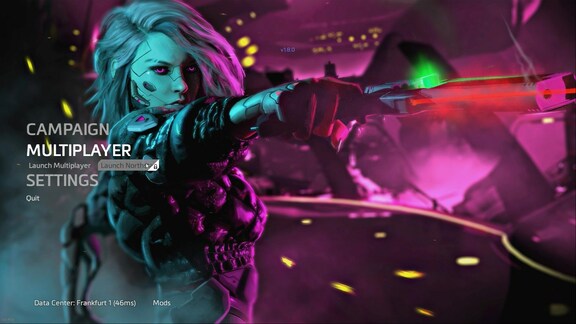
1. Installing Menu Backgrounds:
- Go to this location: "titanfall2\r2\media" and find "menu_act01.bik" (keep it somewhere else just in case)
- And then open "Backgrounds" folder, you'll see 6 folder, choose the one you want.
- You'll find a .bik file inside.
- Drag -or copy- this new .bik file to "titanfall2\r2\media"
- That's all, you have successfully changed your main menu background.
2. Installing Sound Mods:
- Find "Rwyn.Cyberfall.Sound" folder inside the "mods" folder and simply drag -or copy- it to your Titanfall2\r2northstar\mods folder. That's all.
Sources:
- Nier Art's artist link: https://www.artstation.com/nixeu