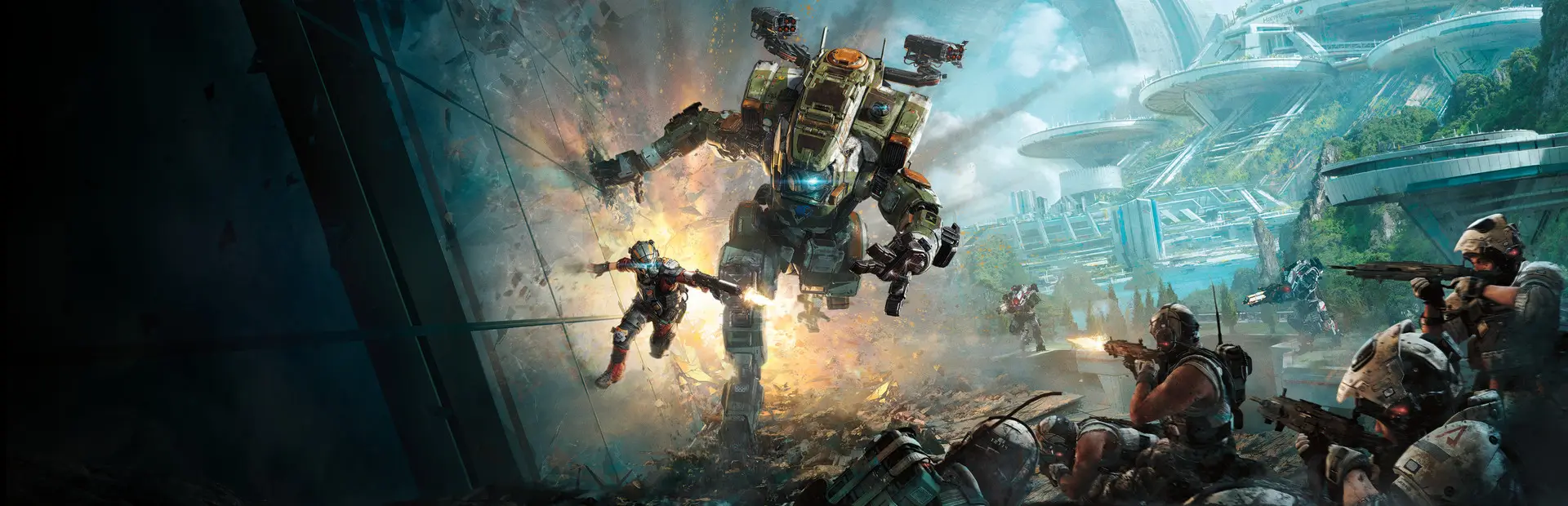

ApexMaps UI
Shared loading artwork and minimaps required by the Apex map ports for Northstar.Apex Maps UI
Shared loading artwork and minimaps required by the Apex map ports for Northstar.
Install with a Northstar-compatible mod manager. Remove older manually installed copies of this mod before enabling the managed copy. Every player needs the same versions.
Preview conversion; original assets belong to their respective creators. Comparisons and known limitations.
Shared map UI 0.2.1 — Titanfall 2 anniversary RC1
Requires Northstar 1.31.14 or newer (1.31.14 tested). Close the game.
Move old copies of these maps and ApexMaps.UI outside the mods directory, then
extract the mod folder into Titanfall2/R2Northstar/mods/. Replace old folders;
do not merge them. Enable the mods and restart. Every player and the server need
matching versions. Install ApexMaps.UI once alongside the maps you want.
This is a release candidate. The runtime files are the accepted October beta bytes, freshly tested together on Northstar 1.31.14; their mod versions are unchanged. RC1 updates packaging and installation guidance. The harness, game runtime, development tools, logs and source game archives are not included.
One atlas supplies loading artwork and minimaps. Version 0.2.1 also supports Thermal Station and Thunderdome; those two maps are outside this five-map RC. Keep only one enabled copy of this companion.