

EnhancedMenuMod
Adds more options to the settings menu, such as extra keybinds, cheats, hud enhancements and cleaner interface

Enhanced Menu Mod
Adds more options to the settings menu, such as extra keybinds, cheats, hud enhancements and cleaner interface
Features
- Removed Spotlight and Whats New from the main menu
- Added
sv_cheatsto the contols menu - Added HUD Options
- Bloom -
mat_disable_bloom - Show FPS -
cl_showfps - Show FPS Big -
showfps_enabled - Show Player Position -
cl_showpos
- Bloom -
- Added new Keybinds
- Speedrunning
- Save/Load Quicksave 1
- Save/Load Quicksave 2
- Save/Load Quicksave 3
- Slow the game to 25%
- Speed the game up to 500%
- Reset all helmets
- Give yourself an EVA Shotgun
- Give yourself an EPG
- Demos
- Record Demo incrementally
- Record Demo
- Stop recording Demo
- Pause Demo
- Resume Demo
- Toggle Play/Pause Demo
- Extras
- Toggle low gravity
- Set camera to First Person
- Set camera to Third Person
- Move Third Person camera in
- Move Third Person camera out
- Hide/Show weapon
- No Cutscene Saves
- Load save 1-9 with 3 alternate saves
- No Cutscene Helmet Saves
- Load save 1 and 2
- Speedrunning
- Added Extras Menu
- Demos
- Enable Demos
- Save Demos
- Interpolate Playback
- Demo record rate Single Player
- Demo record rate Multiplayer
- Key Bindings (shortcut)
- Gameplay
- Enable Wallrunning (sp)
- Enable Automantle (sp)
- Enable Vertical Dodge (sp)
- Player Control Debounce
- Command Que
- Speedometer Settings (Works with the MP mod)
- Community
- Communities toggle for MP
- Demos
- Audio
- Loading Fade Time
- Loading Silence Time
- Replaced Chinese subtitles with English
- Replaced Chinese UI text with English
- Removed crashes from Dev launch arguments
-dev +developer 1 - Added Speedometer (only to Single Player)
Installation
-
Download the pre-compiled version from the releases page or ModDB(OLD)
-
Backup your
englishclient_frontend.bsp.pak000_dir.vpkand copy the 2.vpkfiles from the downloaded zip to yourTitanfall2/vpkfolder
Icepick
-
Download the Icepick specific version from the releases page
-
Open the downloaded
Enhanced.Menu.Mod.Icepick.zipfile and copy theEnhanced.Menu.Mod.Icepickfolder to youIcepick/data/modsfolder. -
Launch Icepick.
Northstar
-
Download the Northstar specific version from the releases page
-
Open the downloaded
Enhanced.Menu.Mod.Northstar.zipfile and copy theEnhanced.Menu.Mod.Northstarfolder to youTitanfall2/R2Northstar/modsfolder. -
Launch Northstar.
Screenshots
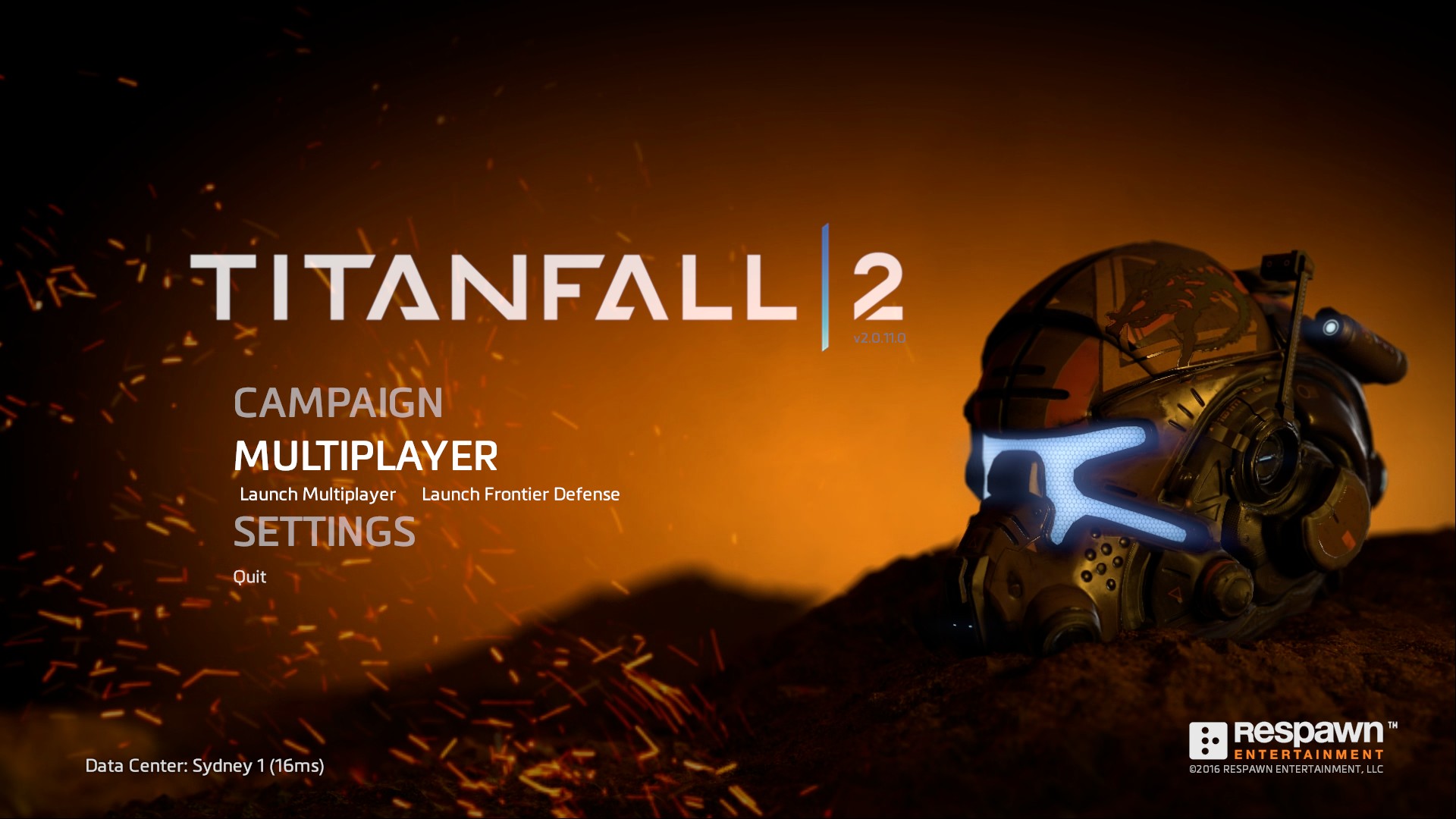
Main Menu with the original Titanfall 2 menu video
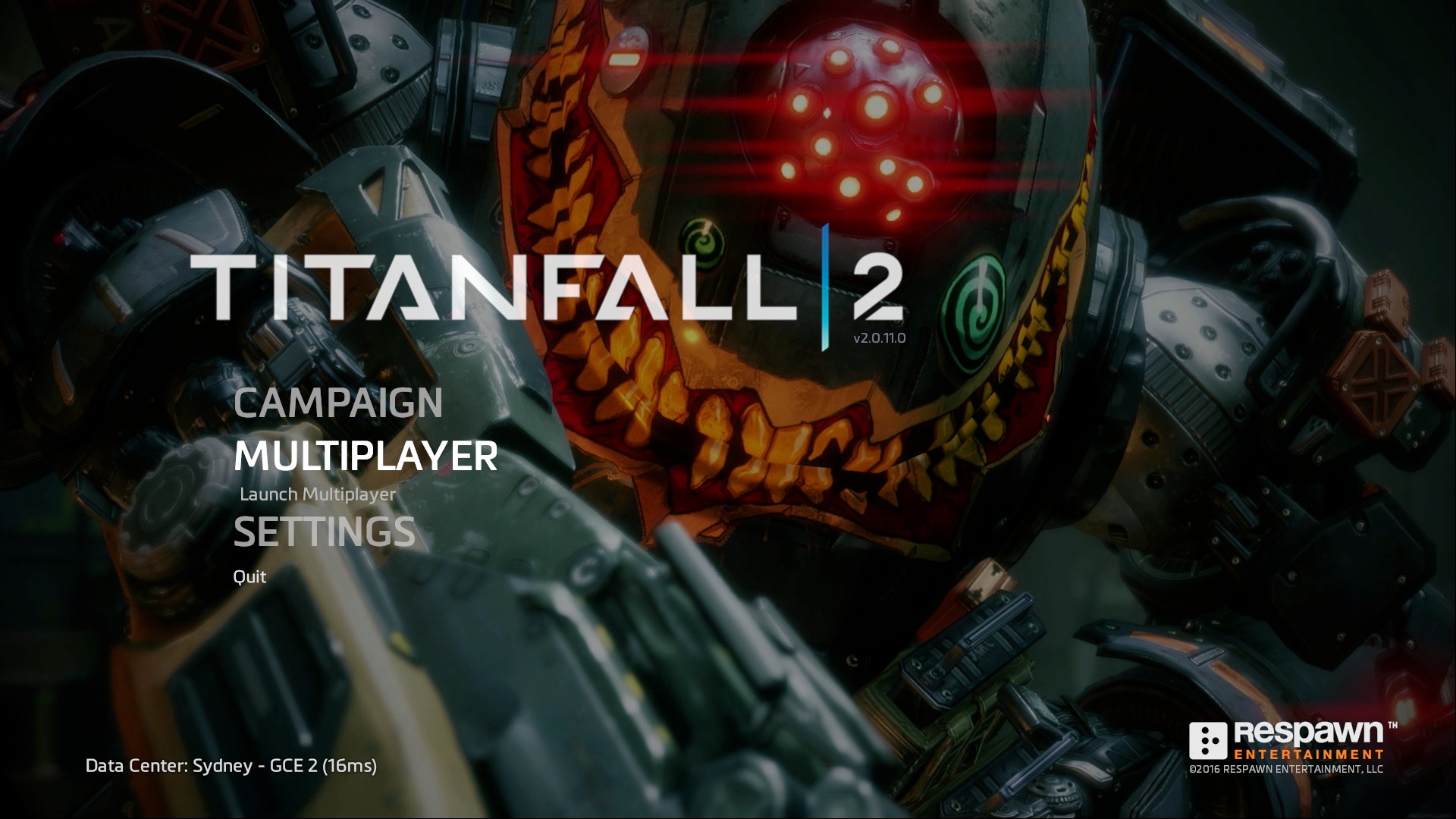
Main Menu with the showcase removed to declutter the menu
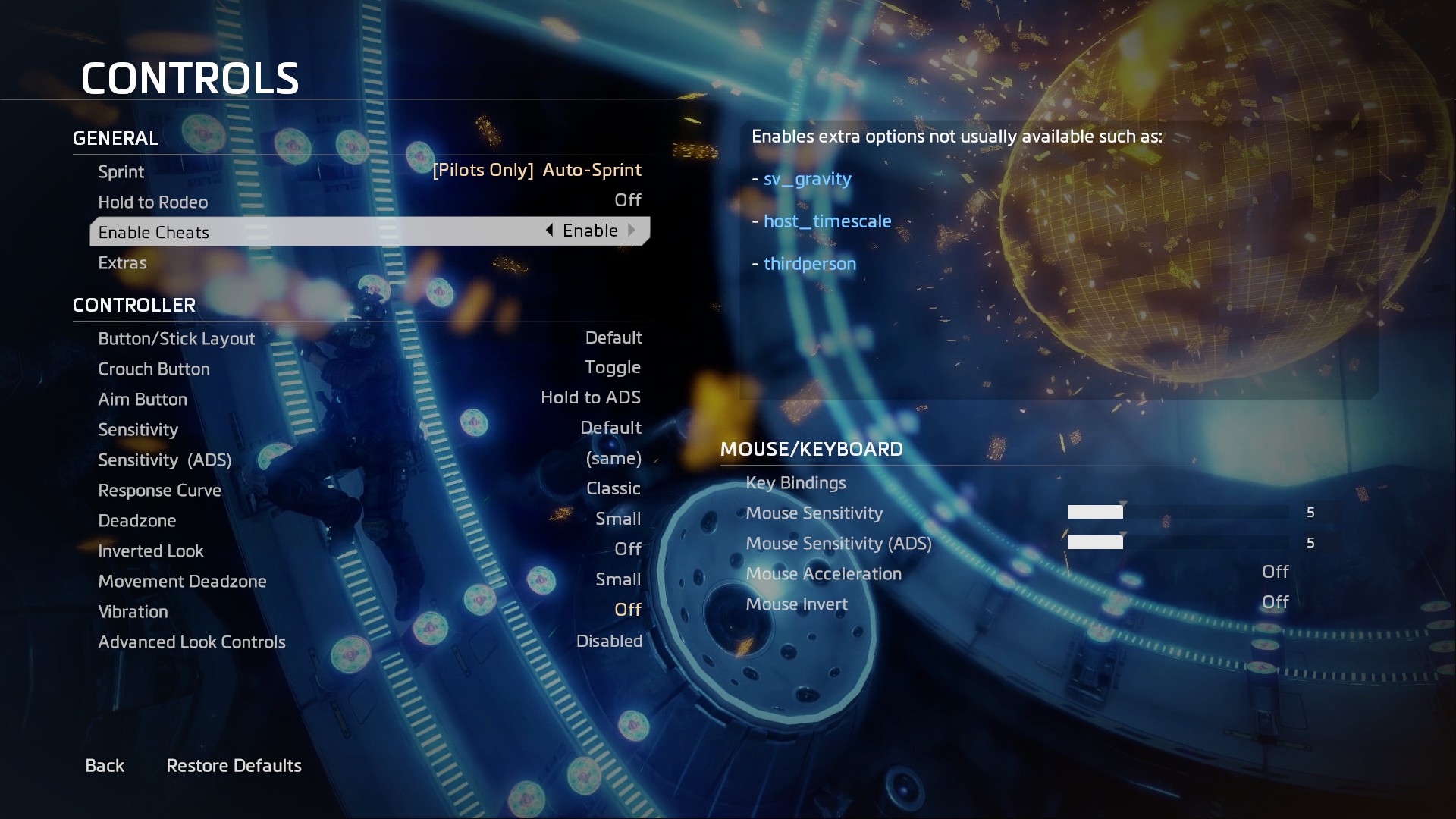
New Cheat options that can be enabled as well as the extras menu
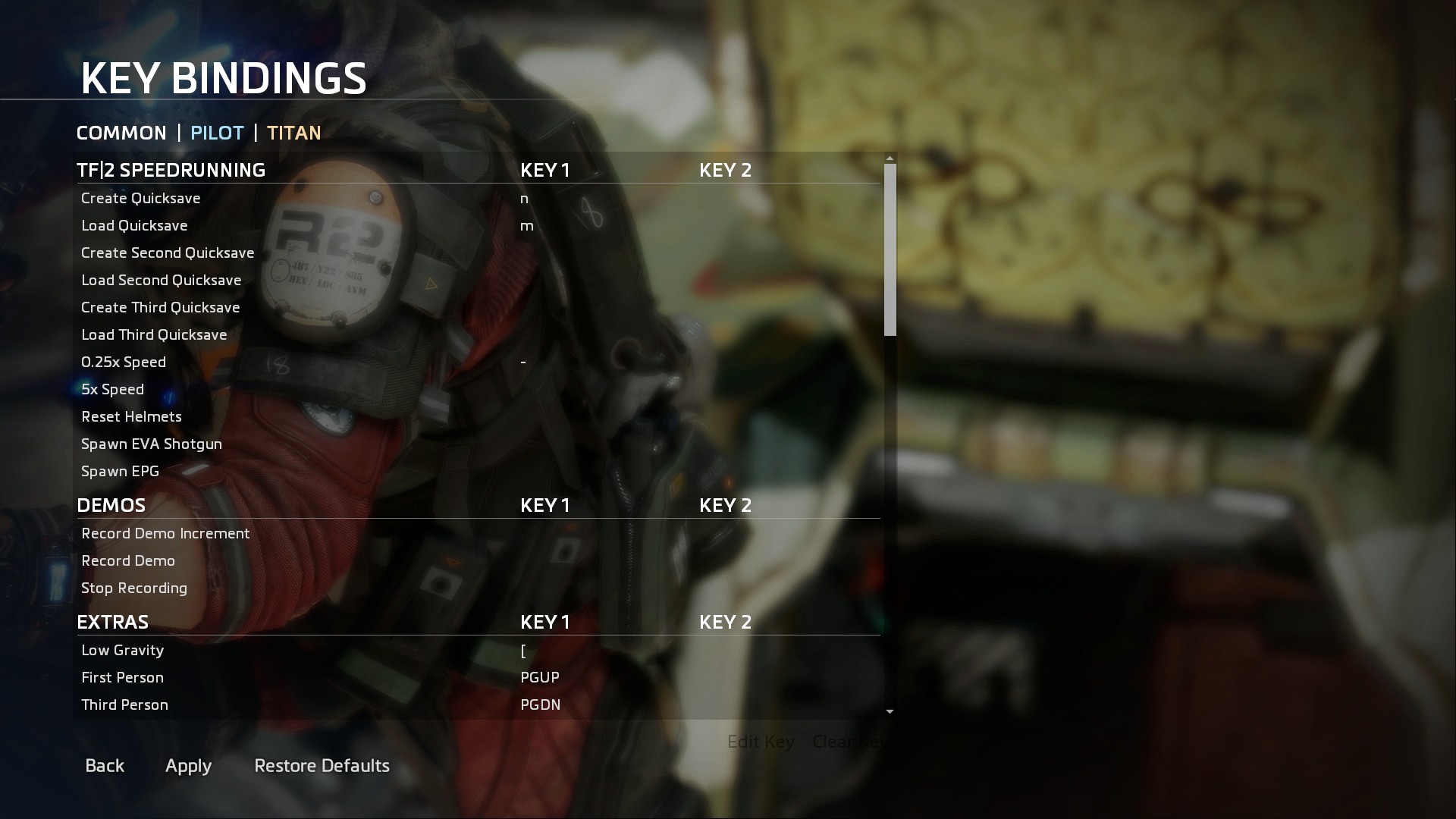
Added keybinds for speedrunners and extra commands for fun
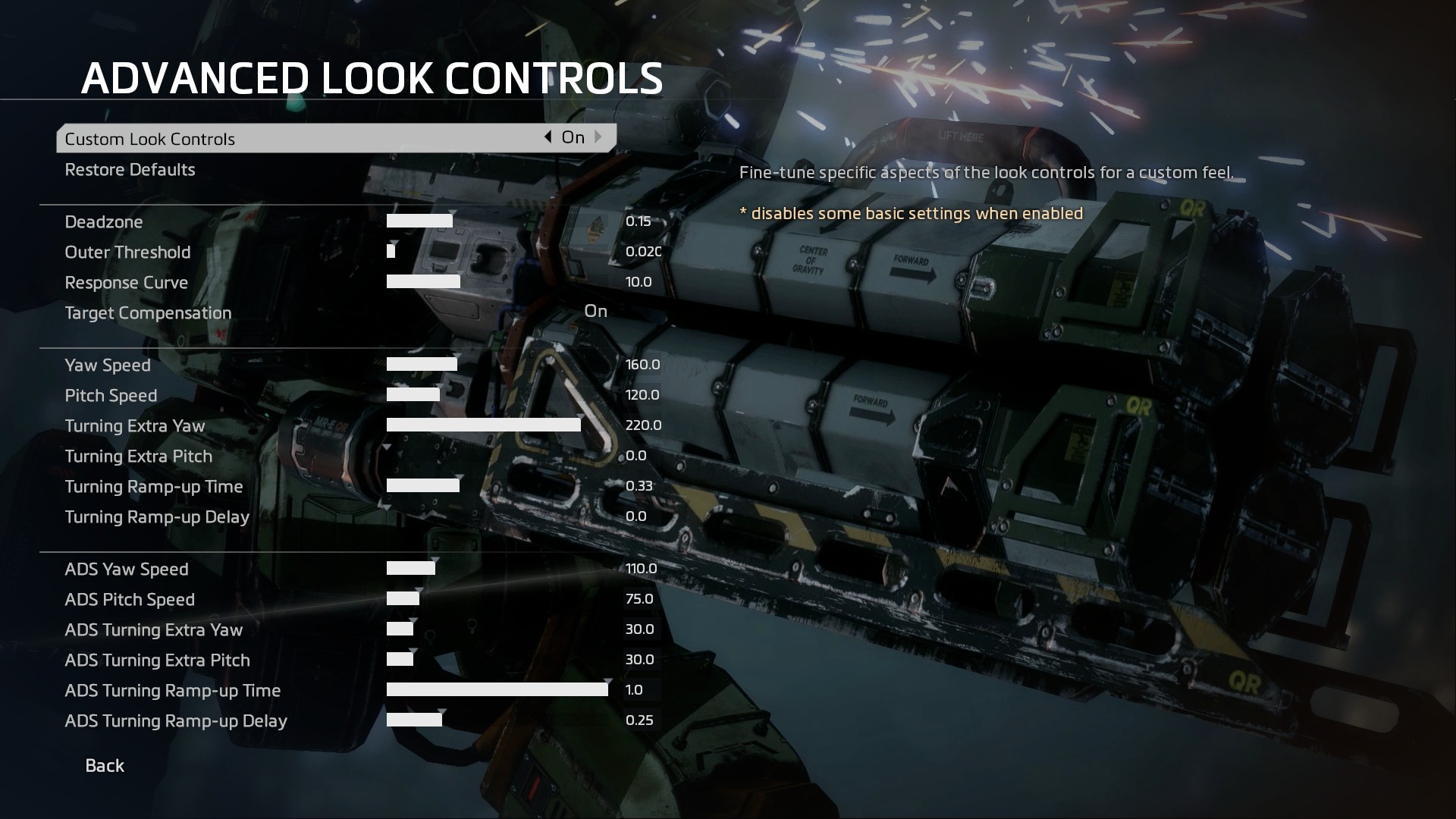
Shows the values for each setting on the Advanced Look Options
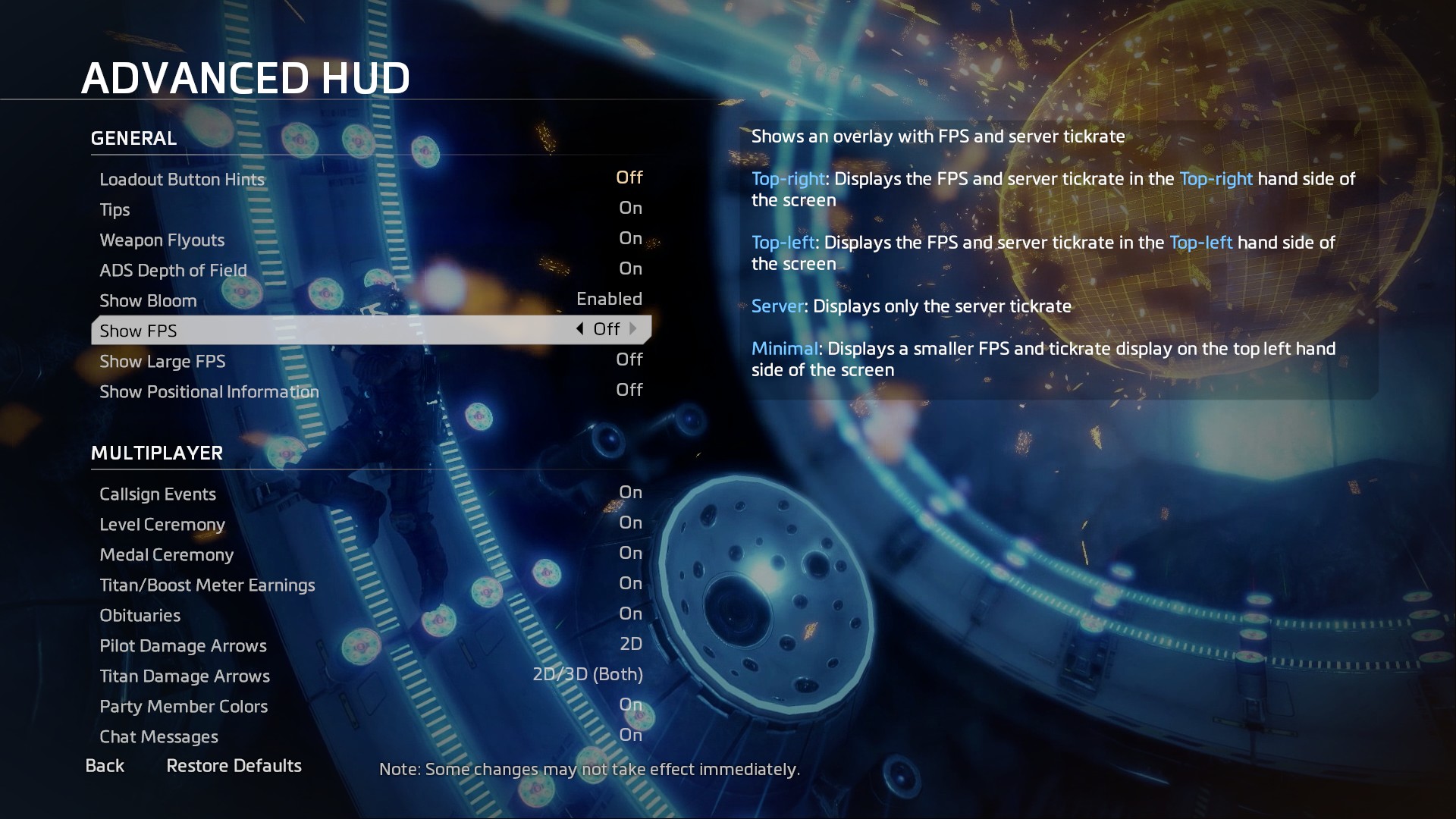
Added extra HUD display options for showing FPS, Position, Velocity, and Server Tick rate
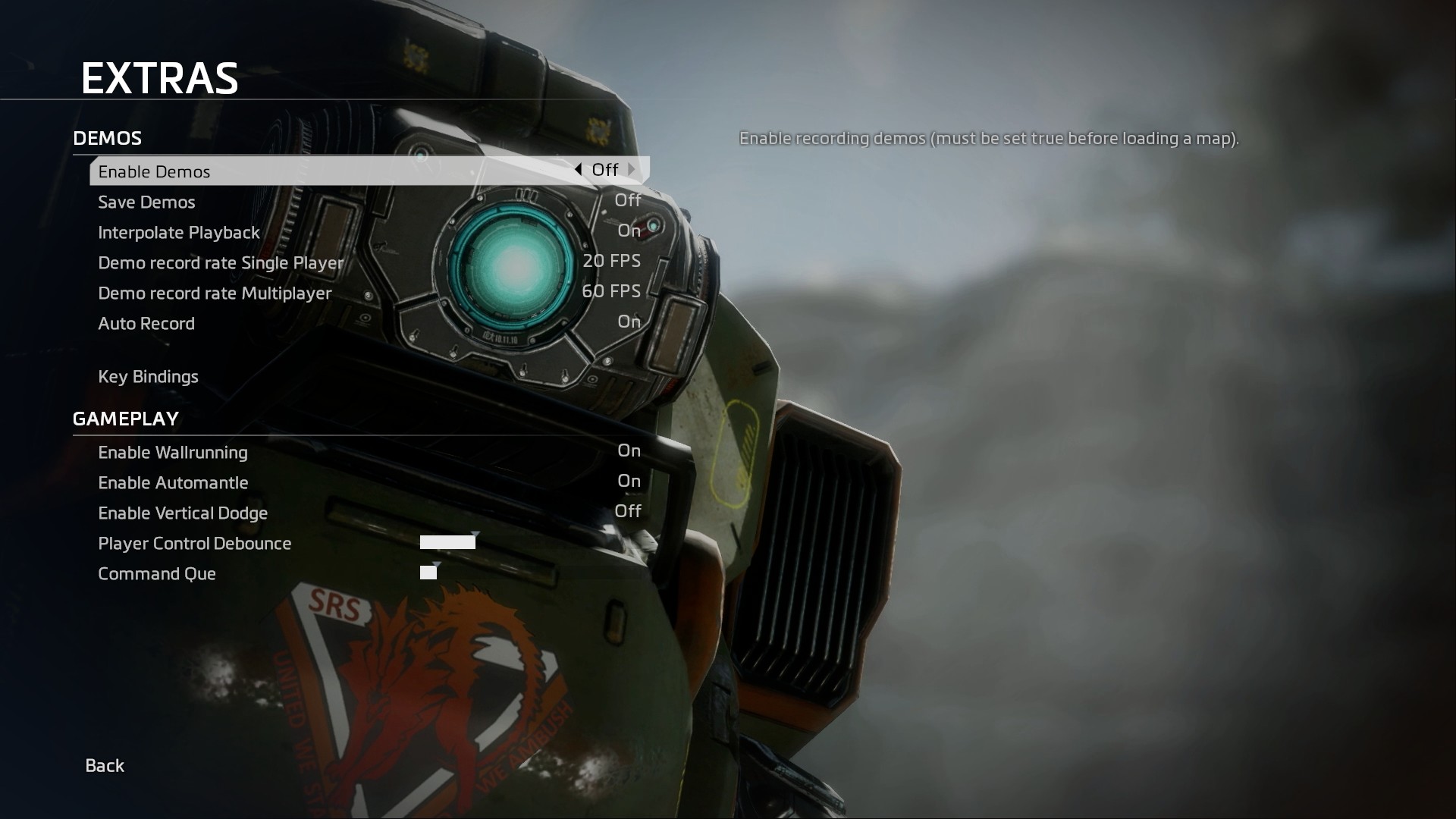
Added a menu for enabling and changing demo settings for recording single and multiplayer demos as well as turning of wallrunning and enabling titan jumping.