Emotes and focus activities start together for your whole group, on the same network tick, with looping animations kept in step. Press F7 to join in. Everyone in the group needs the mod.
The icon, the group window and the messages at the top hide in the game's Desk window mode (key 4, the small see-through window), and come back when you switch to another window mode. Sync keeps working meanwhile.
The icon hides while Photo Mode is on.
Works with 0.2.0, 0.2.1 and 0.3.0.
0.3.0
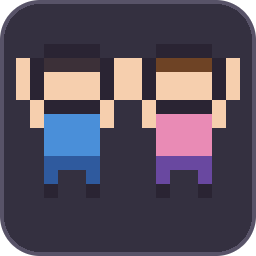
An icon in the icon row at the bottom-right of the screen: two cheering friends, with a green dot while sync is on. Click it to turn sync on or off, and right-click it to show or hide the group window.
0.2.0, 0.2.1 and 0.3.0 work together, so not everyone has to update at once.
0.2.1
Messages, the "Joining..." prompt and the group window show players' in-game names the way their name tags do, colours included. (They used to show Steam names.)
0.2.0
If you're busy when someone picks a focus activity (typing, a window open, mid-emote, in the air), you join as soon as you're free, for up to 30 seconds.
A Join now button leaves the chat box, closes the window or stops the emote, and joins straight away.
Standing up tells the group, so nobody joins an activity that's already over.
With Focus Anywhere installed, you can join on any ground.
0.1.0
First version: emotes start together for the group, and you join each other's focus activities.
Thunderstore development is made possible with ads. Please consider making an exception to your adblock.