Free camera, hidden UI and PNG photos. Press F9 to fly the camera anywhere, hide the game's UI and name tags, and save photos bigger than your screen. Only you need it.
The icon row hides while Photo Mode is on, so it stays out of your way. Leave with F9 or Esc, and F1 shows or hides the controls panel.
Photo Mode's messages hide in the game's Desk window mode (key 4, the small see-through window), like the other mods' windows.
0.4.0
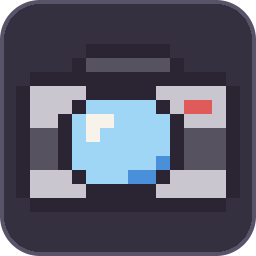
A camera icon in the icon row at the bottom-right of the screen. Click it to start or leave Photo Mode, and right-click it for the controls panel. The row is never in your photos.
0.3.0
Type in chat while Photo Mode is on: show the chat box with T, then press Enter or click it. The photo keys pause while you type, and Esc stops typing instead of leaving Photo Mode.
0.2.2
Other mods' messages and windows stay on screen while Photo Mode hides the game's UI. They still stay out of your photos.
0.2.1
The controls panel stacks neatly with other mods' windows.
0.2.0 and earlier
Free camera, hidden UI and PNG photos. T shows or hides the chat box.
Thunderstore development is made possible with ads. Please consider making an exception to your adblock.