Communities
Developers
Switch to legacy
Get Manager
Log In
Communities
Developers
API Docs
GitHub
Package Format Docs
Markdown Preview
Manifest Validator
Contact Us
Privacy Policy
News
Wiki
Switch to legacy
Get Manager
Communities
PEAK
MultiCosmetic_Mod
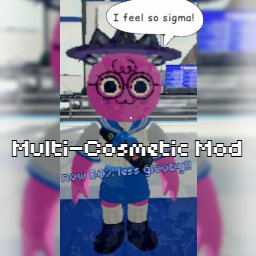
MultiCosmetic Mod
A mod for PEAK that enables the enabling of multiple cosmetics at a time, syncing with other online players who also have the mod. Shouldn't conflict with most custom cosmetics.
Grimm_Industries
Install with App
Details
Details
Latest version
5.3.1
Last Updated
First Uploaded
Downloads
196K
Likes
12
Size
149KB
Dependants
35 other mods
Categories
All Clients
Client Side
Cosmetics
Misc
Mods
Download
Details
Required (1)
Wiki
Changelog
Versions
Analysis
Fixing 'Sticky' Cosmetics
Fixing 'Sticky' Cosmetics
10 months ago
Updated
2 months ago
Loading markdown...
Thunderstore development is made possible with ads. Please consider making an exception to your adblock.