
PeakWorkshop
New biomes. New maps. New mountains. Build them in the in-game editor, browse what the community made in the Workshop and play it with friends in multiplayer. 36 game modes included, vanilla PEAK stays untouched.
Peak Workshop
Custom maps and game modes for PEAK - made to play with friends.
Host a lobby, pick a map from the in-game Workshop and play one of 36 game modes with your friends: Battle royale with a parachute drop, Bomb defusal, Prop hunt, Gun game, Capture the flag, Mountain football, King of the Hill on a 600 m mountain - or story adventures with talking NPCs and boss fights. And when you have seen it all: build your own map right inside the game and share it with one click.
Normal PEAK stays exactly as it is. Peak Workshop lives behind its own sign in the main menu.
▶ Watch the trailer on YouTube
Play together
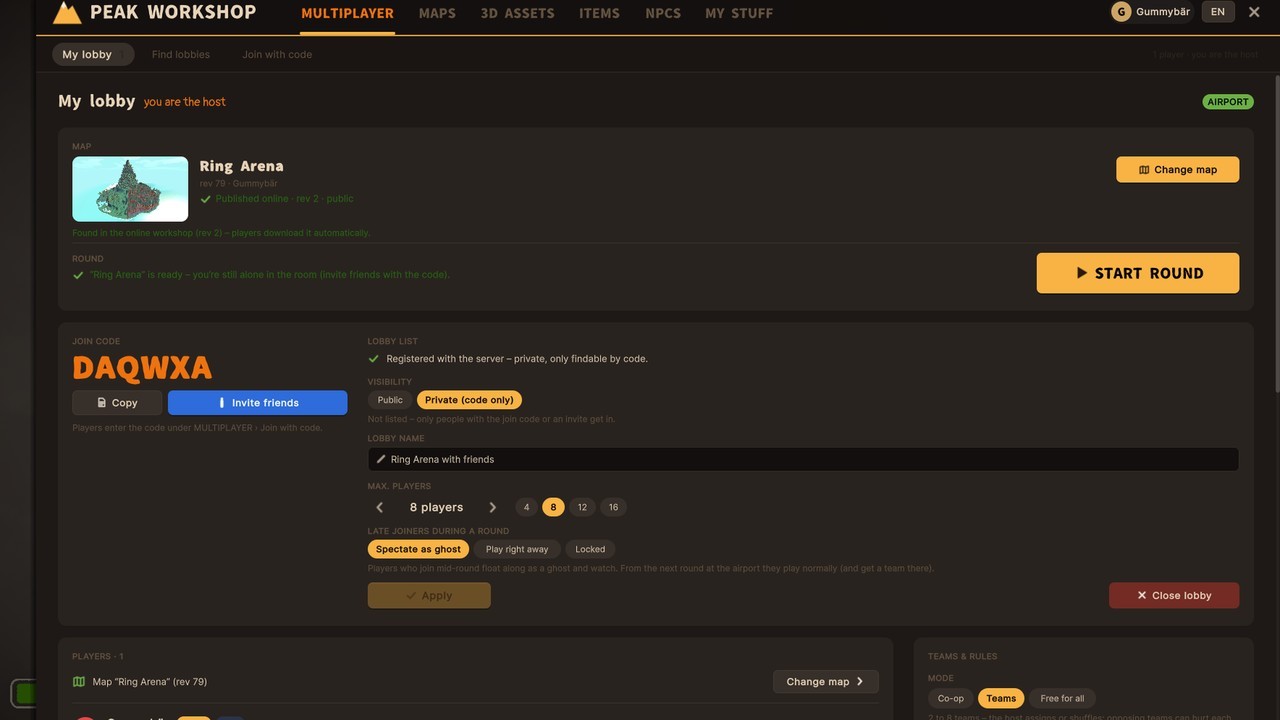

Lobby browser (example)
- Real lobbies for up to 16 players: browse open lobbies with map preview, mode and player count, or join a private one with its join code.
- Teams - the host sorts players by hand or shuffles them randomly. Friendly fire on or off.
- Shared start - everyone loads the map, then a countdown starts the round for all at once.
- Late joiners can watch as a ghost or jump right in - the host decides.
- Friends get the map automatically when they join. No hunting for files.
- Host tools: kick and ban, change lobby settings mid-round with F6.
- Text chat in the lobby and during the round - press Enter,
/tfor your team only.
Game modes built into the maps
36 game modes. Every map brings its own - the host just presses start. The lobby shows the mode with its rules, and whatever the map leaves open, the host can tweak.
- Battle - Last one standing, Deathmatch, Gun game, Skywars, Kill confirmed, a Shove arena where you can only push, and Battle royale with a shrinking zone and the game's parachute drop.
- Tactical rounds - Bomb defusal at site A or B, Hostage rescue and 1v1 / 2v2 Duel arenas. Buy phase, money, buy counters, side swaps and round wins.
- Zones - King of the Hill (also with a hill that moves), Domination, Summit assault, Summit flag, Capture the flag and Treasure run.
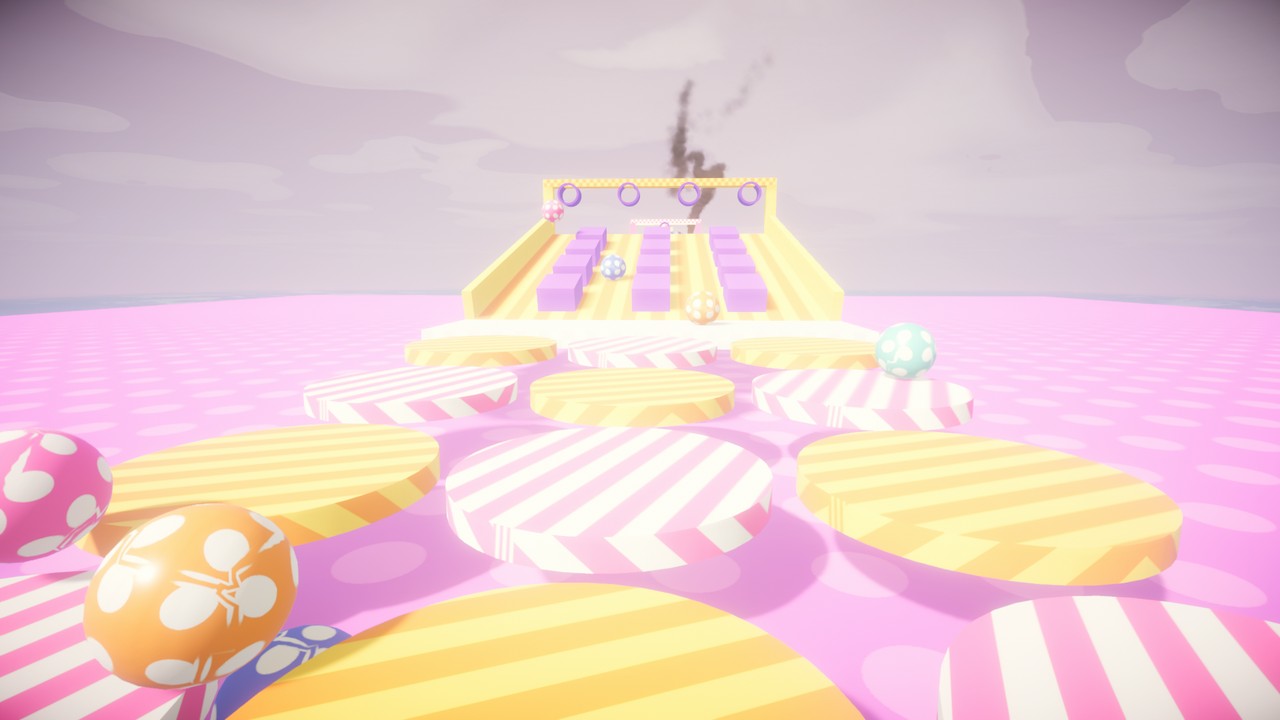
- Race - Obstacle race and Summit race with a shared start, checkpoints and real placings.
- Roles - Hunters, Infection, Hide and seek, Tag, VIP escape and Prop hunt: turn into a crate, barrel or bench of the map, honk to tease the seekers, and watch yourself in third person.
- Party - Flood, Crumbling floor, Hang on, Rockfall, Hot potato and Mountain football with a real ball and the game's own kick.
- Co-op - classic Ascent (all the way to the Nadir if the map wants), Zombie survival, Defense, Escort, Rescue and Scenarios with your own goals.
- Real guns for the shooters: magazines, reload, full-auto, shotguns, scopes and headshots.
- Kill feed, scoreboard on Left Alt, lives and respawns, spectator areas for players who are out, and mutators like Downed or Kick.
- Shows: queue up to 12 maps from the map browser and play them back to back - a countdown at the airport shows the next map, and with "Count wins" the top three are crowned at the end.
Adventures with NPCs, quests and bosses
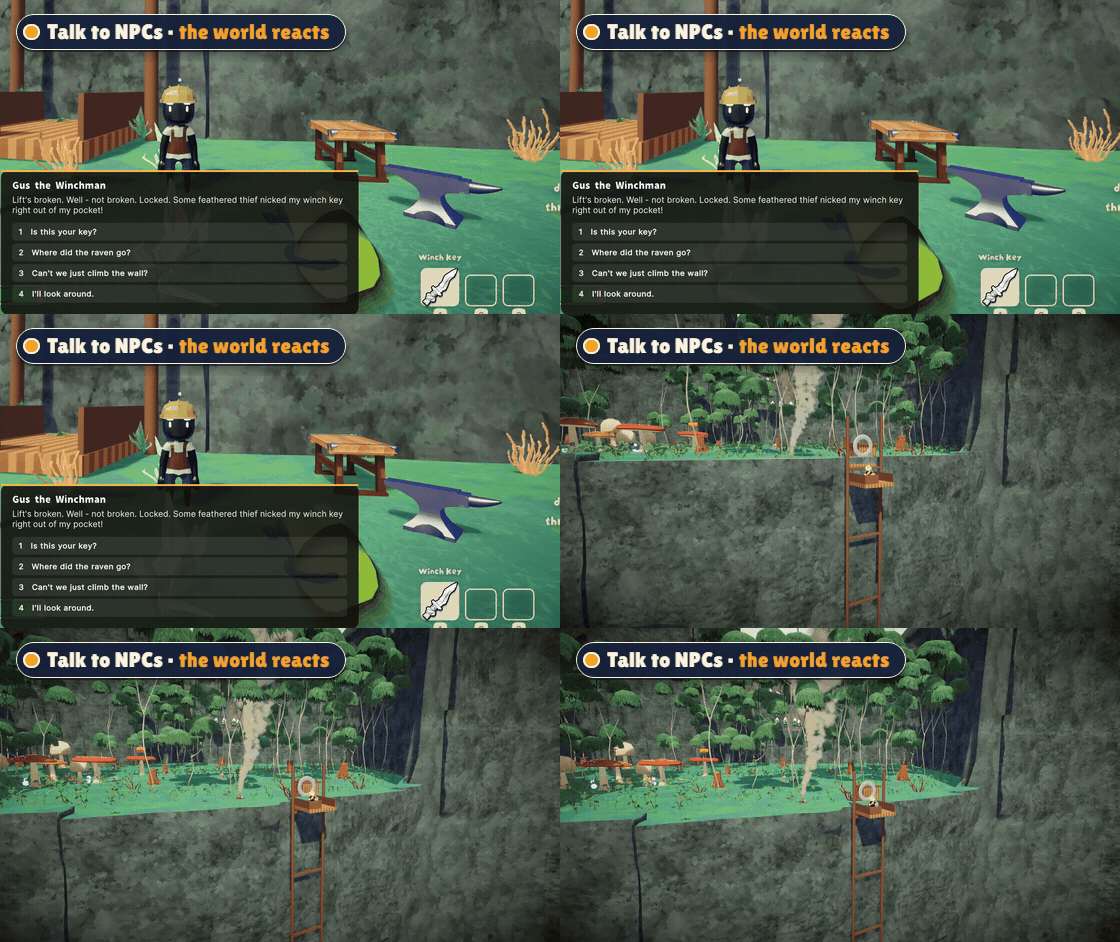
- Talk to NPCs and pick your answers - trade items, take on quests, get gifts.
- Your choices change the world: a lift starts running, a ladder drops down, a bridge appears.
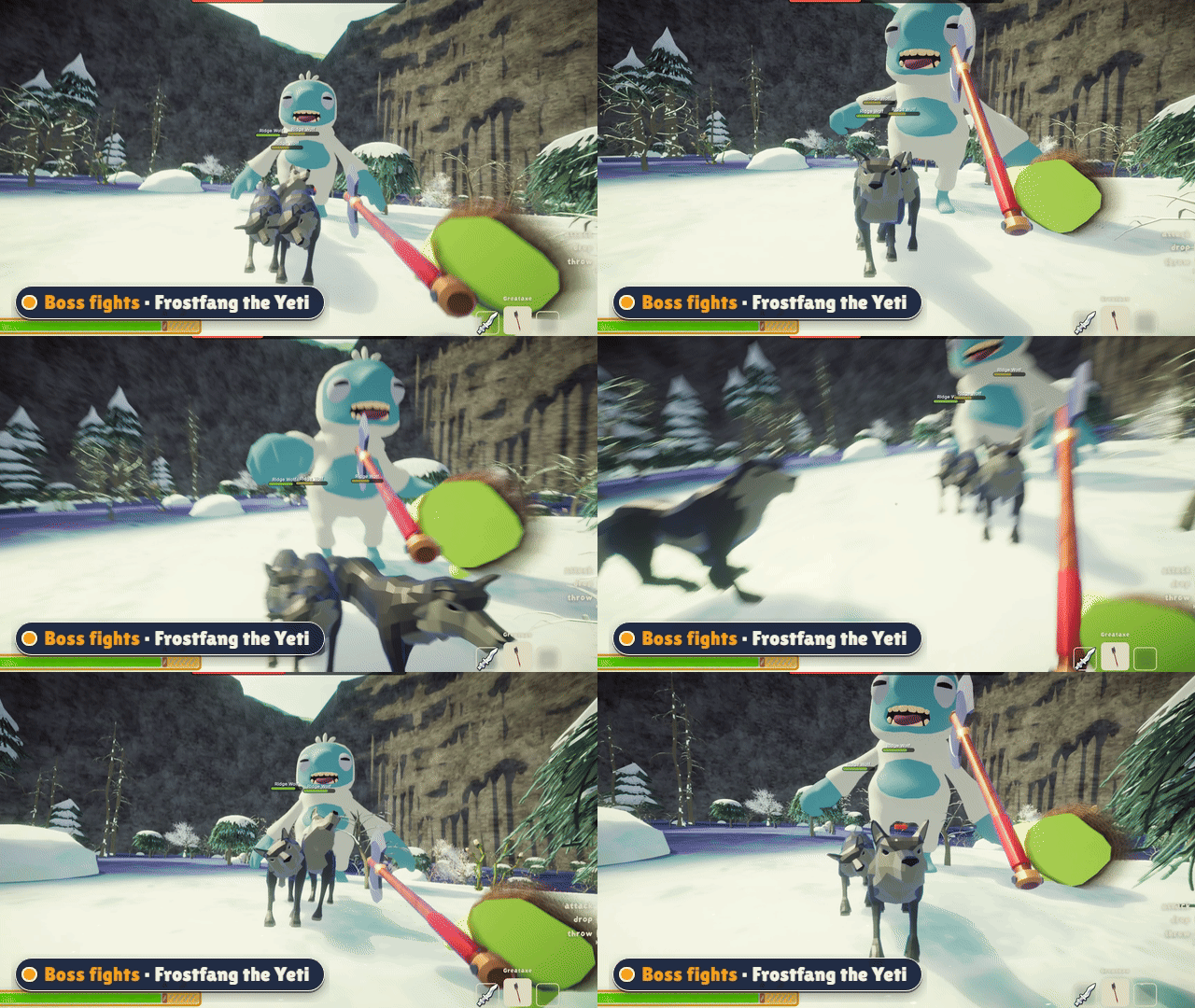
- Boss fights with a health bar, rage phases and helpers that join the fight.
- Pets that follow you around, enemies that guard their turf, loot drops.
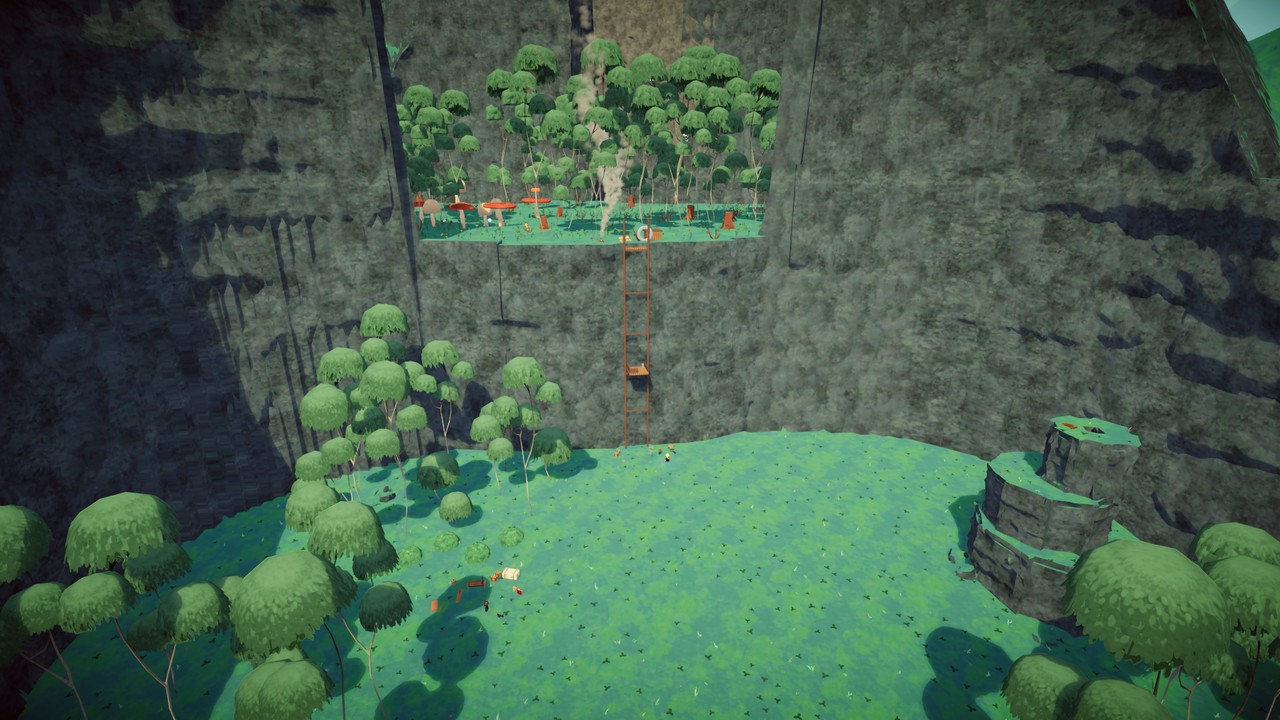
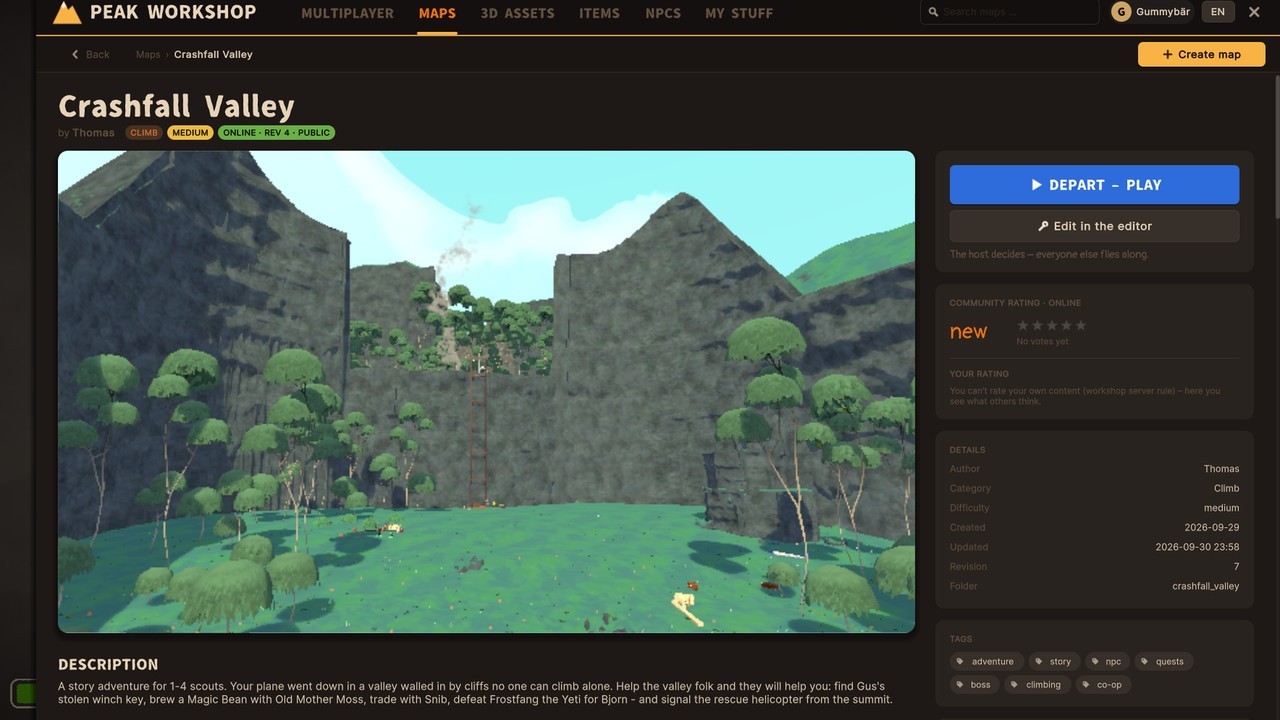
- Try Crashfall Valley, a story adventure for 1-4 scouts.
The in-game Workshop
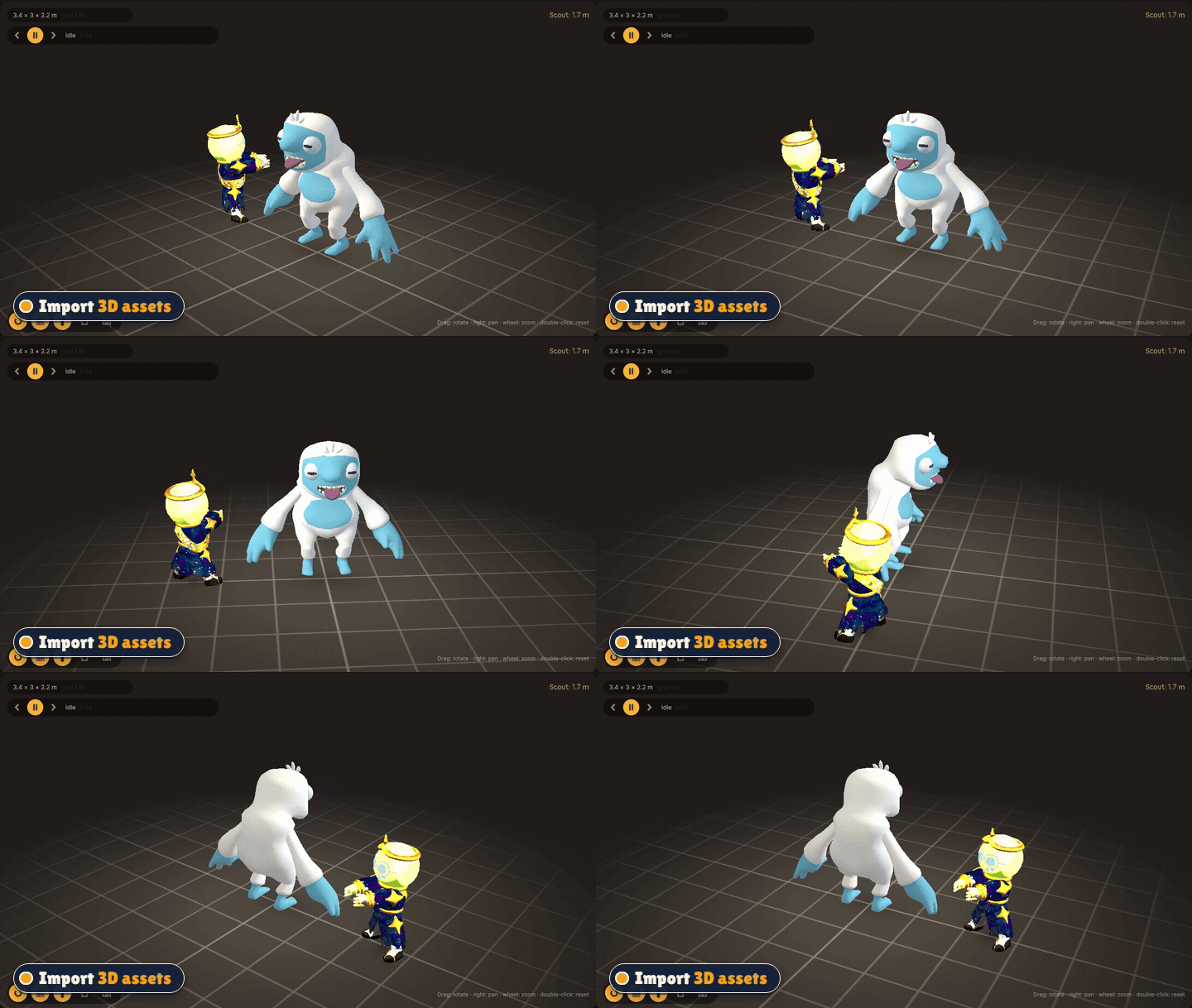
Like the Steam Workshop - but inside PEAK.
- Maps, 3D assets, items and NPC packs in one place, sorted into categories.
- Rate, subscribe, download with one click. Update badges tell you when a creator improved something.
- 3D viewer - spin and zoom any model before you use it.
- Publish your own creations public or private. Private content stays out of every list, but your lobby can still play it.
Build it yourself
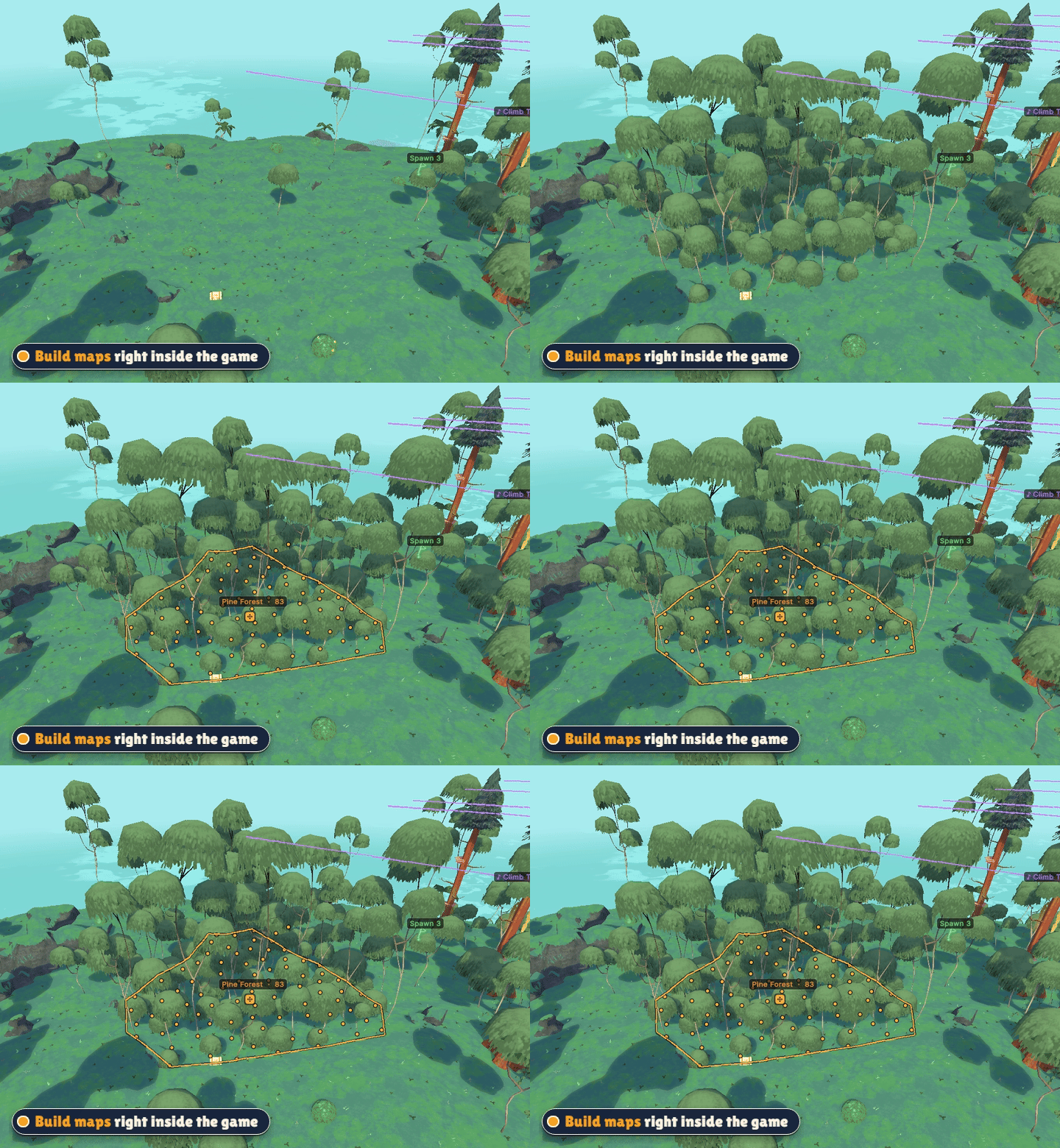
- A full map editor inside the game - no Unity, no extra tools.
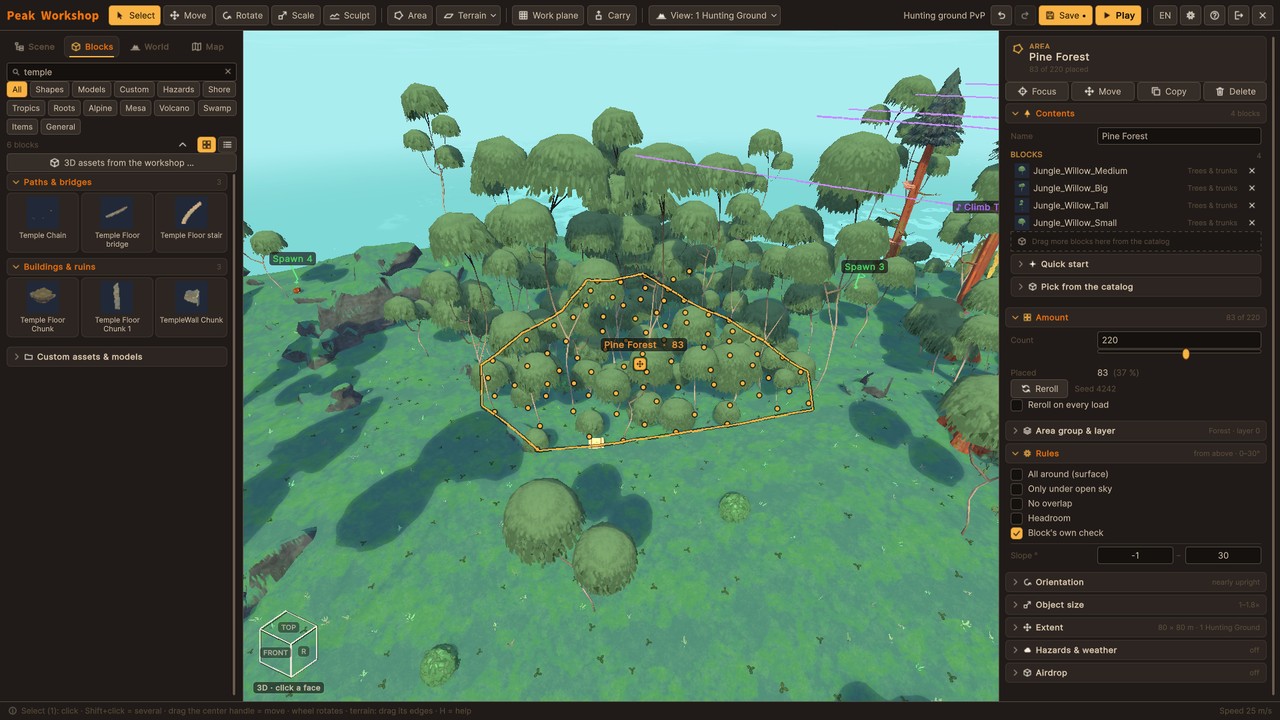
- Draw an area, fill it with a forest (or palms, ruins, flowers ...) in one step.
- Sculpt terrain, place hundreds of original PEAK blocks or your own 3D models.
- Moving platforms, traps and hazards, ball throwers, custom skies and music zones.
- Water and lava: lakes to swim and dive in, rising floods, rivers and lava streams that find their own way downhill, burning rocks and shaky rocks that tumble down.
- Caves and real light: carve caves and tunnels into rock, get baked lighting with dark caves and real nights, hand out flashlights and lanterns.
- Pick a game mode for your map - a checklist shows what it still needs, one click places the missing zone or spawn.
- Spawn points, goals and loot - then press P to test your map on the spot.
Create your own items and NPCs
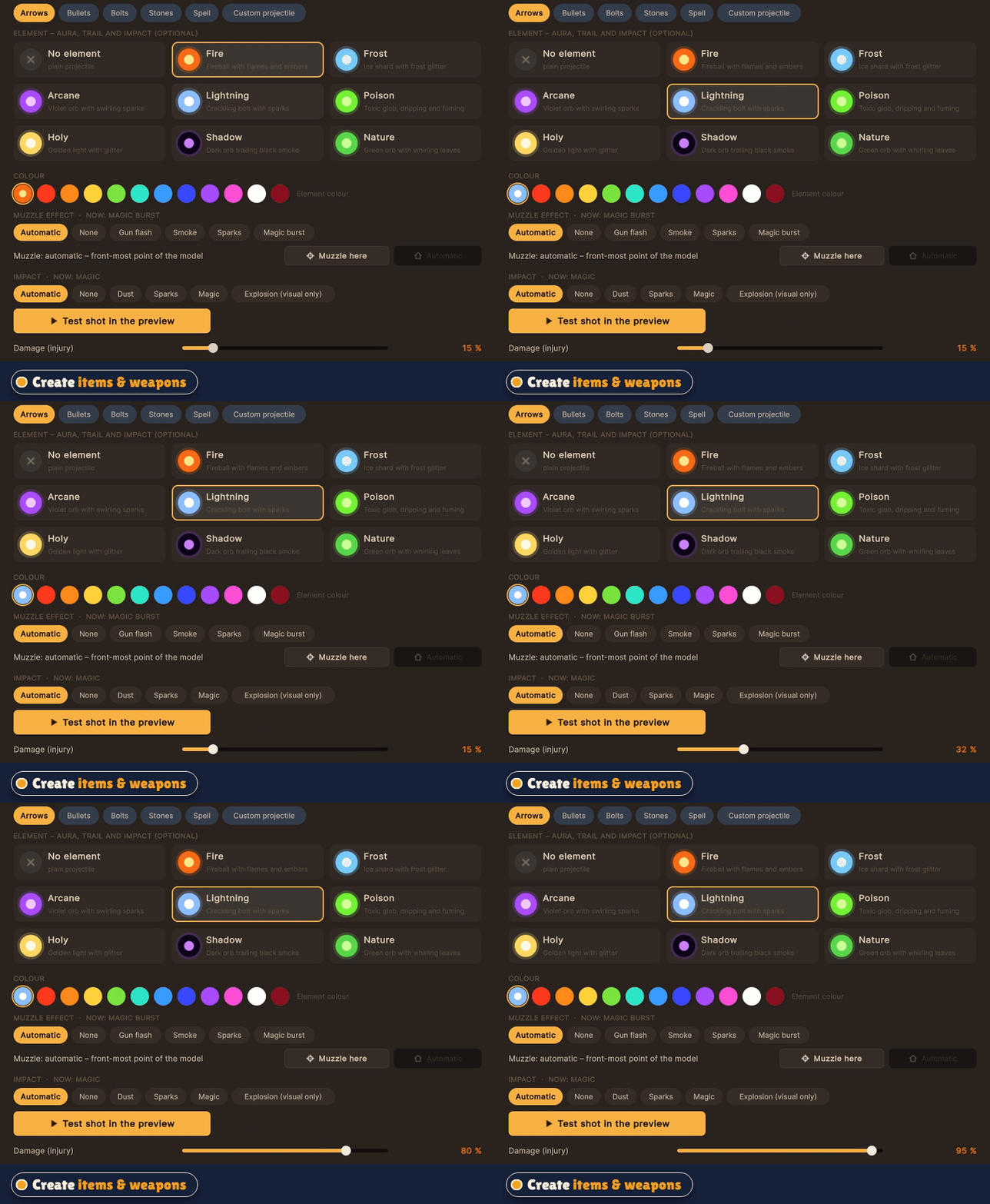
- Turn any 3D model into a real PEAK item: food, heals, melee weapons, guns with projectiles and recoil, throwables, spells.
- Tune damage, knockback, ammo and effects, set where it sits in the hand and test-fire in the preview.
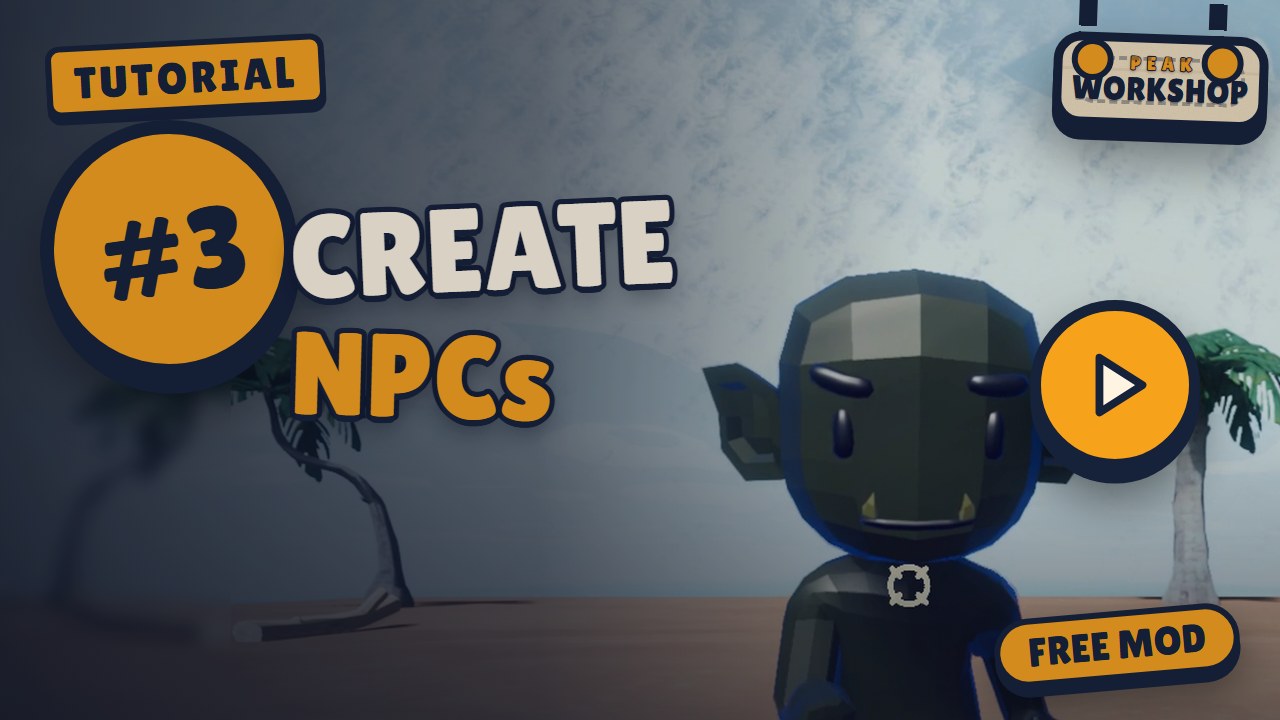
- Build NPCs: pick an animated figure, choose a role (talker, guard, fighter, shooter, boss, pet), write their dialogue.
Vanilla stays untouched
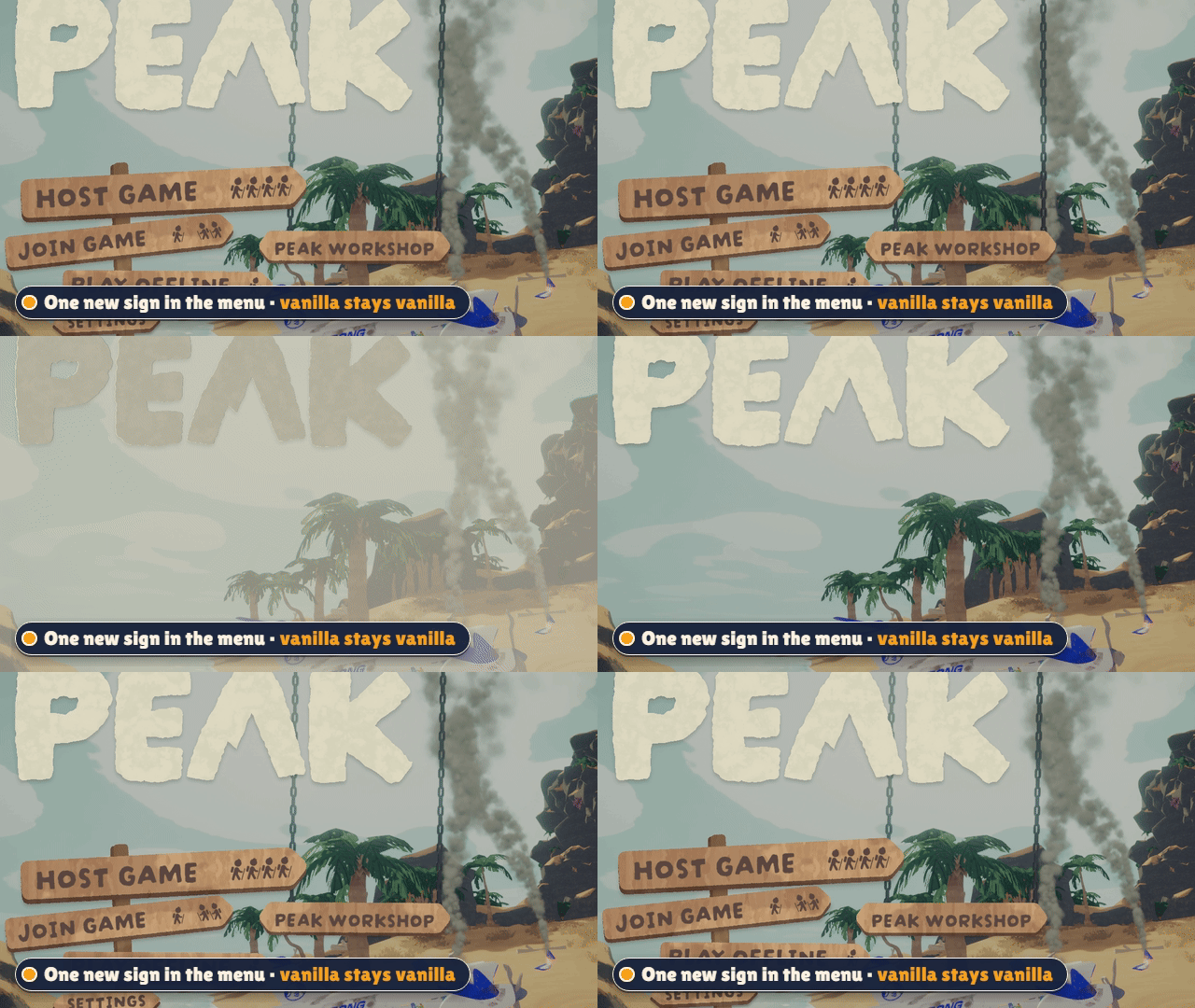
Host Game and Play Offline work exactly like before. Peak Workshop only starts when you use its own sign that hangs on chains in the main menu. Mod lobbies run in their own rooms, so vanilla players never land in a modded game by accident.
Is the sign in the way of another mod's menu? Hold Ctrl and drag it wherever you like - the chains follow. Ctrl + right click puts it back.
Screenshots
 |
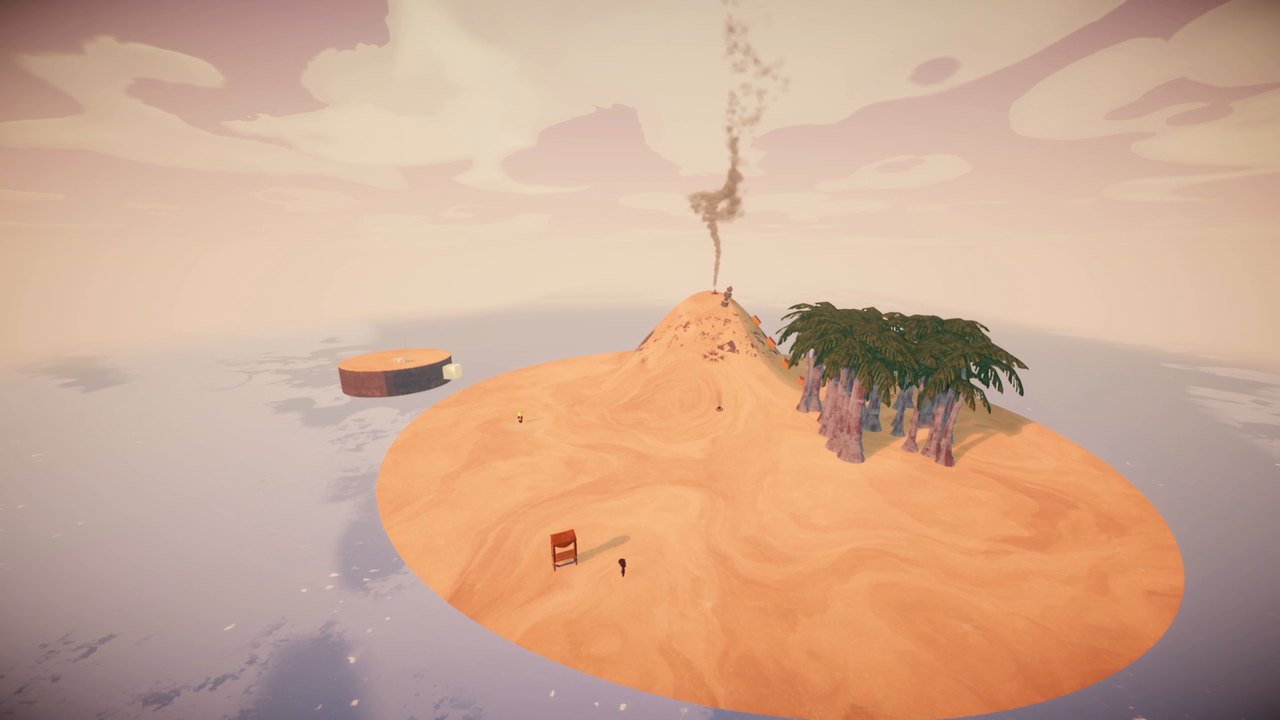 |
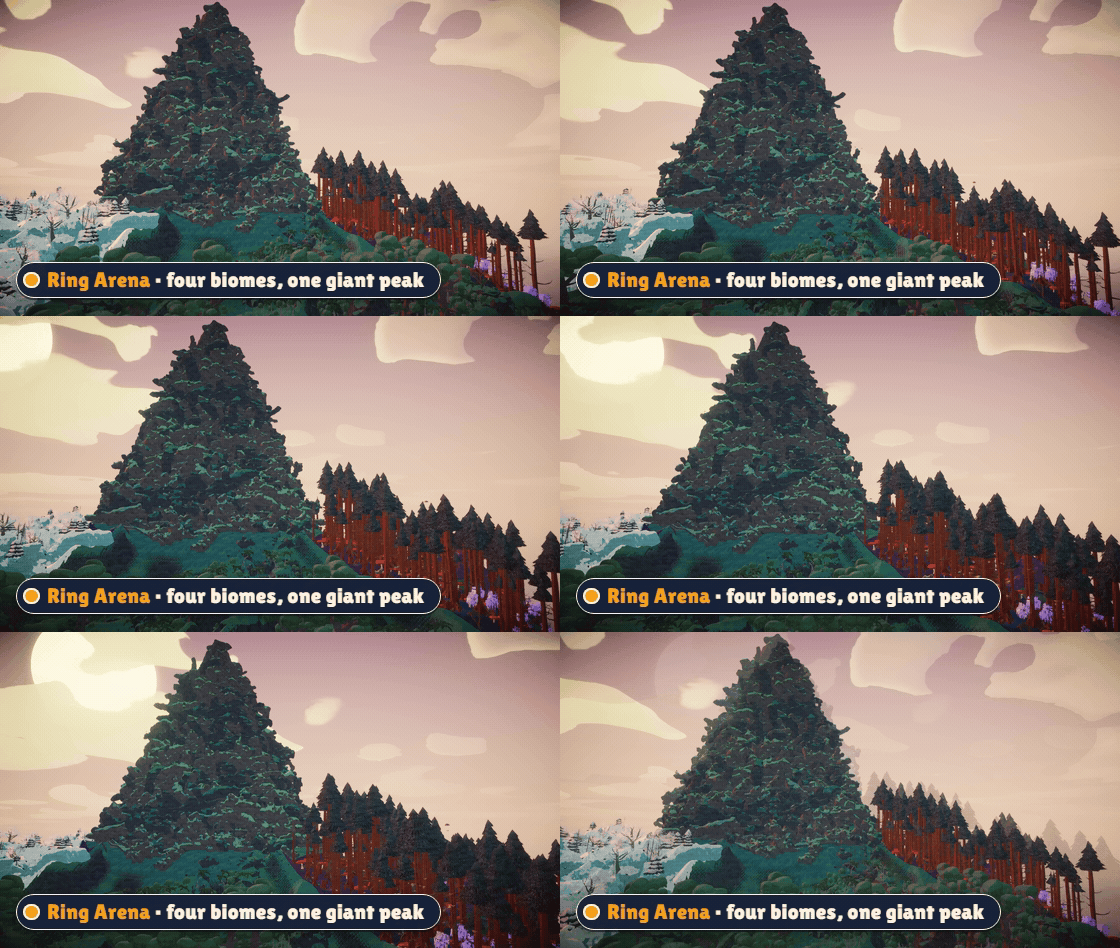
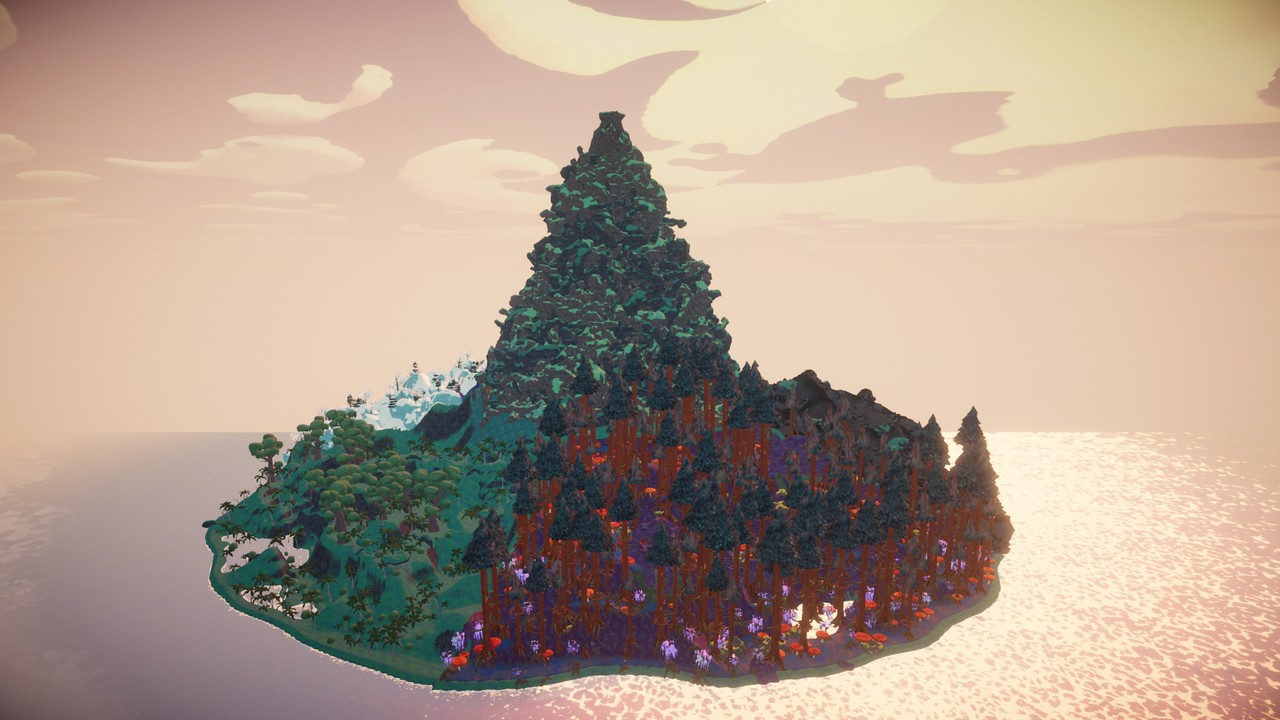
| Ring Arena - four biomes, one giant mountain | A small island built from scratch in the editor |
|
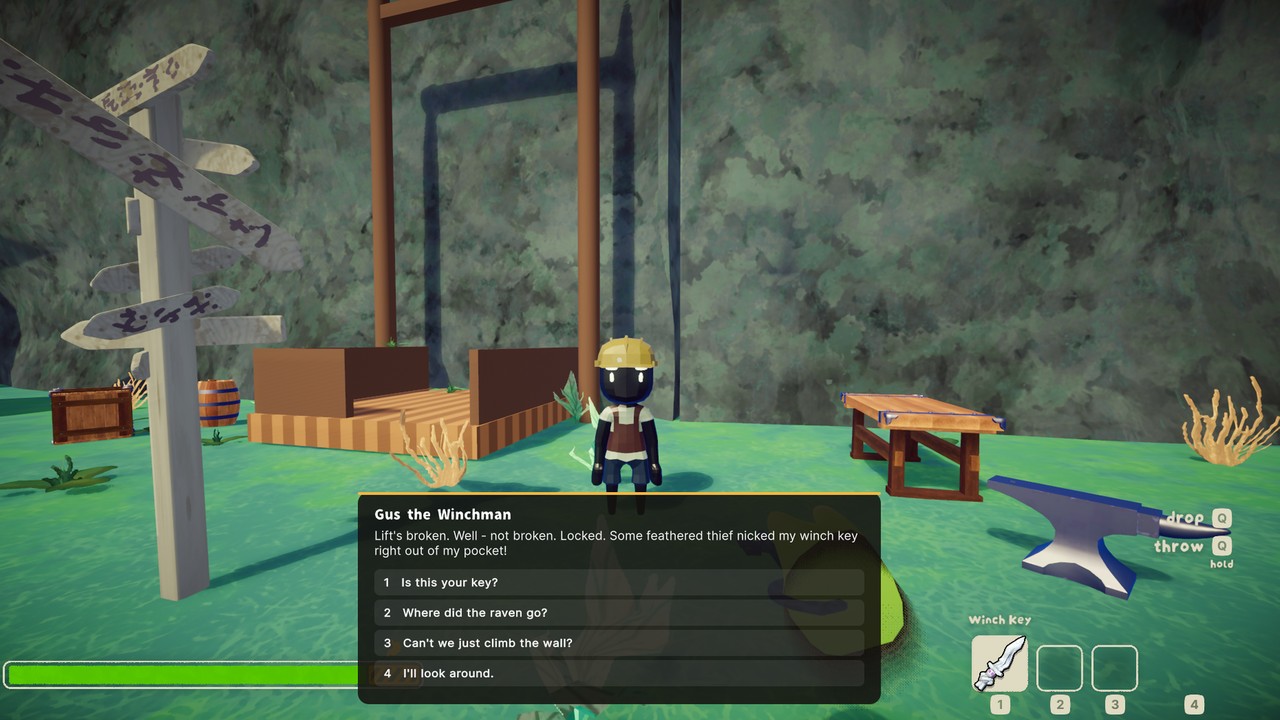 |
| Host a lobby, share the join code, start the round | Talk to NPCs - your answers change the world |
 |
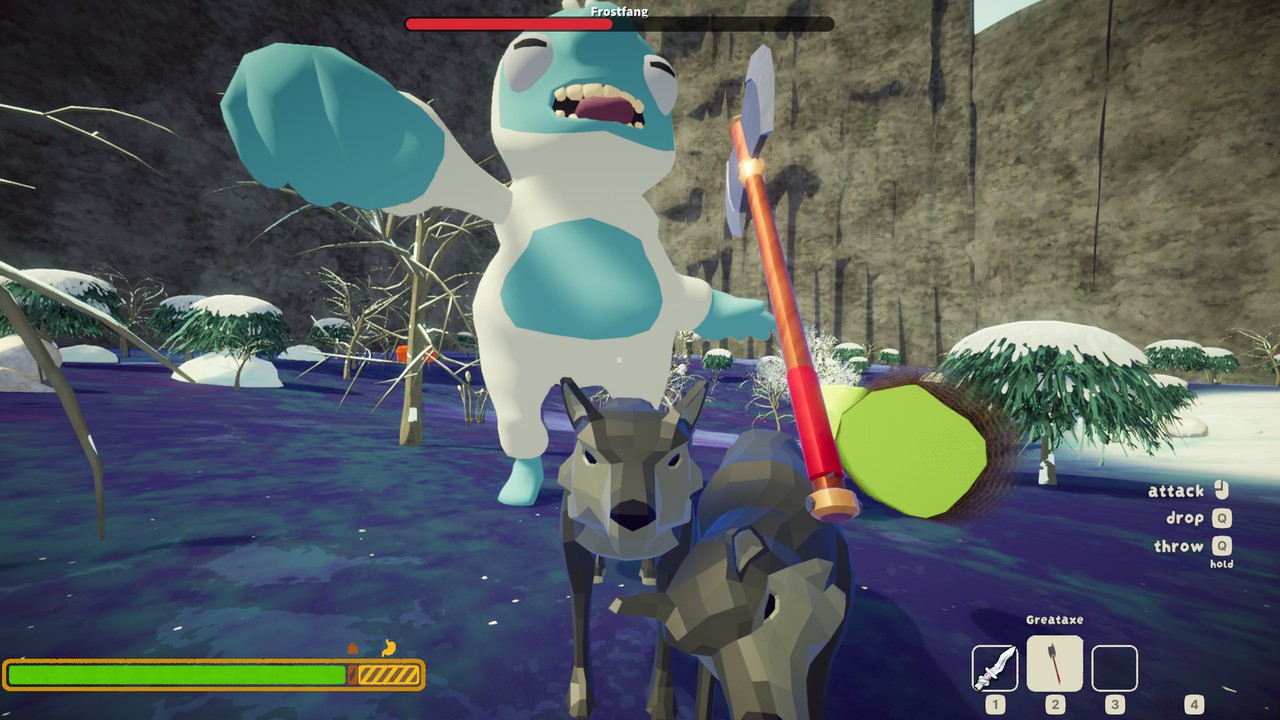 |
| Crashfall Valley - a story adventure | Boss fights like Frostfang the Yeti |
 |
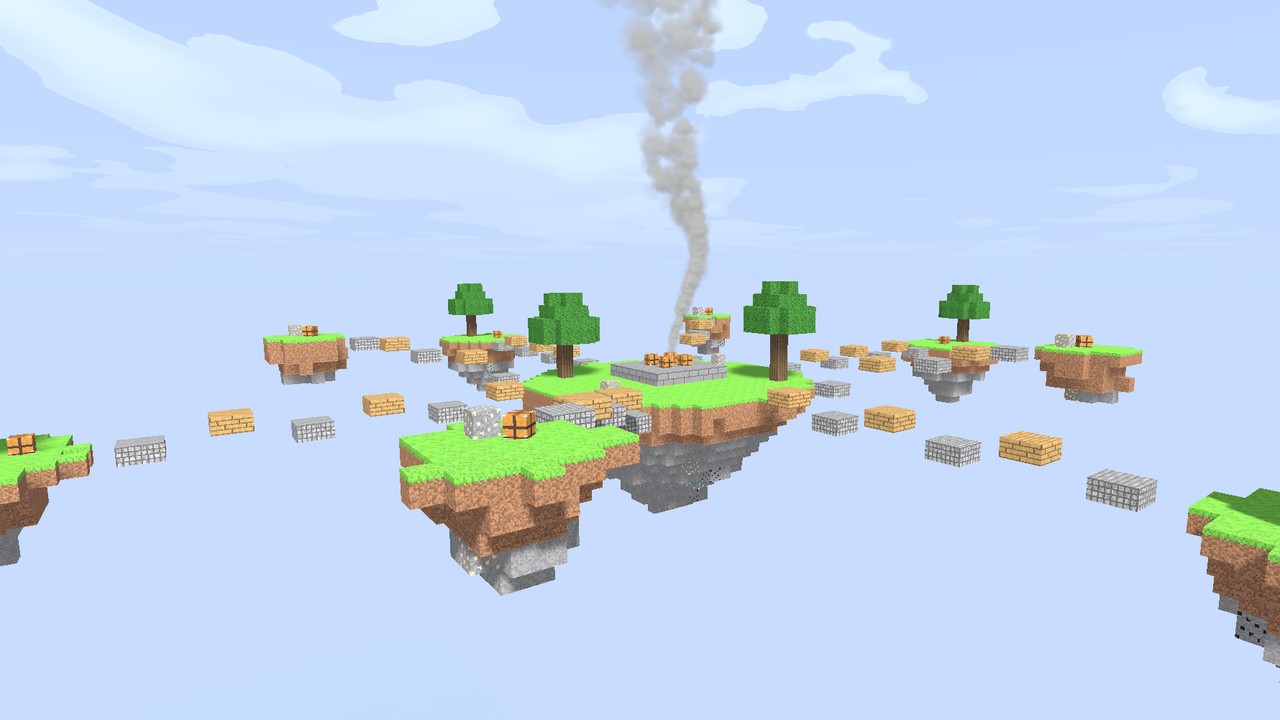 |
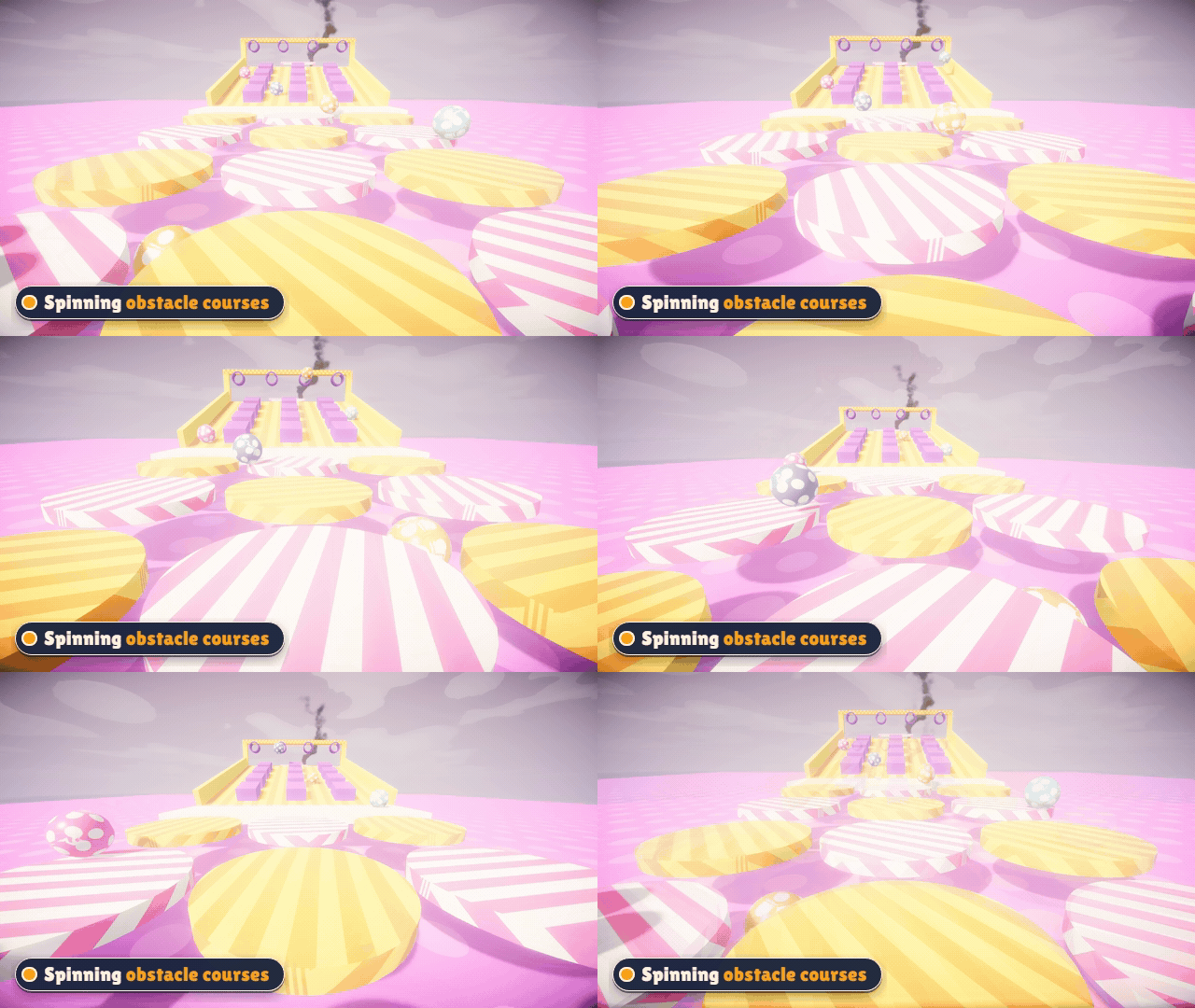
| Spinning, rolling obstacle courses | Sky islands - don't look down |
 |
 |
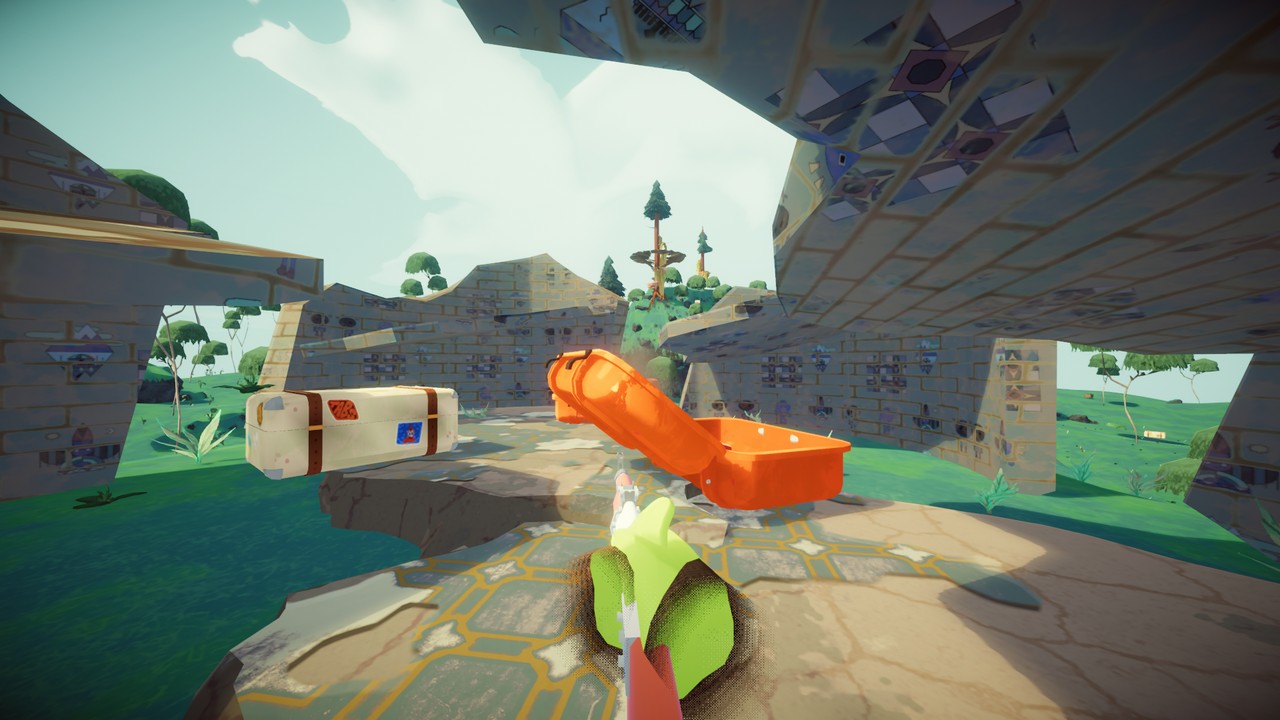
| Loot the suitcases - free-for-all PvP | Browse and download maps in-game |
 |
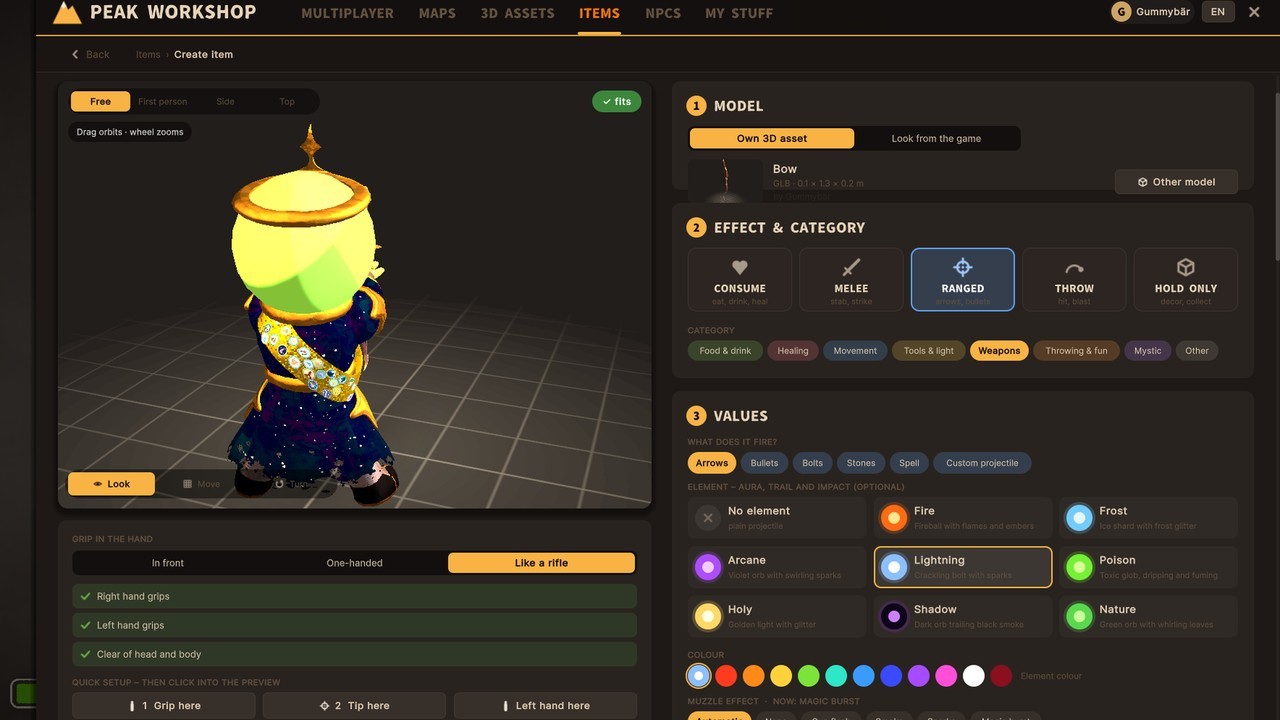 |
| Build your own maps inside the game | Create your own items and weapons |
Video tutorials
New to building? These step-by-step videos take you from your first imported 3D model to a finished map.
 |
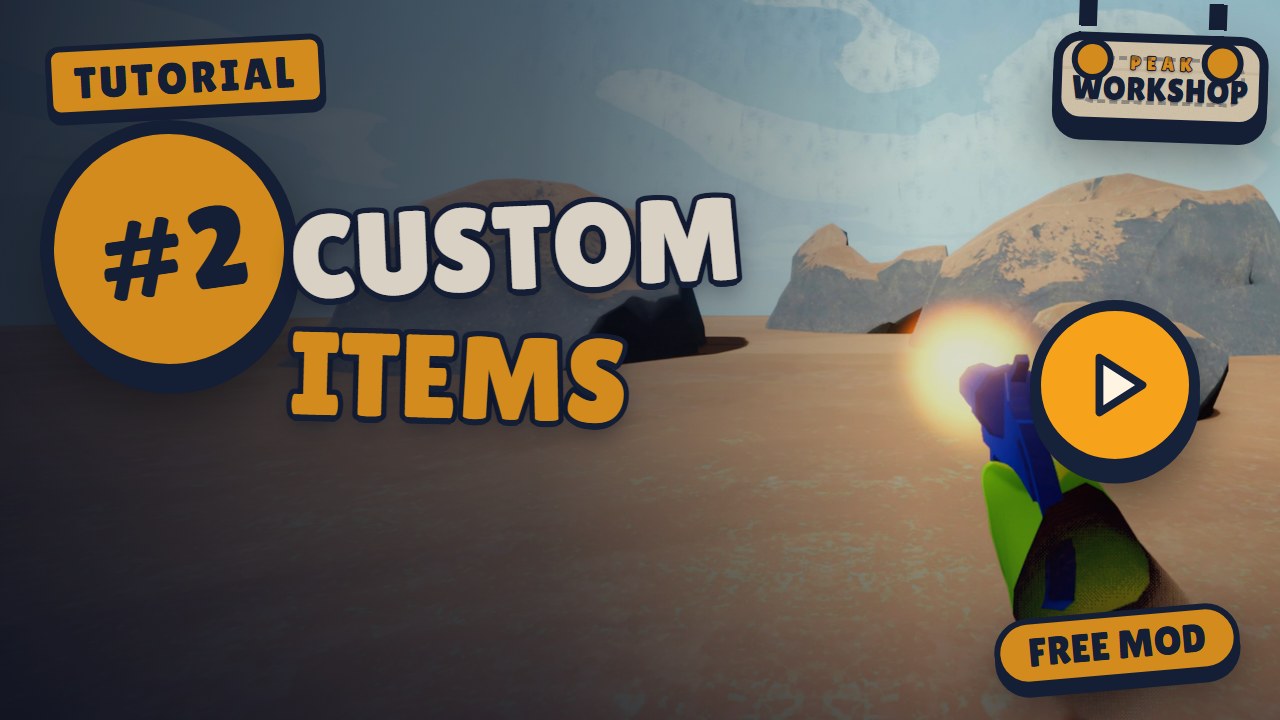 |
| #1 Import 3D Assets - GLB, OBJ, FBX or a ZIP - fix scale and textures, credit it, place it. | #2 Create Custom Items - Turn a 3D model into a flare gun with recoil, knockback and loot spawns. |
 |
 |
| #3 Create NPCs - Talking characters, quests that change the world, and a boss fight. | #4 Build a Map from the Bare Preset - From the Bare preset to a playable map - terrain, scatter areas, platforms, spawns, and the asset, item and NPC from #1-#3 put together. |
Installation
Recommended: install with r2modman or the Thunderstore Mod Manager - click Install, done. BepInEx comes along automatically.
Manual install:
- Install BepInExPack for PEAK.
- Copy
PeakWorkshop.dlltoPEAK/BepInEx/plugins/PeakWorkshop/. - Start PEAK. The Peak Workshop sign drops into the main menu.
Requirements & compatibility
- Everyone in a lobby needs Peak Workshop. Mod lobbies are separate rooms, so friends without the mod won't see or join them.
- Maps, assets and items your lobby needs download automatically when you join.
- Peak Workshop needs an internet connection for the online Workshop and the lobby browser. Solo play and the editor work with your local content.
- Not compatible with TerrainRandomiser. It breaks the map build (maps look half-finished). Disable it while you play Peak Workshop maps.
- Other mods that change map generation may conflict as well. If a map looks broken, try without them first.
- English, German and Simplified Chinese interface (switch in the Workshop panel; “auto” follows the game language). Chinese by TFJSN (ETWML) – texts newer than its table show in English.
Online features & privacy
The online Workshop and the lobby browser run on the Peak Workshop server. To use them, the mod sends:
- your Steam ID and Steam name - to sign you in, show who uploaded content and who hosts a lobby,
- the content you publish (maps, 3D assets, items, NPC packs, thumbnails) and your ratings, subscriptions and reports,
- lobby details while you host (name, map, mode, region, player count).
The server keeps your IP address with sign-in sessions and reports to stop spam and abuse. No passwords, no payment data, no tracking.
Content rules: only upload what you made yourself or are allowed to share. Every 3D asset needs its origin and license. No hateful, sexual or illegal content. Use the Report button on any Workshop page - creators see why their content was reported (never who reported it), and reported content can be hidden or removed.
FAQ
Does it change normal PEAK? No. Host Game and Play Offline stay 100 % vanilla. The mod only kicks in when you start through the Peak Workshop sign.
Do my friends need it? Yes, everyone in the lobby needs the mod. The maps themselves download automatically.
Is it free? Yes. Peak Workshop and everything in the Workshop are free.
Where are my maps stored?
In PEAK/BepInEx/PeakWorkshop/ (in your mod manager profile folder when you use one). Mod updates don't touch it.
How do I report a bug or content? Content: open it in the Workshop and press Report. Bugs, feedback and questions: post them in the PEAK Modding Discord (Peak Workshop thread).
Why does a map take a moment to load? Custom maps are built while you load in. Big maps can take a few seconds longer than a vanilla run - grab a snack.
Known problems
- Very small 3D models (some packs are 30 cm tall) are not scaled up automatically. The upload screen points it out - use the scale slider or Fit to height.
Found something else? Tell us in the PEAK Modding Discord (Peak Workshop thread).
Credits
- Peak Workshop by Gummybär
- Simplified Chinese localization by TFJSN (ETWML) / 由 TFJSN 汉化
- 3D models in the featured maps and Workshop: Quaternius (CC0) - thank you!
- Every Workshop asset lists its creator and license on its page.
- PEAK by Aggro Crab & Landfall. Peak Workshop is a fan-made mod, not affiliated with or endorsed by Aggro Crab or Landfall.
Links
- Feedback, bug reports and help: PEAK Modding Discord (Peak Workshop thread)
- GitHub - media and docs