

ScopedBlowguns
Lets you zoom in on your targets with a proper sniper scope when using the blowgun.ScopedBlowguns
Lets you zoom in on your targets with a proper sniper scope when using the blowgun. Smooth aiming transitions, three adjustable zoom levels, and mouse sensitivity that adjusts to your zoom. The blowgun keeps its normal firing behavior!
With the 1.2.0 update, you can now stay scoped in even after the blowgun has been fired, by continuing to hold RMB!
Showcase - [Persistent Scoping]
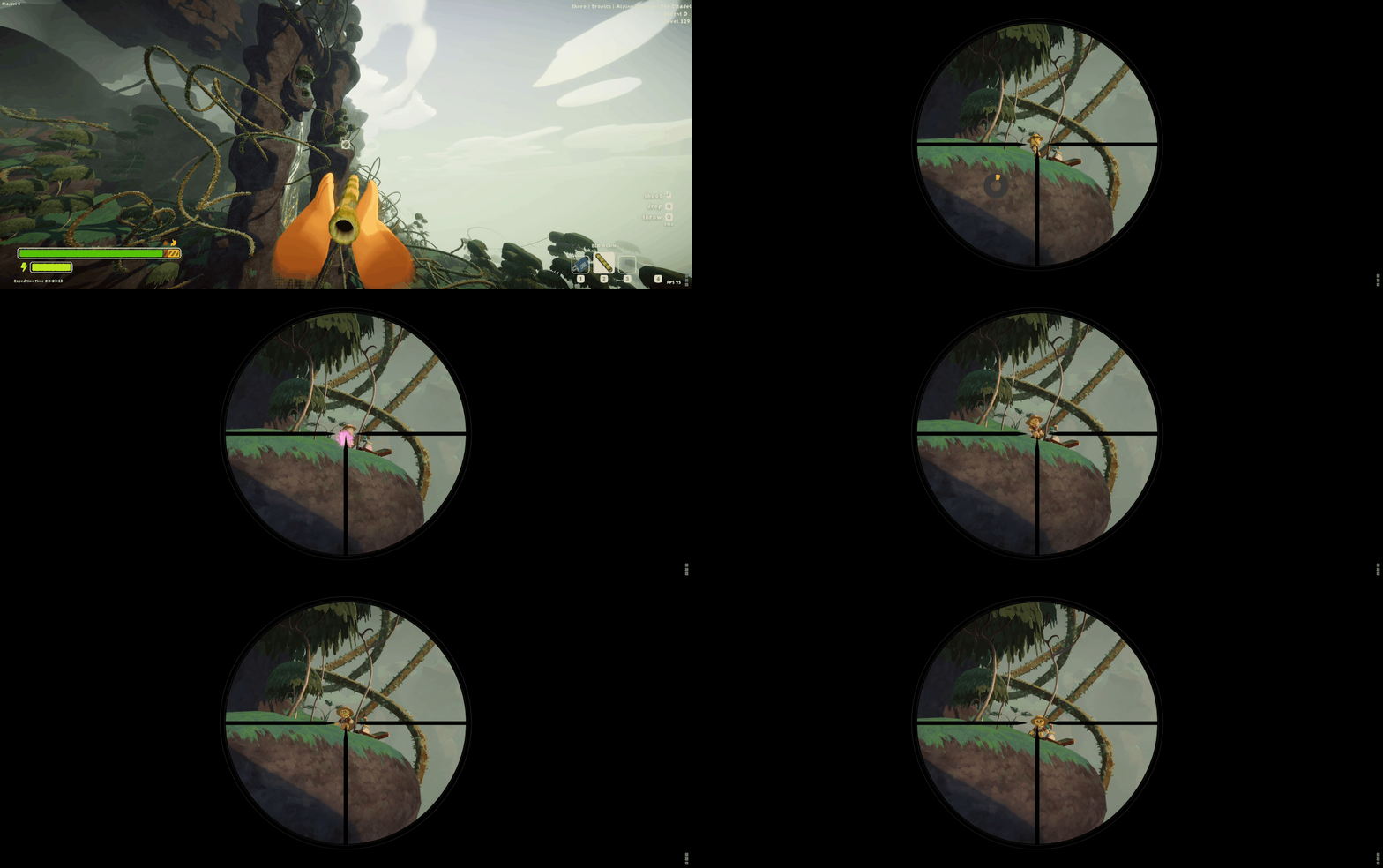
Showcase - [Zoom Levels]
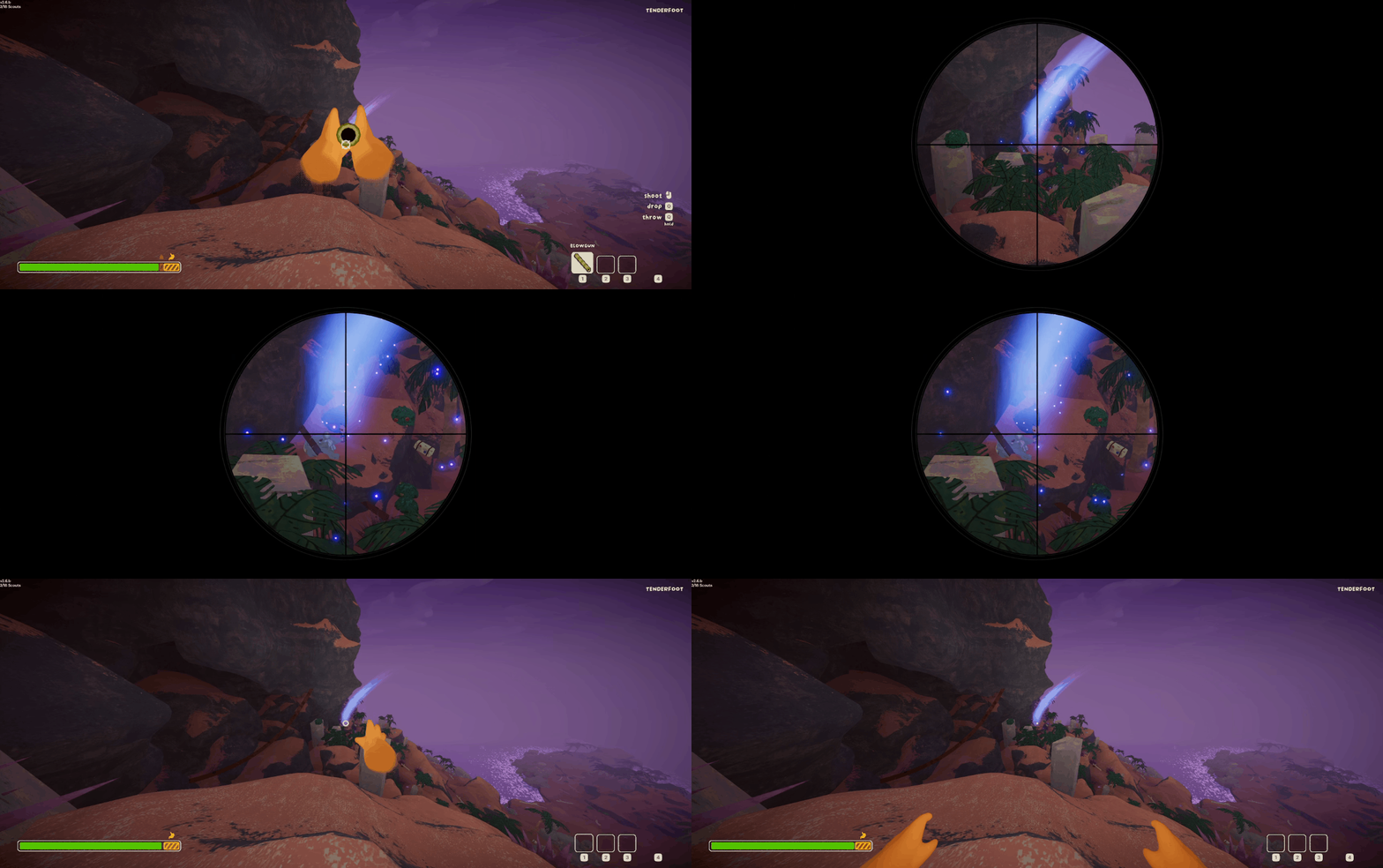
Showcase - [Zoom Levels/Static]
| Zoom Level | Pictures |
|---|---|
Vanilla |
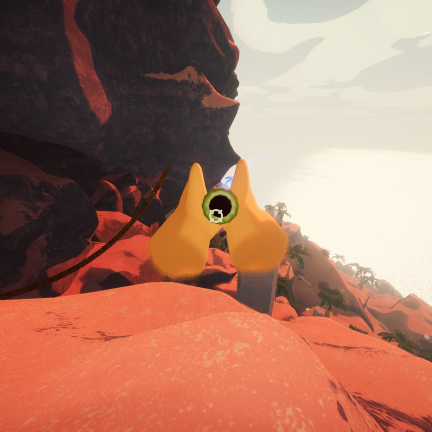 |
Level 1 |
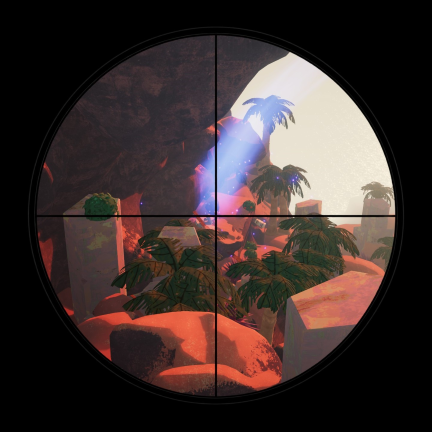 |
Level 2 |
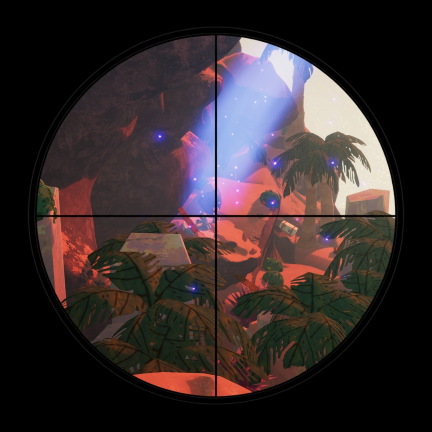 |
Level 3 |
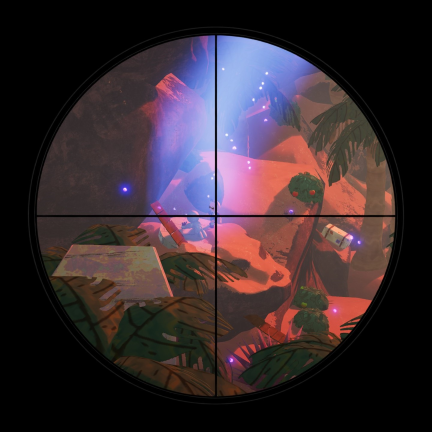 |
Scope Presets
| Presets | Pictures |
|---|---|
Scope-1 |
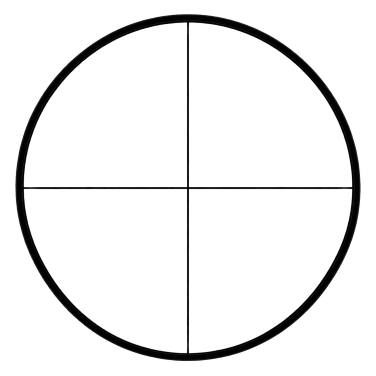 |
Scope-2 |
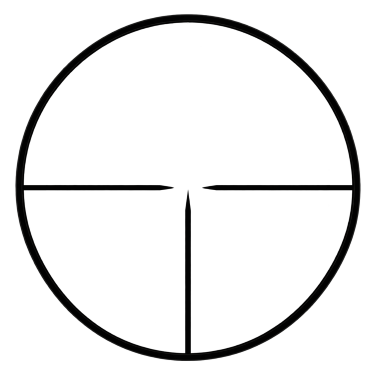 |
Scope-3 |
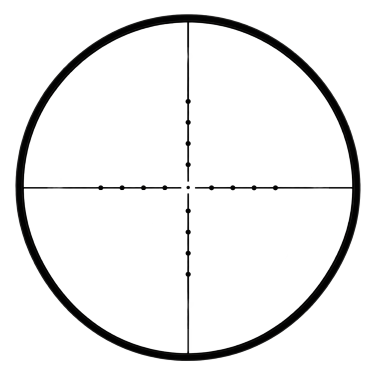 |
Scope-4 |
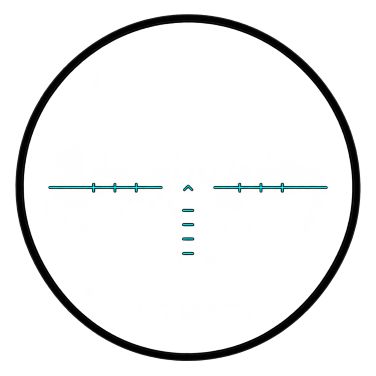 |
Scope-5 |
Empty, you may add your own custom scope picture! |
Usage - Basics
Hold a blowgun in your hands, then hold RMB to aim through the scope. Release RMB anytime to smoothly return to your normal view.
While scoped in, use MouseWheelUp to increase zoom, or MouseWheelDown to decrease it.
Your selected zoom level is remembered between uses during the current session.
Usage - Advanced
[SETTINGS - Preset]
This setting allows you to switch between 5 scope preset slots.
Select which scope style to use by setting this value to 1, 2, 3, 4, or 5.
Four scope pictures are included, in slots 1 through 4. The fifth slot is available for your own custom scope picture.
To add your own fifth preset, name the .png file scope-5.png and place it into the Scopes folder beside the mod's .dll. Pictures placed directly beside the .dll are also supported as a backup location. Restart the game after adding or replacing pictures. Have fun :)
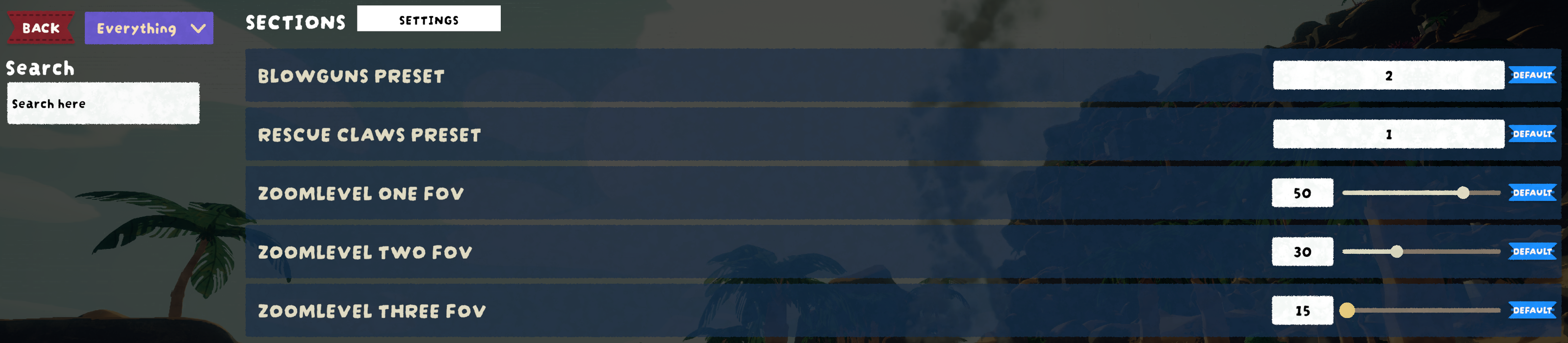
[SETTINGS - Zoom Levels]
Each zoom level has an adjustable field of view. Smaller values mean stronger zoom.
All three settings accept values from 15 to 60 degrees.
The mod automatically orders your configured values from weakest to strongest zoom, so scrolling up always moves toward the stronger zoom level, and scrolling down always moves toward the weakest zoom level.
Mouse sensitivity adjusts automatically as the view zooms in or out.
Config
The mod supports scope selection and adjustable zoom levels through the bepinex config.
SETTINGS: Preset:
- DEFAULT VALUE:
1 - ACCEPTABLE VALUES:
1/2/3/4/5
SETTINGS: ZoomLevel One FOV:
- DEFAULT VALUE:
40 - ACCEPTABLE VALUES:
15-60
SETTINGS: ZoomLevel Two FOV:
- DEFAULT VALUE:
25 - ACCEPTABLE VALUES:
15-60
SETTINGS: ZoomLevel Three FOV:
- DEFAULT VALUE:
15 - ACCEPTABLE VALUES:
15-60
Links
Bug Reports/Support: https://rombusz.dev/contacts/bug-report/?mod=scoped-blowguns
Feature Requests: https://rombusz.dev/contacts/feature-request/?mod=scoped-blowguns
Questions: https://rombusz.dev/contacts/message/