
FogAndColdControl
Works on both host and client sides. Installed on the host, it can control poison‑fog cold inside rooms and night cold, and display various in‑game data parameters.Core Features

- Horizontal

- Vertical
Cold Control
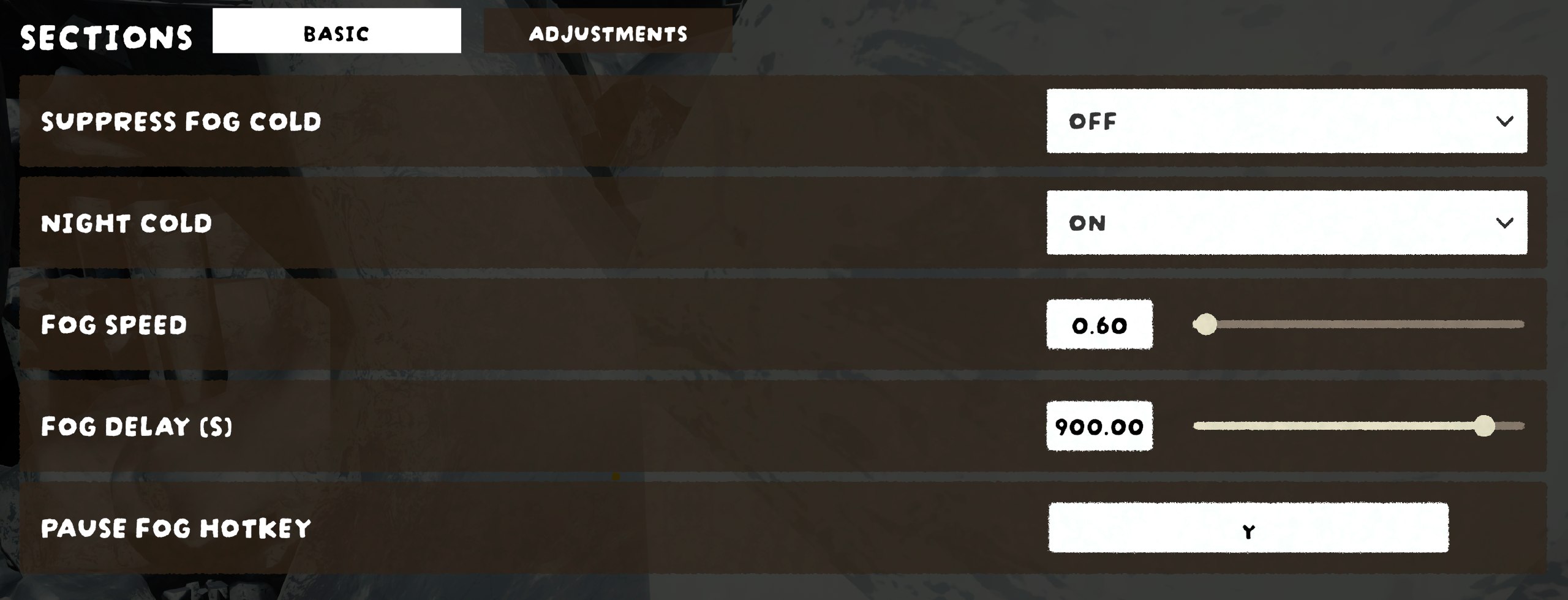
- Suppress Fog Cold — Blocks the cold damage inflicted by poison fog. When enabled, you can stand in fog without freezing (UI shows OFF in orange; disabled shows ON in green).
- Night Cold — Toggles vanilla night-time cold on Ascent 5+ (On = enabled with green indicator, Off = disabled with red indicator).
Fog Management
- Fog Speed — Adjust how fast the poison fog expands.
- Fog Delay — Configure the wait time before the fog starts moving (with a live countdown).
- Fog Pause Hotkey — Pause/resume the fog at any time.
- Fog Removal — The mod can keep fog enabled across all segments and manage vanilla late-game "no cold" behavior.
HUD / UI
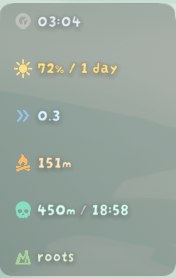
Status Bar — A compact HUD showing:
- Fog state (waiting / running / arrived / paused)
- Fog speed, remaining distance, and estimated time of arrival (ETA)
- Run timer, current day count
- Weather warnings for the player's current biome (wind / blizzard / rain, icon + countdown)
Next biome indicator
- Campfire Compass — A horizontal locator bar pointing toward the next campfire with a live distance readout.
- Lava Approach (late segments) — Distance and ETA for the rising lava.
- Lobby UI — In the hub, toggles for fog cold / night cold, plus speed and delay values.
- Customizable — UI entry spacing, layout (horizontal/vertical), scale, and a rounded semi-transparent background (opacity adjustable).
Multiplayer
- Host-managed fog — The host drives fog state, speed, and timing; guests sync automatically.
- Guest estimation — When connected to a vanilla (non-modded) host, guests locally estimate fog speed, remaining distance, and ETA from observed fog growth.
- Status suppression — Cold status is consistently filtered for all players, including mid-game joiners.
Version: 1.1.5
- Added climb height display.
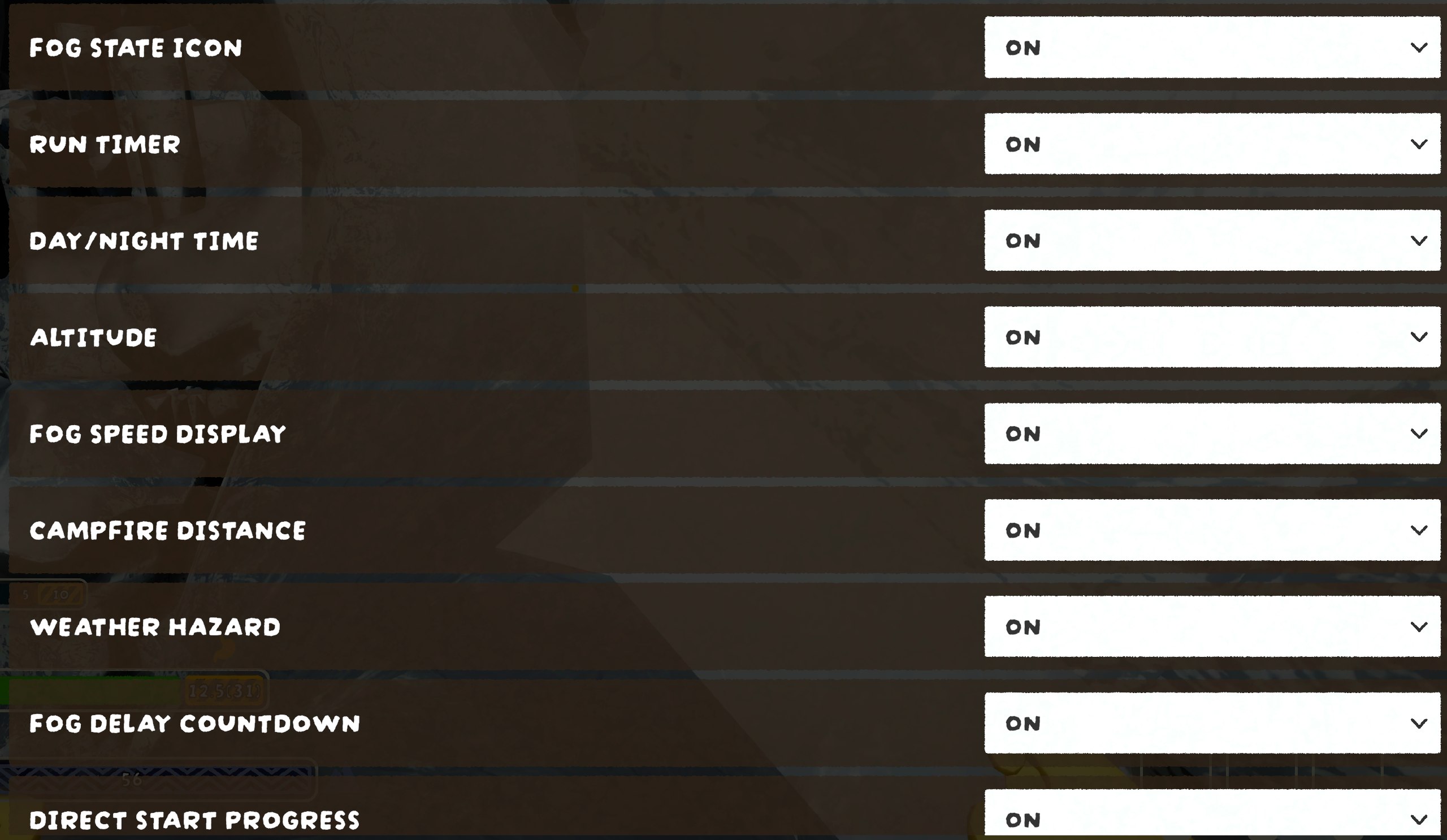
- Added toggle switches for individual features.
ModConfig