

You are viewing a potentially older version of this package. View Latest Version
FogVisualOnly
PRESS F3 TO OPEN MENU → Removes fog visuals for a PERFORMANCE and visual gain/advantage while preserving all fog deadliness (damage, healing)FogVisualOnly
Remove fog visuals for a performance and visual boost while keeping fog deadliness intact.





A BepInEx plugin for PEAK 🏔️ that removes fog visuals for a PERFORMANCE and visual gain/advantage while preserving all fog deadliness (damage, healing).
Quick Start
- Install BepInEx for PEAK
- Download
FogVisualOnly.dllfrom Thunderstore - Copy to
BepInEx/plugins/ - Launch PEAK and press F3 to open the menu
Screenshots
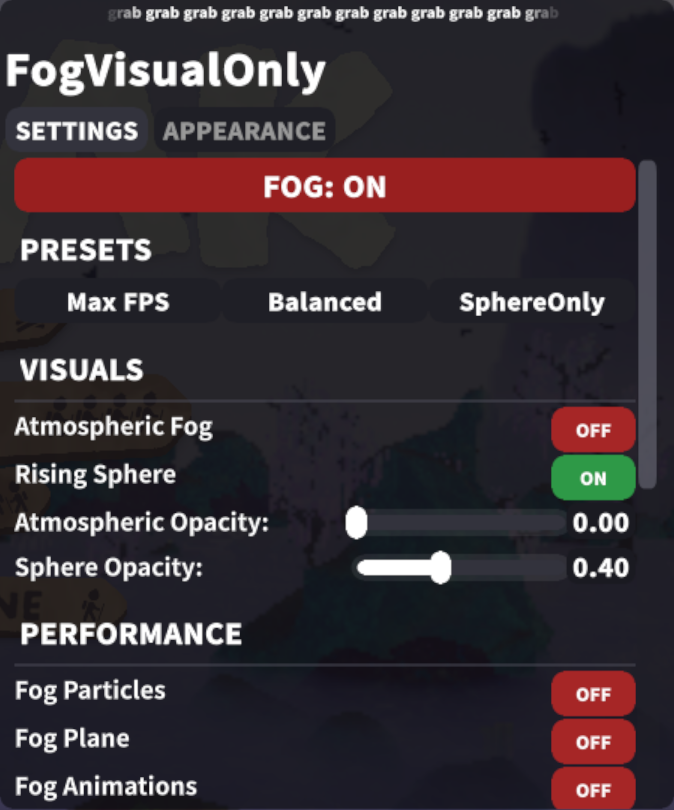
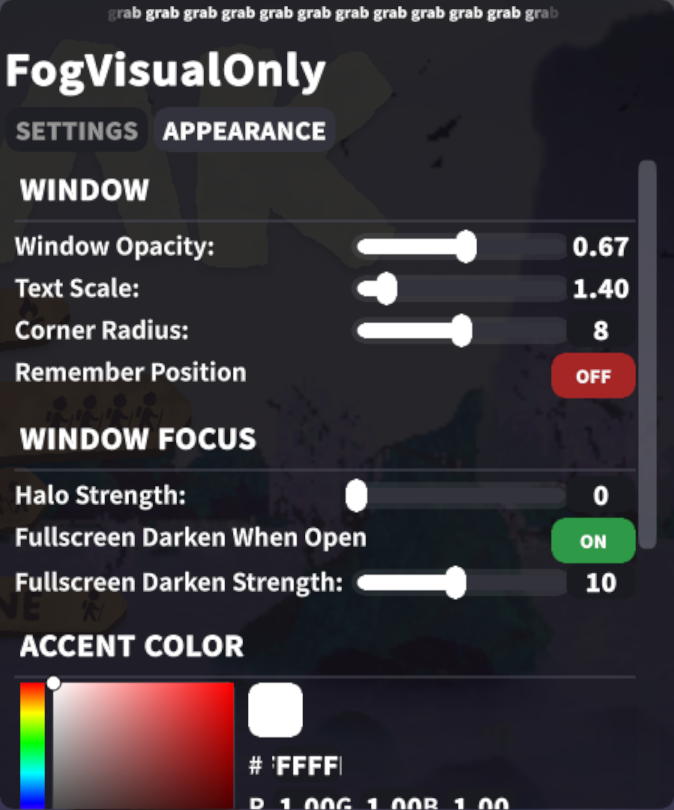
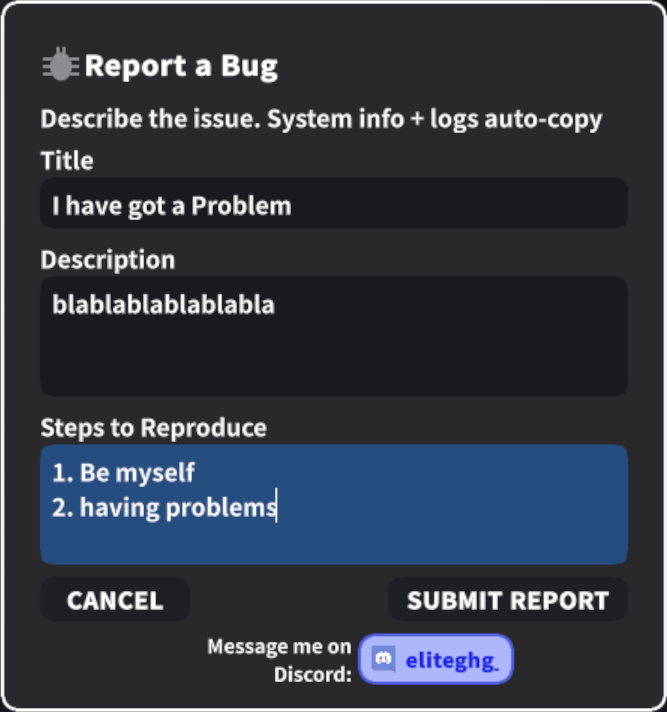
| FOG Tab | SETTINGS Tab | Bug Report |
|---|---|---|
 |
 |
 |
How to Update
- Download the latest
FogVisualOnly.dllfrom Thunderstore - Overwrite the old file in
BepInEx/plugins/ - Launch PEAK — your settings are saved automatically
Menu Data Overview
Fog Toggle
The big button at the top saves and restores all your settings:
| State | Description |
|---|---|
| FOG OFF | Fog is hidden, max FPS |
| FOG ON | Fog is visible, Toggling back restores whatever settings you had before. |
Presets
| Preset | Description |
|---|---|
| Max FPS | Everything off — fog, particles, sounds, animations, shadows, VFX all disabled. Max PERFORMANCE. |
| Balanced | Atmospheric fog removed, sphere at 40% opacity. Particles/shadows disabled. Good middle ground. |
| SphereOnly | Atmospheric fog removed, sphere fully visible with all effects disabled. For players who like the sphere death aesthetic. |
Settings
Fog Settings
|
SETTINGS Tab
|
Compatibility
- ⚠️ Conflicts with CoddingCat-FogRemover — disable it first
- ✅ Safe with vanilla players — only affects local visuals, fog damage/healing is unchanged
- ✅ No material cloning — uses MaterialPropertyBlock for zero-alteration rendering
Bug Reports
Press REPORT BUG in the mod menu — fill in the details, toggle the GitHub checkbox on/off, and submit. Your system info, mod version, and logs are copied to clipboard; if the checkbox is on, GitHub Issues opens automatically. Just paste and submit.
Or report directly: GitHub Issues
Changelog: CHANGELOG.md