

You are viewing a potentially older version of this package. View Latest Version
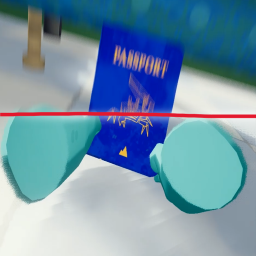
No More Motion Blur!
Removes motion blur entirely from PEAK.
Perfect for players who dislike the default blur effect or experience nausea from it.
The Features!!:
- Completely disables Unity's motion blur in all scenes.
- Simple BepInEx plugin, "hopefully" no performance loss!
- Easy to add, just download and play.
- Client-Sided, which means friends do not need to download this mod for you to play it.
How to Install it:
1. Install "BepInEx" for PEAK (Thunderstore has a guide).
2. Download and unzip this mod.
3. Place the ".dll" file into: "\Program Files (x86)\Steam\steamapps\common\PEAK\BepInEx\plugins\"
4. Launch the game! It should work once you get into the game.
How to Uninstall it:
Simply remove the ".dll" from the BepInEx/plugins/ folder.