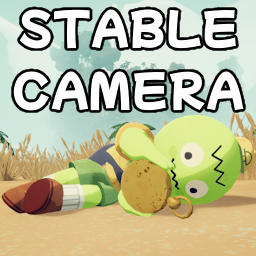
Stable Camera
Stabilizes the camera and uses contextual third-person views to prevent motion sickness.
Press B (configurable) to toggle the stabilization on or off in-game. Stabilization is on by default.
Features and Configuration
The game needs to be launched with the mod at least once before the configuration file will appear
in the BepInEx folder or in the mod manager.
- Stabilize Camera
- Stabilize camera wobble. Setting this to false effectively disables the entire mod.
- The toggle key can be used to change this option in-game.
- Default: True
- Third-Person Ragdoll
- Switch to a third-person perspective whenever the character ragdolls.
- Default: True
- Toggle Key
- The shortcut key which toggles the stabilization effect on or off in-game.
- Default: B
- Tracking Power
- Option to control how aggressively the camera will follow the character. Higher values lead to more wobble.
- Default: 2.0
- Dizzy Effect Strength
- Option to adjust the strength factor of the dizzy camera effect.
- A value 0.0 disables the dizzy camera effect, 1.0 leaves the effect unchanged.
- Default: 0.0
Bugs / Contact
The fastest way to contact me is on Discord.
You can find me in the Lethal Company Modding or R.E.P.O. Modding Discord servers,
or in my Deja Drift Discord Server