
PeakOverheadStats
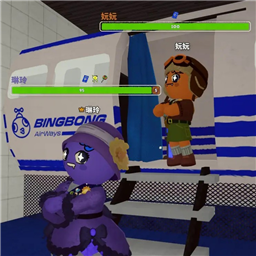
PeakStatsEx stats HUD (timer, height, day/night, map route) with teammate stamina bars moved overhead above player heads.Peak Overhead Stats
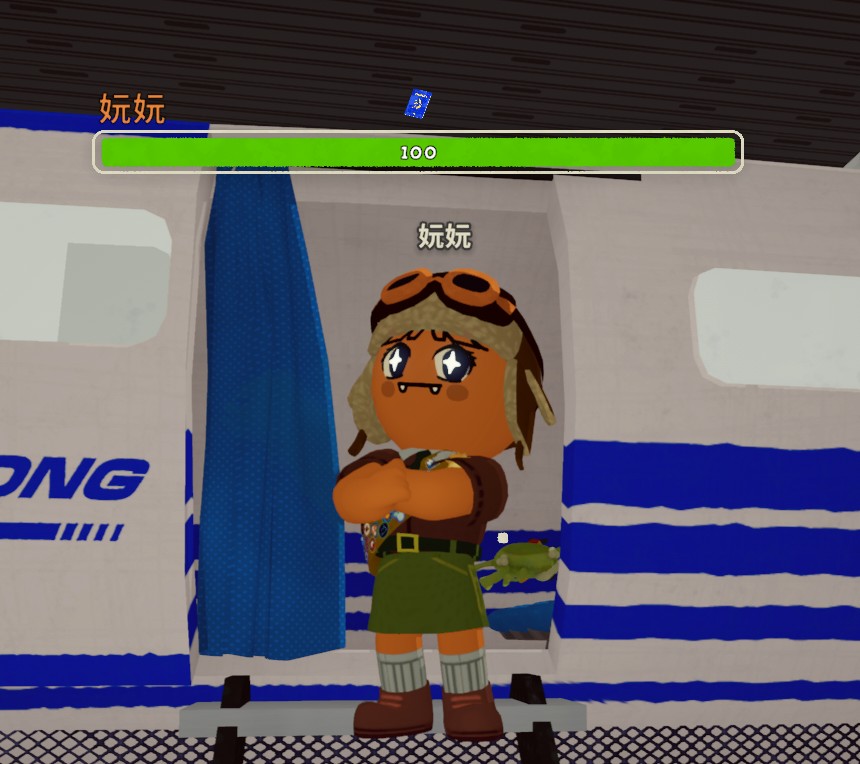
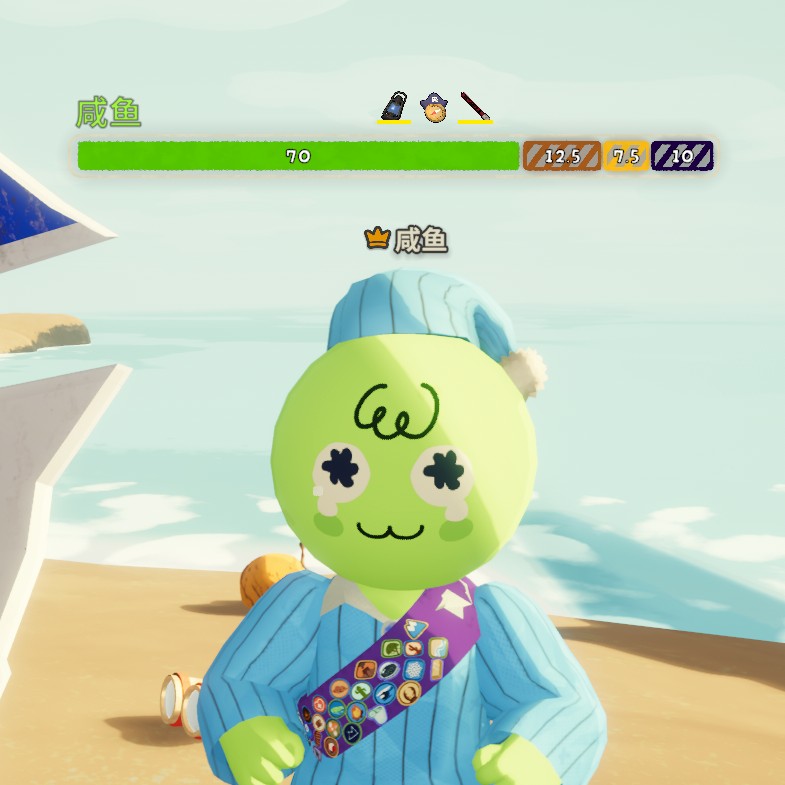
Teammate stamina bars, status numbers, and inventory — all shown above players' heads instead of the bottom-left corner.
Combine the full HUD of PeakStatsEx with the overhead positioning of OverheadStamina.
✨ Features
🧑🤝🧑 Teammate overhead display
Everything PeakStatsEx showed in the bottom-left party list is now floating directly above the teammate it belongs to:
- 🏷️ Player name — colored by player color, left-aligned with the stamina bar
- ⚡ Main stamina bar — bright green fill with numeric value
- 🔵 Extra stamina bar — thin blue bar below the main one
- 🎭 Affliction bars — weight / hunger / cold / poison / etc. with correct colors
- 🎒 Inventory slots — items shown next to the status bar
- ✈️ Airport weight support — weight bar renders correctly in airport scene
📊 Climb session stats (PeakStatsEx HUD)
- ⏱️ Climb time — total elapsed time
- 📏 Climb height — current altitude
- 🌍 Map & biome route — current map and biome progression with built-in Chinese localization
- 📍 All HUD elements match PeakStatsEx layout exactly
📸 Screenshots
⚙️ Configuration
Launch the game once, then edit BepInEx/config/com.yls.peakoverheadstats.cfg:
| Setting | Default | Description |
|---|---|---|
| ShowInventorySlots | true | Show teammate inventory items |
| ShowExtraStaminaBar | true | Show extra stamina bar |
| MaxShowDistance | 30 | World units before overhead info hides |
📥 Installation
- Install BepInExPack PEAK (required dependency)
- Install this mod via r2modman / Thunderstore Mod Manager, or manually:
- Extract the ZIP into
PEAK/BepInEx/plugins/
- Extract the ZIP into
- Launch the game
🔧 Building from source
dotnet build src\PeakOverheadStats\PeakOverheadStats.csproj -c Release
🙏 Credits
- LengSword / yls-peak-mods — original PeakStatsEx concept and full HUD feature set
- PatchNote — OverheadStamina overhead rendering approach
- 妧妧 — playtesting and feedback
- 咸鱼 — playtesting and feedback
- PEAK modding community
📄 License
MIT