
BellBeacon
Adds color-coded beacon lines above Belltowers in the GLOOM.BellBeacon


Preview / 效果展示
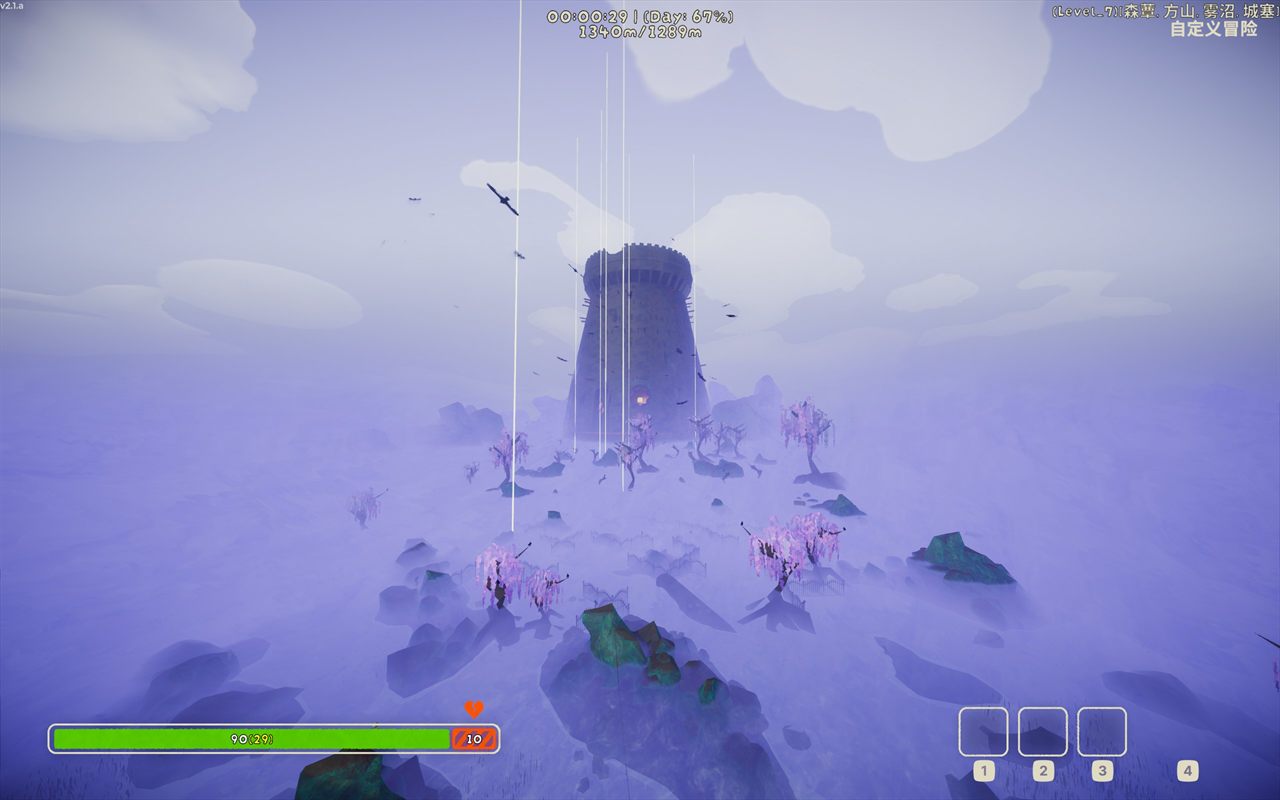
| Unlit / 未点亮 | Lit / 已点亮 |
|---|---|
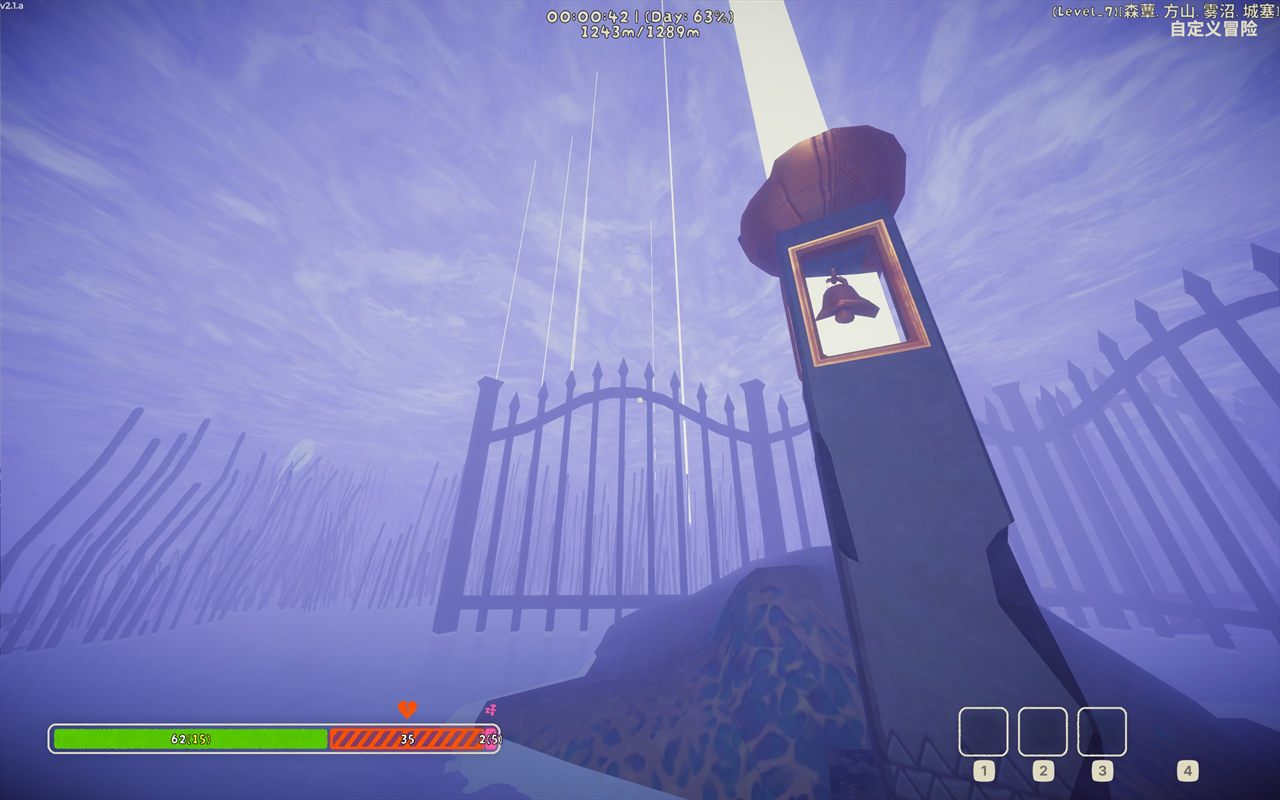 |
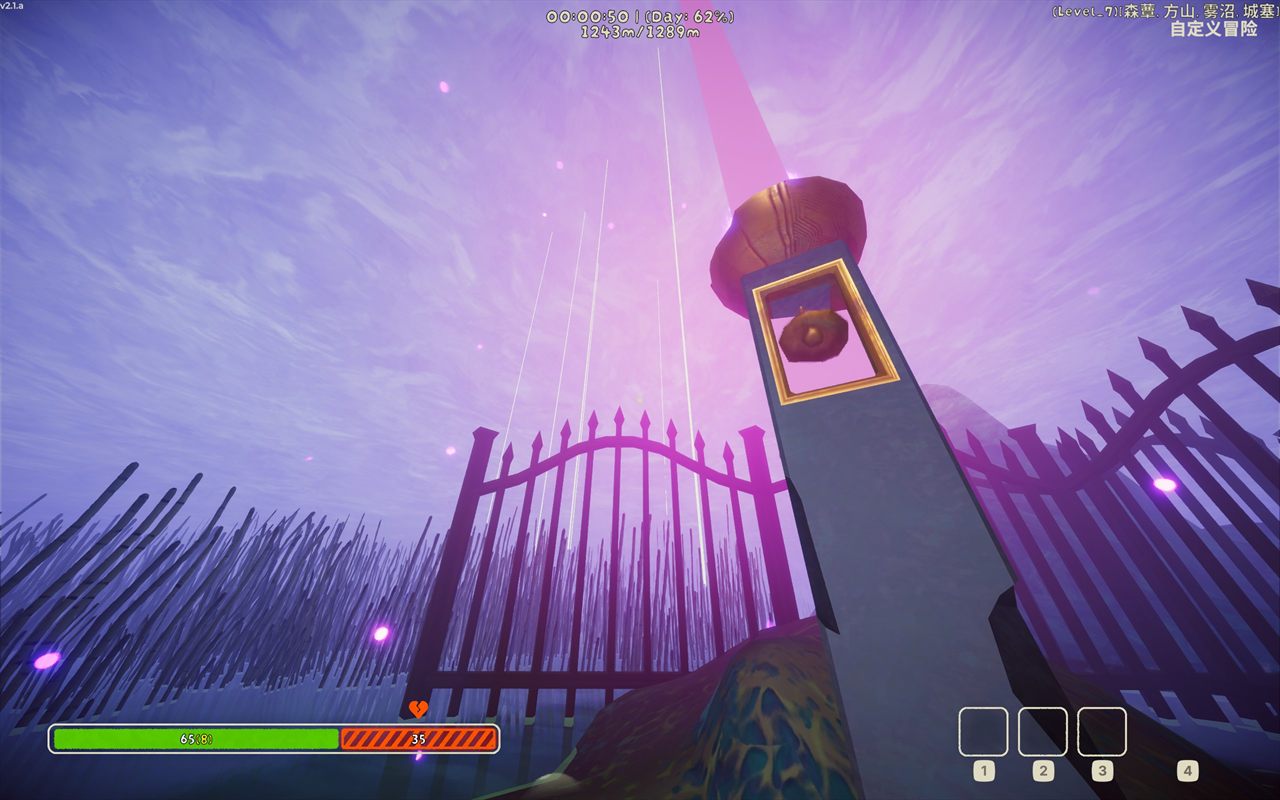 |
English
BellBeacon adds a tall, color-coded beacon line above every Belltower in PEAK's GLOOM biome.
This makes Belltowers much easier to find, but also reduces the intended exploration difficulty of the GLOOM. Use it with that tradeoff in mind.
Features
- Automatically marks every Belltower in the current map.
- Uses white for unlit towers and purple for lit towers by default.
- Allows beacon height and width to be adjusted while the game is running.
Installation
Install with Thunderstore Mod Manager or r2modman, or place BellBeacon.dll in BepInEx/plugins/BellBeacon. BellBeacon requires BepInEx 5.
Configuration
The configuration file is generated at BepInEx/config/com.github.lllei.BellBeacon.cfg.
| Key | Default | Description |
|---|---|---|
General.Enabled |
true |
Shows or hides all Belltower beacons. |
Visual.Height |
500 |
Beacon height in meters (10 to 5000). |
Visual.Width |
0.8 |
Beacon width in meters (0.05 to 20). |
Colors.Unlit |
#FFFFFF |
HTML hex color for unlit Belltowers. |
Colors.Lit |
#D57AE6 |
HTML hex color for lit Belltowers. |
Height, width, and colors update existing beacons immediately. Six- and eight-digit HTML hex colors are supported. Invalid values are clamped or fall back to the defaults.
Building
Copy PeakGameDir.props.example to PeakGameDir.props and set the PEAK directory, or set PEAK_GAME_DIR.
dotnet build BellBeacon.sln -c Release
dotnet msbuild src\BellBeacon\BellBeacon.csproj -t:Deploy -p:Configuration=Debug
dotnet msbuild src\BellBeacon\BellBeacon.csproj -t:PackageThunderstore -p:Configuration=Release
Normal builds do not write to the game directory. Deploy is explicit. Packaging writes artifacts/lllei-BellBeacon-<version>.zip.
中文
BellBeacon 会在 PEAK 的雾沼区域中,为每一座钟塔显示一根高耸且带状态颜色的竖线。
本 Mod 能帮助玩家快速找到钟塔,但也会降低雾沼地图原本的探索难度,请根据自己的游玩偏好使用。
功能
- 自动标记当前地图中的所有钟塔。
- 默认以白色表示未点亮,并以紫色表示已点亮。
- 支持在游戏运行时调整竖线高度和宽度。
安装
通过 Thunderstore Mod Manager 或 r2modman 安装,也可以把 BellBeacon.dll 放入 BepInEx/plugins/BellBeacon。BellBeacon 需要 BepInEx 5。
配置文件生成于 BepInEx/config/com.github.lllei.BellBeacon.cfg。可以启用或关闭全部标记,也可以修改竖线高度、宽度以及未点亮和已点亮颜色。高度默认为 500 米,可配置范围为 10–5000 米;宽度默认为 0.8 米,可配置范围为 0.05–20 米。未点亮默认色为 #FFFFFF,已点亮默认色为 #D57AE6。配置修改会立即应用到现有标记。
构建、部署和打包命令见英文部分。普通构建不会写入游戏目录,只有显式执行 Deploy 才会部署。