
LuggageXRay
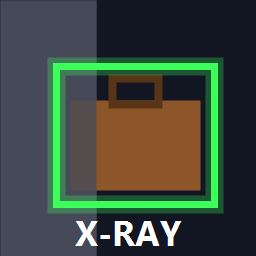
Press a key to see every unopened luggage through walls, outlined by a coloured box. Colours are configurable per luggage type.LuggageXRay
Press a key to see every unopened luggage through walls. Each one gets a box outline traced around its hitbox, with a name + distance label. Colours are configurable per luggage type.
Client-side only: nobody else in the lobby needs the mod.
Usage
- Press L (default) to toggle the x-ray on/off.
- Set
ActivationMode = Holdif you only want it while the key is held. - Opened luggage disappears from the overlay automatically.
Configuration
Run the game once with the mod installed, then edit BepInEx/config/xtyob.luggagexray.cfg
(r2modman / Thunderstore Mod Manager: Config editor -> xtyob.luggagexray).
| Section | Setting | Default | Notes |
|---|---|---|---|
| Controls | Key | L |
Unity Input System key name, e.g. F3, Backquote, Numpad0 |
| Controls | ActivationMode | Toggle |
Toggle or Hold |
| Controls | StartEnabled | false |
Toggle mode: on at startup |
| Display | MaxDistance | 400 |
Metres, 0 = unlimited |
| Display | LineWidth | 0.04 |
Metres |
| Display | ScaleWithDistance | true |
Keeps far boxes readable |
| Display | BoxPadding | 0.05 |
Extra space around the hitbox |
| Display | ShowLabels / ShowDistance | true |
Name and distance text |
| Display | LabelFontSize | 13 |
|
| Colors | one entry per luggage type | RRGGBBAA hex |
|
| Filter | Show <type> |
true |
Hide types you don't care about |
Default colours:
| Type | Colour |
|---|---|
| Luggage | FFD24AFF yellow |
| Big Luggage | FF8C1AFF orange |
| Explorers Luggage | 3CFF5AFF green |
| Clown Luggage | FF4FD8FF pink |
| Ancient Luggage | A64DFFFF purple |
| Ancient Statue | 3CE6FFFF cyan |
| Default (anything else) | FFFFFFFF white |
Any luggage type the mod hasn't seen before is added to the config automatically the first time it shows up.
Manual install (without a mod manager)
- Install BepInExPack PEAK.
- Copy
LuggageXRay.dllintoPEAK/BepInEx/plugins/.