You are viewing a potentially older version of this package. View Latest Version

This is a Potion Craft mod to help with the managing of "waypoint" recipes. This mod is compatible with Potion Craft v2.0!
See the location on the map of your saved "waypoint" recipes. These include any recipes with no effects and any recipes which are far away from their last gathered effect.
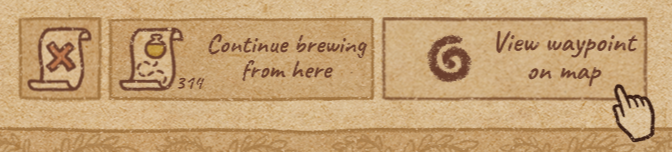
Easily figure out where your waypoint recipe will take you if you continue brewing from that recipe by using the Go to waypoint button in the recipe book.
Check the path you will be working with if you continue brewing from the recipe by hovering over the waypoint icon on the map. Never continue brewing a recipe just to find your path leads you strait into a wall again!
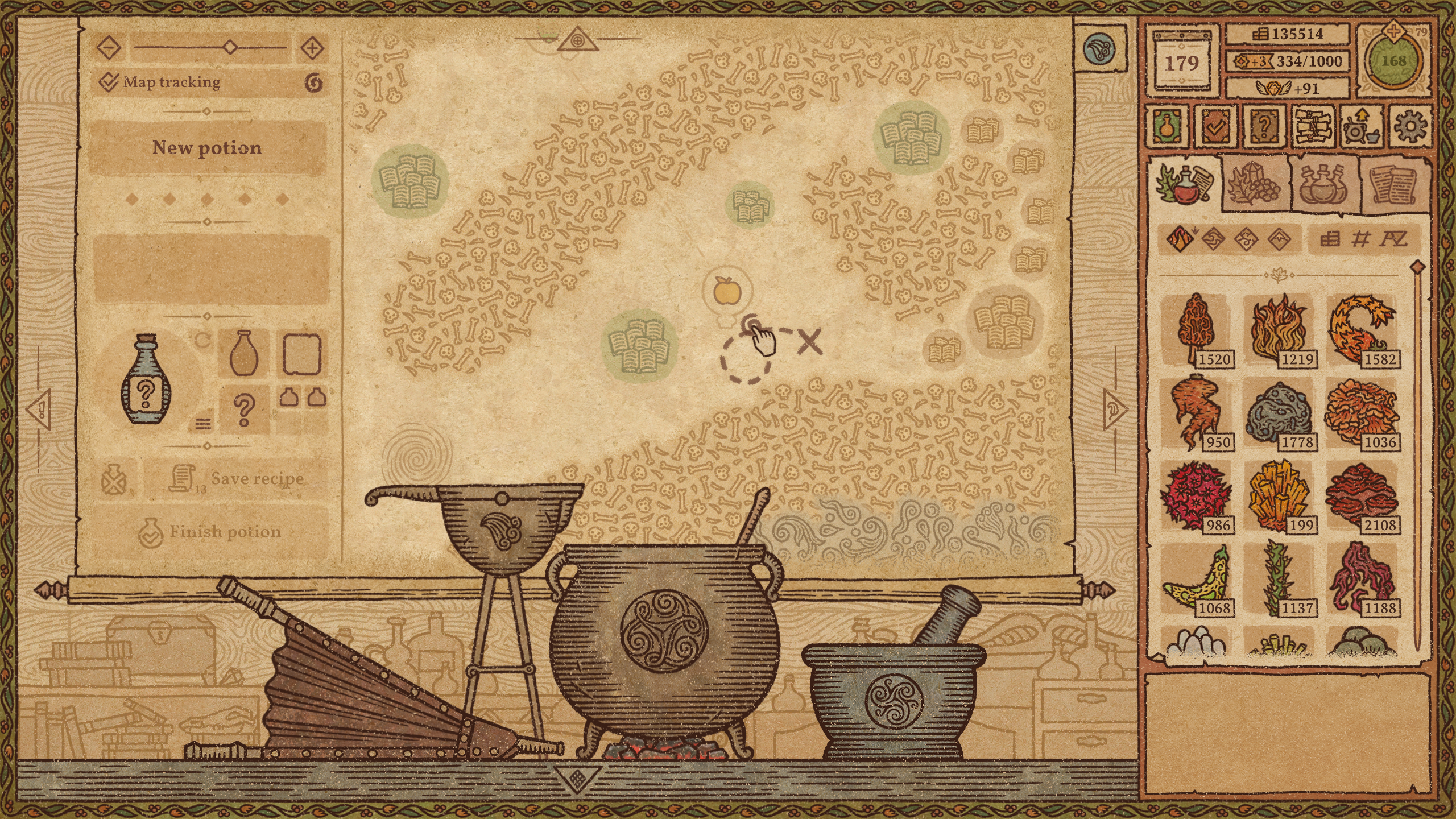
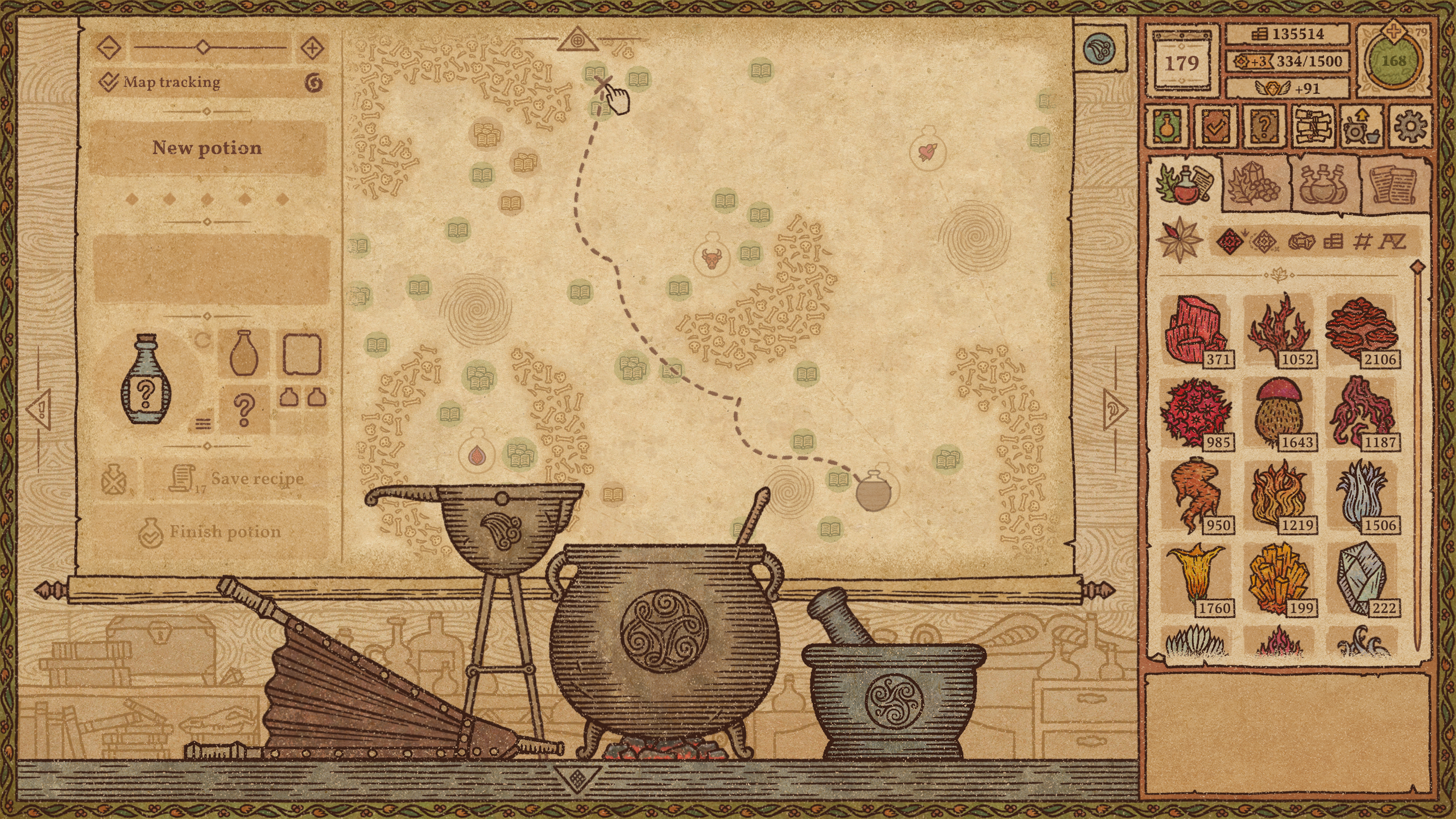
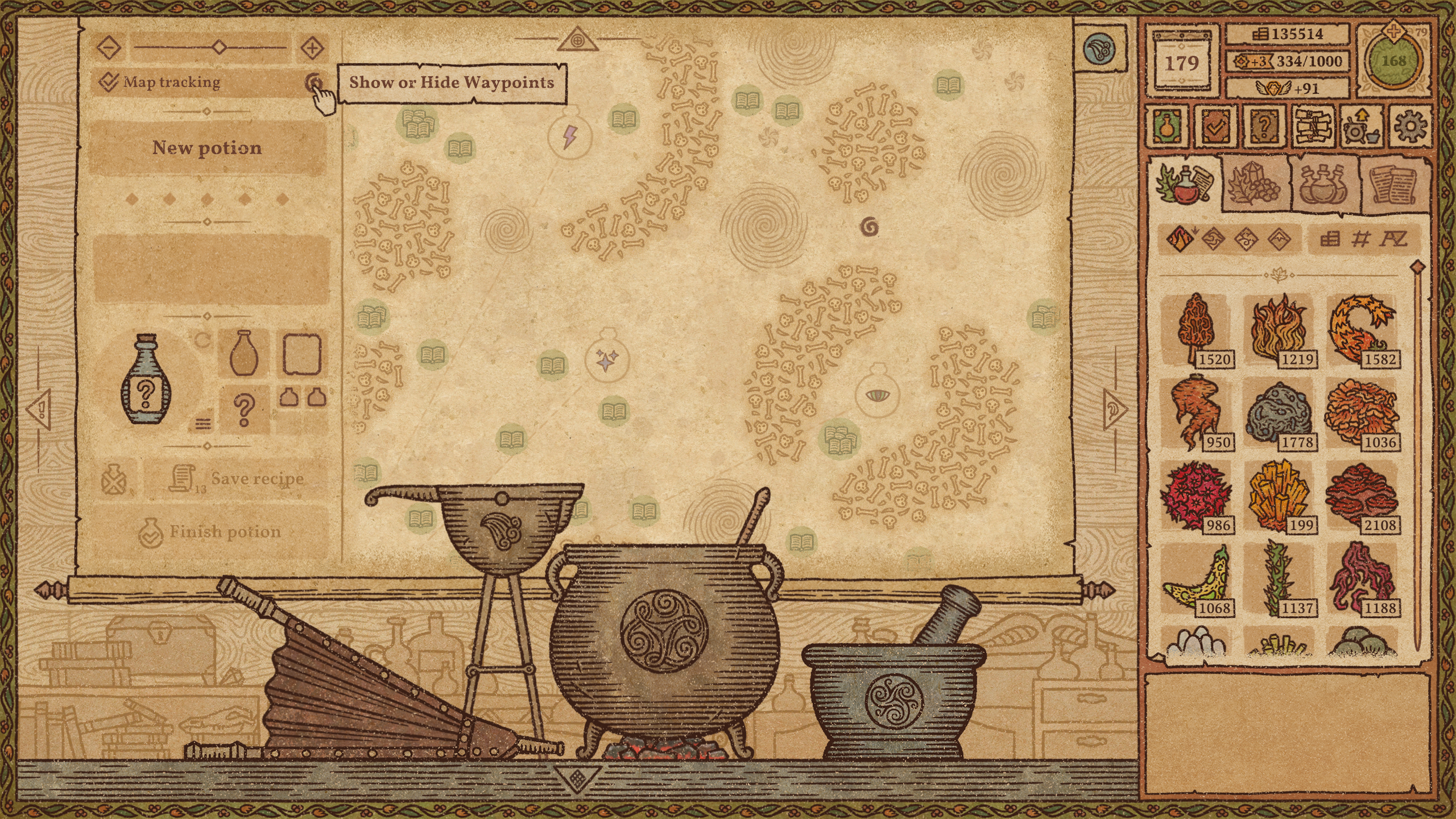
Toggle waypoint recipes on and off to ensure you are only seeing useful waypoints on the map:
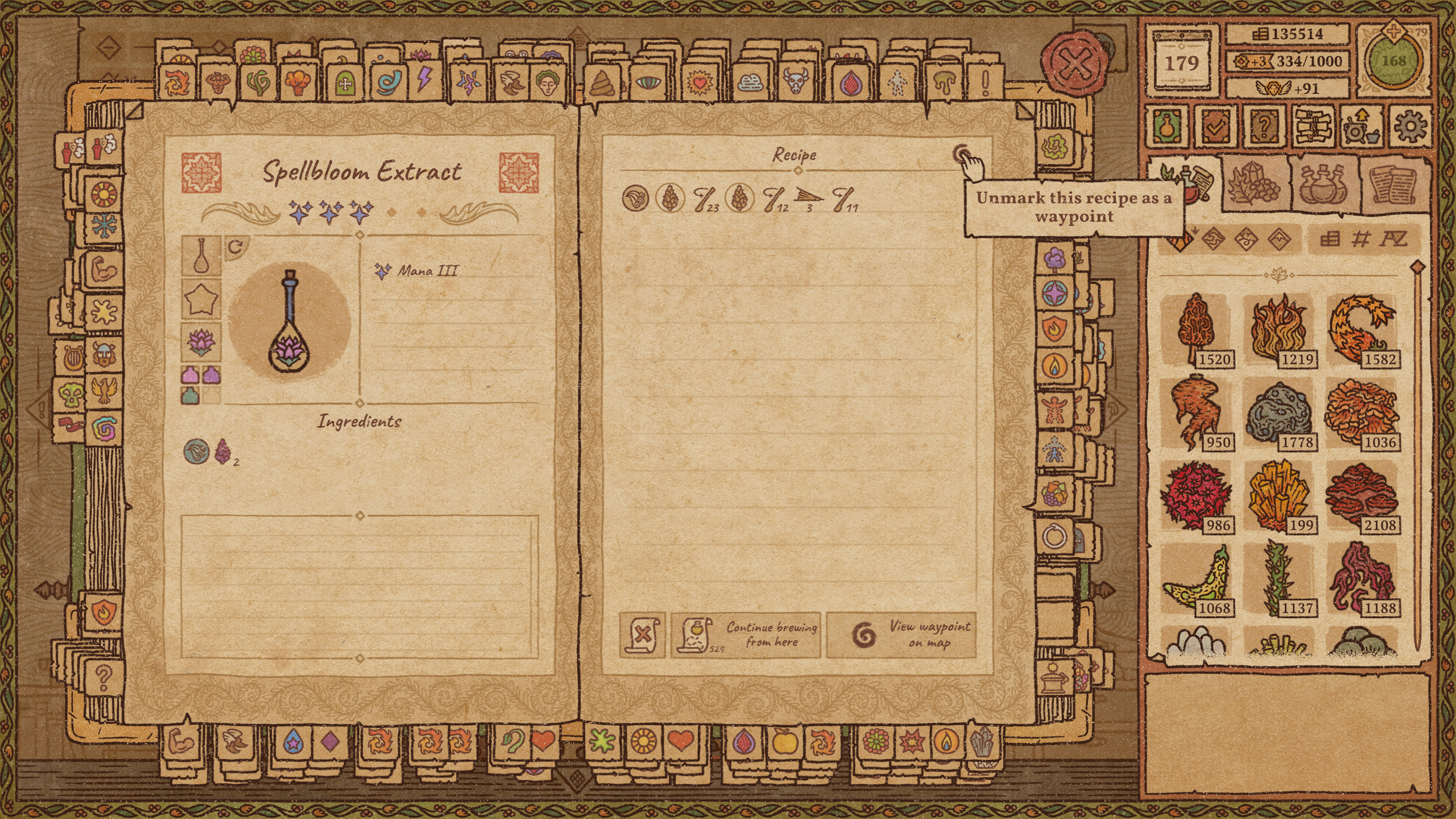
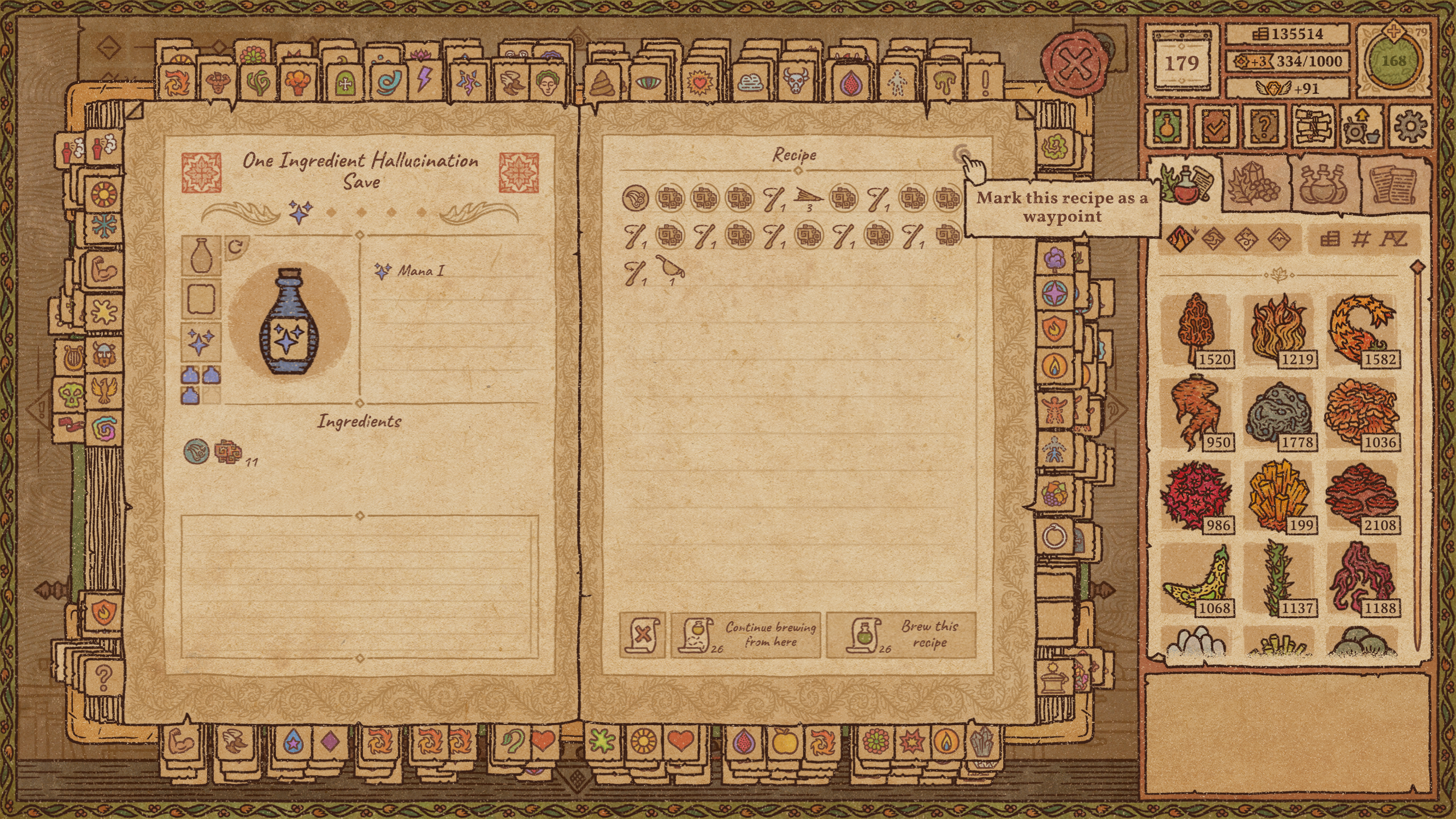
See this showcase video to see everything this mod does.
This is the recommended way to install Recipe Waypoints.
If you are installing this manually, do the following:
If you are not sure where your Potion Craft steam directory is you can find out by opening steam, going to your library, and right clicking on Potion Craft > Properties > Local Files > Browse.
winhttp.dll file and BepInEx folder alongside your Potion Craft.exePotionCraftRecipeWaypoints.dll file at Potion Craft/BepInEx/pluginsSee this guide for installing Potion Craft mods on the Steam Deck
I am making a series of mods which make recipes easier to use. All of these mods are intended to be balanced and feel like part of the base game:
Bookmark Organizer - Lets you organize your recipes into groups! Save space in your recipe book and find the recipe you are looking for faster!
Pour Back In - Makes your potions work just like recipes. Pour potions back in the cauldron to continue where you left off. You can also finish potions before you add any effects so you can come back to them later just like a waypoint recipe.
Brew From Here - Lets you continue brewing from any recipe mark.