
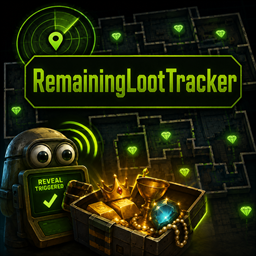
RemainingValueTracker
Reveals remaining R.E.P.O. valuables and cosmetic boxes with configurable thresholds and hotkeys.Remaining Value Tracker
The mod scans valuables at the start of a level, then reveals every remaining undiscovered valuable once the configured discovery threshold is reached. It can also reveal cosmetic boxes automatically or by hotkey.
Config
The config file is generated as BepInEx/config/DarkSpider90.RemainingValueTracker.cfg.
Enable Mod: enables or disables the tracker.Tracking Mode:Valuetracks discovered value,Counttracks discovered item count.Trigger Percent: percent that must be discovered before the rest is revealed. Default is85.Scan Interval: seconds between progress checks.Reveal Hotkey: configurable key used to reveal all remaining valuables manually. Default isF10.Reveal Cosmetic Boxes Hotkey: configurable key used to reveal only cosmetic boxes manually. Default isF9.- Hotkeys are written as text so config menus can display them. Examples:
F10,F8,Mouse3,LeftControl+F10, orNone. Reveal With Valuables: reveals cosmetic boxes automatically when remaining valuables are revealed. Default istrue.Show Message: shows a top-center message when the reveal happens.Message Text: text shown by the reveal message.Cosmetic Boxes Message Text: text shown when cosmetic boxes are revealed by hotkey.Debug Logs: writes progress details to the BepInEx log.
Installation
Mod Manager
Install with a Thunderstore-compatible mod manager.
Manual
- Install BepInEx.
- Place
RemainingValueTracker.dllinto:
BepInEx/plugins/RemainingValueTracker/
Credits / Inspirations
Special thanks to QNCNXW8R and his FindRemainingValuables mod as inspiration.