

TextUpgradesUIScale
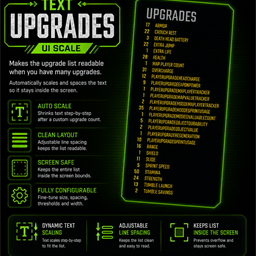
Scales the R.E.P.O. upgrade list UI after v0.4.0 with a simple configurable step-based text scaler.Text Upgrades UI Scale
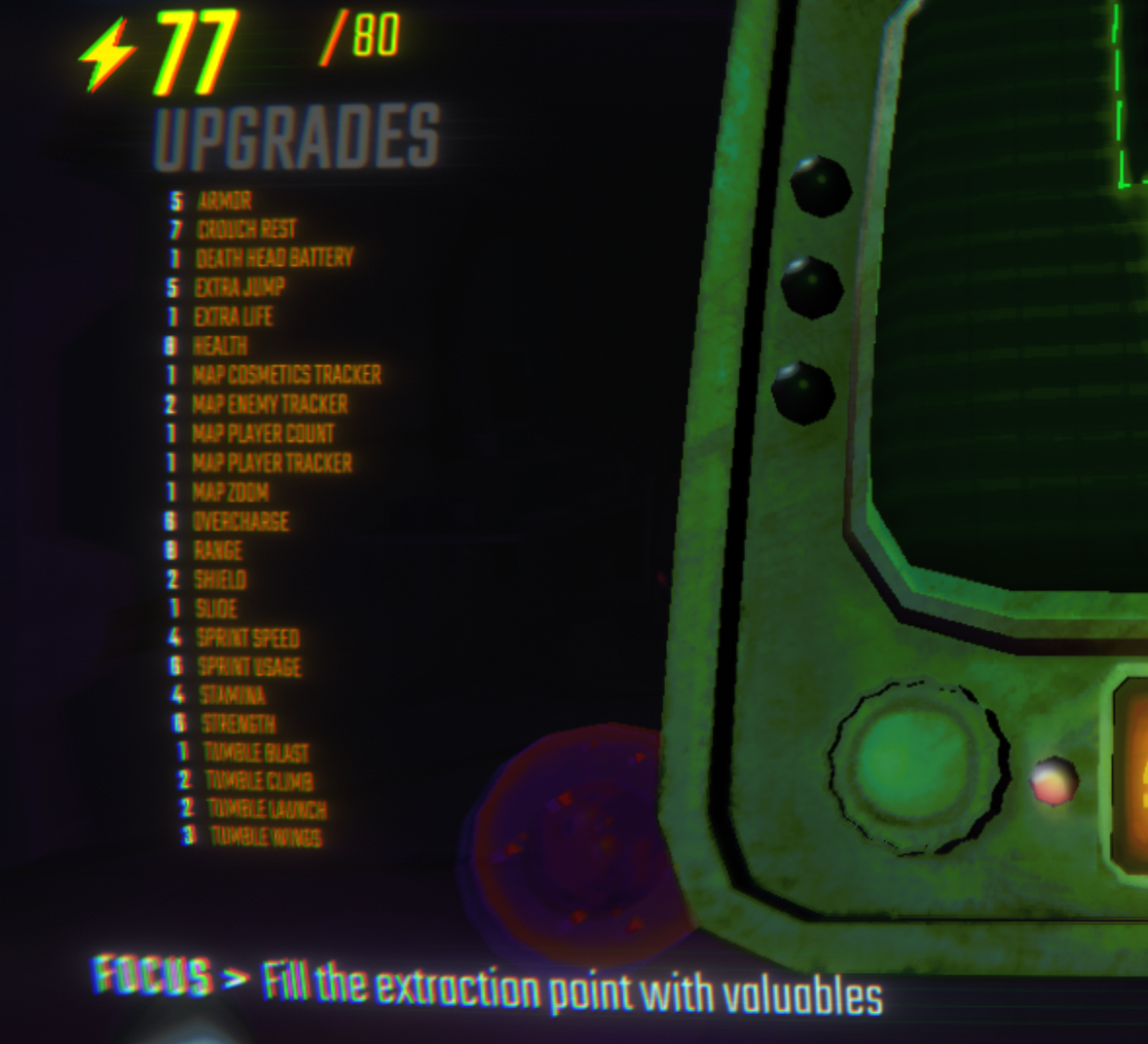
Text Upgrades UI Scale keeps long modded upgrade lists readable by dynamically scaling and spacing the upgrade text when too many upgrades are active.
Useful for heavily modded lobbies where the vanilla upgrade UI overflows the screen.
Config
The config file is generated as BepInEx/config/DarkSpider90.TextUpgradesUIScale.cfg.
StartShrinkingAfterUpgradesCount: after how many active upgrades the text starts shrinking. Default:10.ShrinkEveryUpgrades: shrink once per this many additional upgrades. Default:2.ShrinkStep: how much scale is removed per step. Default:0.07.LineSpacing: extra vertical spacing between rows while scaled. Default:-4.MaxTextWidthBeforeShrinking: shrink text if upgrade names become wider than this value. Default:0, which disables width-based shrinking.
Scale values use 1 as the original game size. For example, 0.5 is half size.
Installation
Mod Manager
Install with a Thunderstore-compatible mod manager.
Manual
- Install BepInEx.
- Place
TextUpgradesUIScale.dllinto:
BepInEx/plugins/TextUpgradesUIScale/