
NoSaloonDoors
Takes the saloon doors out of Sunstone Valley Resort, so those doorways are always open. Only the host needs it.
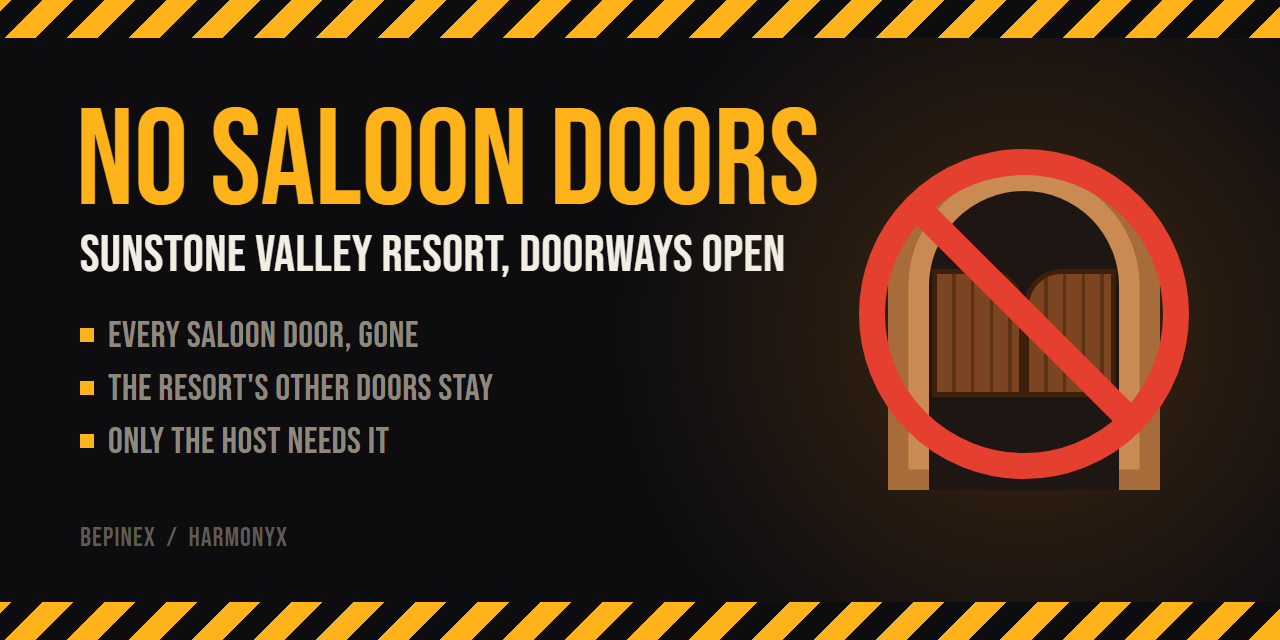



NoSaloonDoors takes the saloon doors out of Sunstone Valley Resort, the map added in R.E.P.O.'s Sunstone update. The doorways they sat in are left open, so nobody gets caught on swinging doors mid-chase or while carrying loot. The resort's other doors stay.
Install
With a mod manager (r2modman, Gale), search for NoSaloonDoors in the Online tab and install it.
To install by hand, set up BepInEx, then put NoSaloonDoors.dll in BepInEx/plugins/NoSaloonDoors/.
Only the host needs the mod. The doors are never spawned, so they're gone for everyone in the lobby, whether or not they have it. If you join a lobby whose host doesn't have it, the doors are there.
Config
BepInEx/config/RoryDotGG.NoSaloonDoors.cfg
| Key | Default | Notes |
|---|---|---|
General.Enabled |
true |
Applies from the next level. |
General.PrefabNames |
Saloon Doors |
Comma-separated prefab names of the doorway props to leave out, in any case. Empty leaves every door. Applies from the next level. |
Any doorway prop a level places with CustomConnectionObject can go in PrefabNames. The mod is only meant for the saloon doors, so other names are untested.
How it works
The saloon doors (Level/Desert/Other/Saloon Doors) reach a Sunstone Valley Resort level (Desert in the game files) in two ways, and the mod handles both.
Spawned at a doorway. The Food Court fills its doorways with a CustomConnectionObject, which spawns its door prefab in Setup. The game only calls Setup on the host, or in singleplayer, where it spawns the door with PhotonNetwork.InstantiateRoomObject. So a Harmony prefix that skips Setup for the saloon doors leaves them out for every player. The prefix also marks the doorway as filled. When both rooms have a connector at the same doorway, the second one checks the first and removes itself if the first has spawned. Without the mark, it would spawn its own copy of the door.
Built into the room. Most saloon doors are part of a room prefab, in shack walls (…/Door 01 Frame/Saloon Doors) and the start room's entrance, so they arrive with the room and there's no spawn to skip. Once the level has generated (a postfix on LevelGenerator.GenerateDoneApply), the host finds each PhysGrabHinge whose parent is named Saloon Doors and destroys it the way an enemy would. DestroyHinge marks it dead on every player, which clears the doorway's wall tag and sound muffling, then DestroyObject with effects off removes it without the crash and camera shake. Both go through the game's own RPCs, so players without the mod lose the doors too. Players with the mod also skip the burst of wood bits.
GameLibs predates the Sunstone update, so CustomConnectionObject and GenerateDoneApply aren't in it, and its DestroyObject has an older signature. The patches find these by name at runtime, and log a warning instead of patching on a game version without them.
| File | Purpose |
|---|---|
src/Plugin.cs |
Config and start-up |
src/SaloonDoorPatch.cs |
The CustomConnectionObject.Setup patch, for spawned doors |
src/BakedDoorPatch.cs |
Takes out doors built into rooms once the level has generated |
src/DoorFilter.cs |
Pure name matching (no Unity), covered by tests/DoorFilterCheck |
Build
You need the .NET SDK, version 8 or later.
dotnet build -c Release
To copy the DLL straight into a mod manager profile on build:
dotnet build -c Release -p:PluginsDir="$HOME/path/to/profile/BepInEx/plugins"
To build the Thunderstore package (dist/NoSaloonDoors-<version>.zip, ready to upload):
dotnet build -c Release -t:ThunderstorePackage
To release, bump <Version> in NoSaloonDoors.csproj, add a CHANGELOG.md entry, and merge it to main. That's the only place the version lives: the build writes it into the plugin, and the package build adds it to the zip's manifest.json. Then tag that commit and push the tag:
git tag v1.0.0
git push origin v1.0.0
The release workflow checks the tag matches the version, runs the door-name check, builds the package, publishes it to Thunderstore and attaches the zip to a GitHub release. It needs a THUNDERSTORE_TOKEN repository secret holding a Thunderstore service account token for the team.
Run the door-name self-check (no game needed):
dotnet run --project tests/DoorFilterCheck
The check workflow runs that check and builds the package on every pull request and every push to main. It doesn't publish anything.
The banner and icon are HTML in docs/mockups. To re-render them, run this in PowerShell. It needs Brave, or pass -Browser with the path to any Chromium-based browser:
./docs/mockups/render.ps1
Compatibility
- Needs the Sunstone update (R.E.P.O. 0.5.0) or later. On an older game it does nothing and says so in the log.
- Other mods that patch
CustomConnectionObject.Setupmay clash with it.