


Cosmetics UI
Displays your number of unlocked cosmetics on the map screen, organized by rarityREPO Cosmetics Display
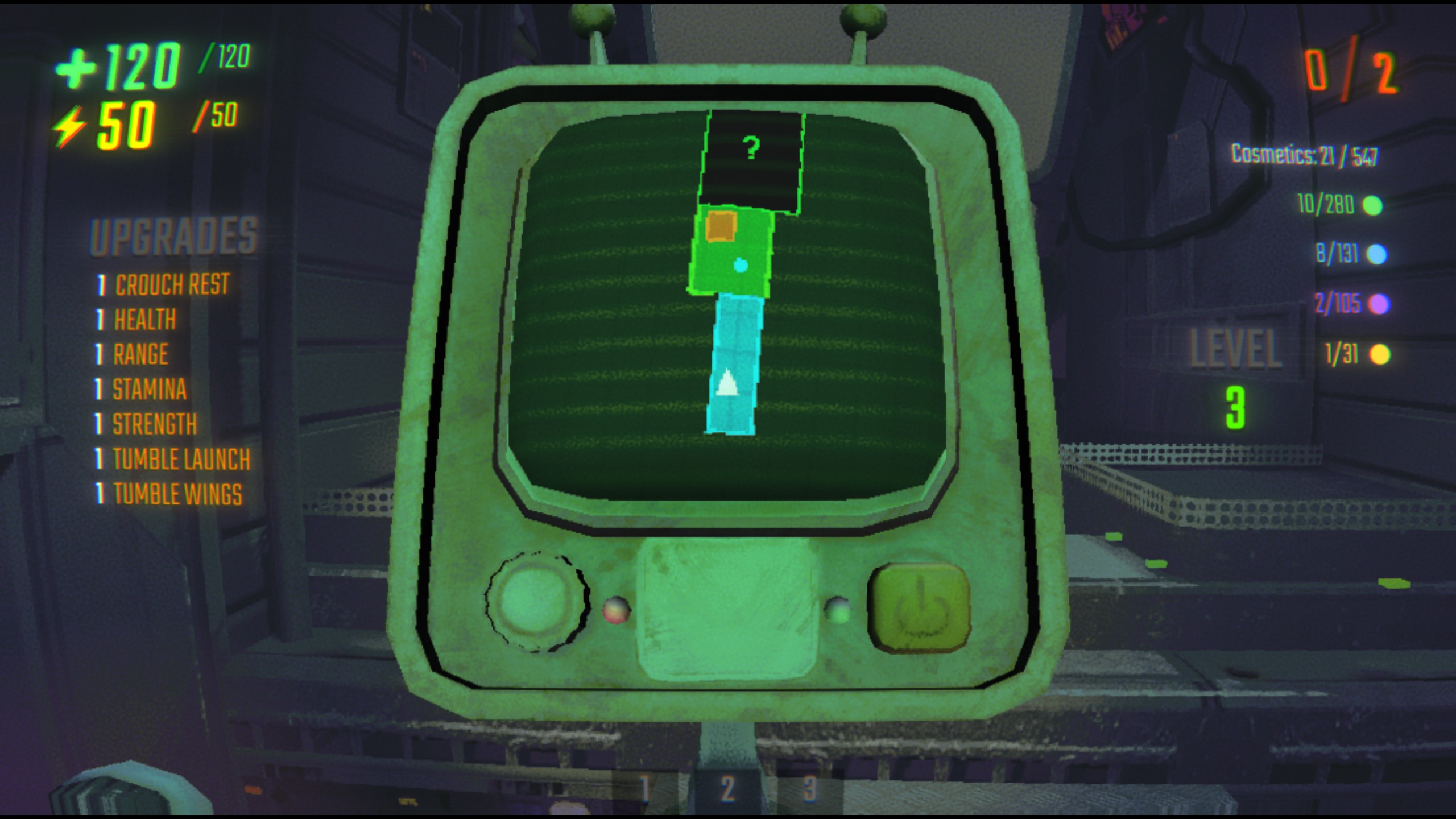
This mod is QOL (quality of life) that is an additional element as an overlay. Displays your unlocked cosmetics on the map screen, organized by rarity tier.
Features
- Shows cosmetics count (unlocked / total)
- Color-coded by rarity: Common, Uncommon, Rare, Ultra Rare
- Appears in the top-right corner when map is open by default
- Includes presets: Default, Top Right, Top Left, Bottom Left, Bottom Right
- Configurable X/Y offset through BepInEx config
- Real-time updates every 2 seconds
Usage
Open the map - cosmetics display will appear in the top-right corner automatically !
To move the overlay, edit the generated config file at BepInEx/config/com.repo.CosmeticsUI.cfg.
The relevant entries are Interface/Preset, Interface/X, and Interface/Y.
Default matches the current top-right placement. The other presets snap the overlay to the selected corner, and X/Y control the distance from that anchor.
It is not perfect at the moment so I advise you to stick to coordinates and default preset while I work on a better system, though you can still try it out !
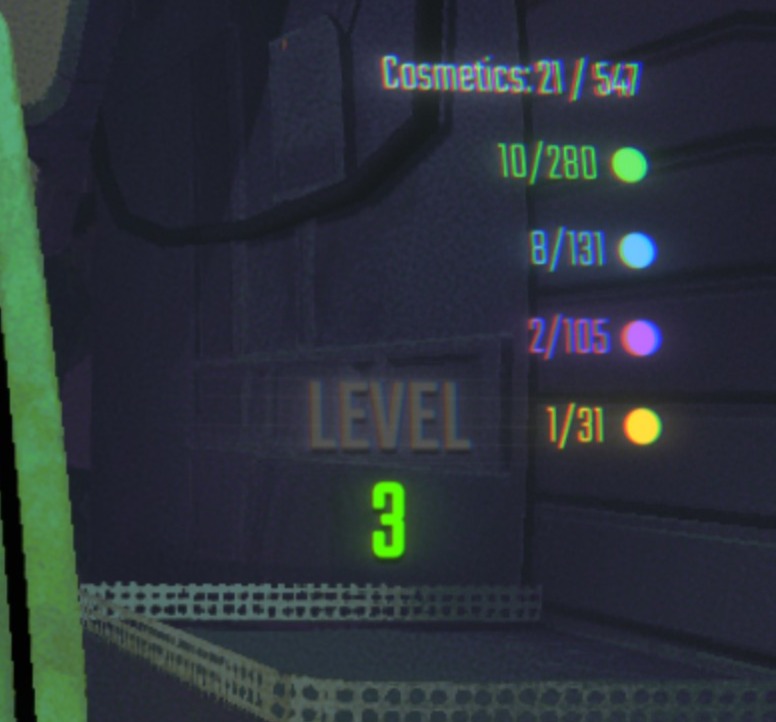
As you can see, it is discrete and fits in the game, using the same text and a good layout.
FAQ
- Can I use this mod in multiplayer ?
Yes, it is a client side mod, meaning it only impacts you, and not the other players.
- Do I need to install plugins for it to work ?
The only plugin you need is included in the downloaded when downloaded from thunderstore app. If not, you may need to install BepInEx (5.4.2304)
- Can I use this with other mods ?
Of course ! If you want it compatible with certain other mods, do not hesitate to contact me :)
- Can I include it in my modpack ?
Yes absolutely, we are happy that you like the mod !
For my technical fellas out there
Want to install this manually ? Do not worry, it is not very complicated.
take the file : \plugins\CosmeticsUI.dll from the downloaded files.
drop the file in : \steam\steamapps\common\REPO\BepInEx\plugins\
Note
I am still new to modding, if you encounter any bug, crash or lag due to it, please let me know. Check out other mods I made !
Contact us / feedback
You can contact me at : [email protected]
Have fun !