


Gun Sniper Rifle
Add a new weapon to the game.Add a sniper rifle to the game.
Scripting/modeling by Wakaura.
Change Logs
0.5.0
- Introduce the weapon to the game.
0.5.5
- Fix the issue where commands can be executed even if the weapon is grabbed by other players or dropped on the ground.
When more than one player is grabbing the weapon, the zoom mode will be deactivated, but every player can toggle the laser pointer.
- Fix the issue where the laser pointer is not visible to all players.
Might be useful when someone is trying to snipe you.)
- When entering zoom mode, the scope will light up red.
In multiplayer, this can be used to indicate if a player holding this weapon is currently zoomed.
-
Move the item to normal shop shelves instead of the attic.
-
Sound effects will be played when tuning the zoom.
-
Switch the global firing sound effect to falloff.
0.5.8
-
Beta version compatible.
-
Add piercing bullets.
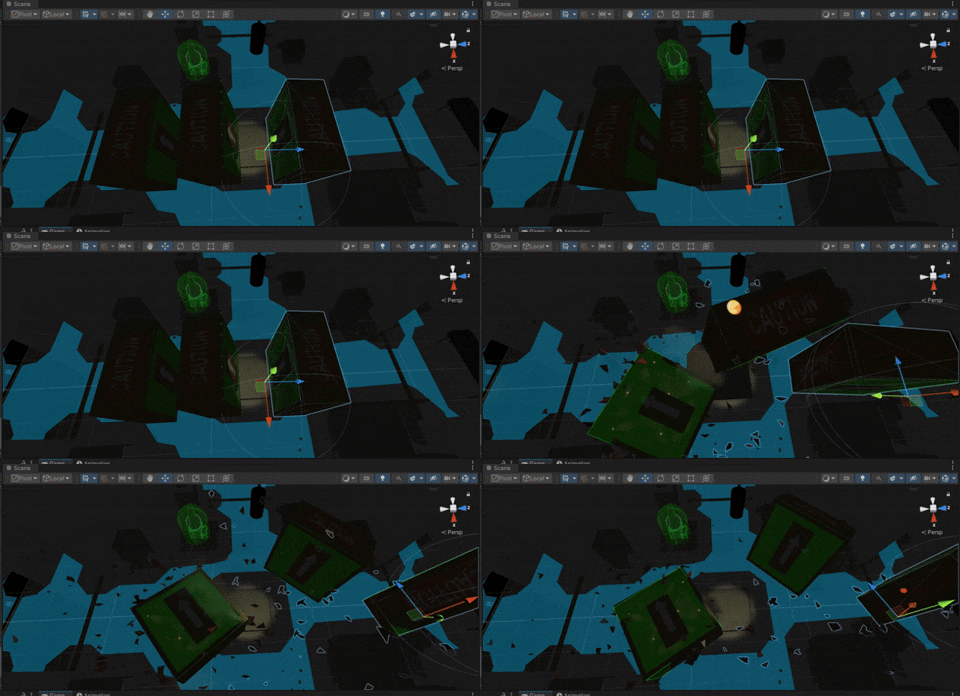
By default, the bullet can hit up to 3 targets in a row
(Piercing bullet is only available in zoom mode)
-
When equipped, the laser pointer will automatically turn off to conserve energy.
-
Reposition the model.
0.6.0
-
Fix the issue where the battery energy can still be consumed constantly despite the pointer being visually off.
-
Add customizable keybinding commands for the zoom mode and the laser pointer.
The options can be found at the end of the control settings.
If new official settings are introduced, these options should always be kept at the end of the list.
If the custom input manager fails to load, all operations will fall back to their initial commands.
- (optimize) Convert the scrolling events to InputActions.
Weapon information
Base stats:
- Damage:
250(in zoom mode:355) - Range:
160 - Shoot Cooldown:
5 - Battery Drain:
20/shot - Base Cost:
50K ~ 75K
Weapon features:
- Zoom mode
- Laser pointer
- (0.5.8 added) Piercing bullets
- (0.6.0 added) Customizable commands
Zoom mode:
- Press Z to toggle. (key is customizable from 0.6.0)
- Mouse scroll to tune the view.
- Stable aiming assistance.
- Unavailable when the battery runs out.
Laser pointer:
- Press X to toggle. (key is customizable from 0.6.0)
- The battery will be drained slowly when the pointer is on.
- Battery Drain Rate:
0.1 - Unavailable when the battery runs out.
Note
Starting with version 0.6.0, a new package is included for custom UIs with new global components to manage custom key bindings.
You can find the custom keybinding files (.es3) in the following folder:
AppData\LocalLow\semiwork\REPO (Windows)
~/Library/Application Support/semiwork/REPO (macOS)
Screenshots


