
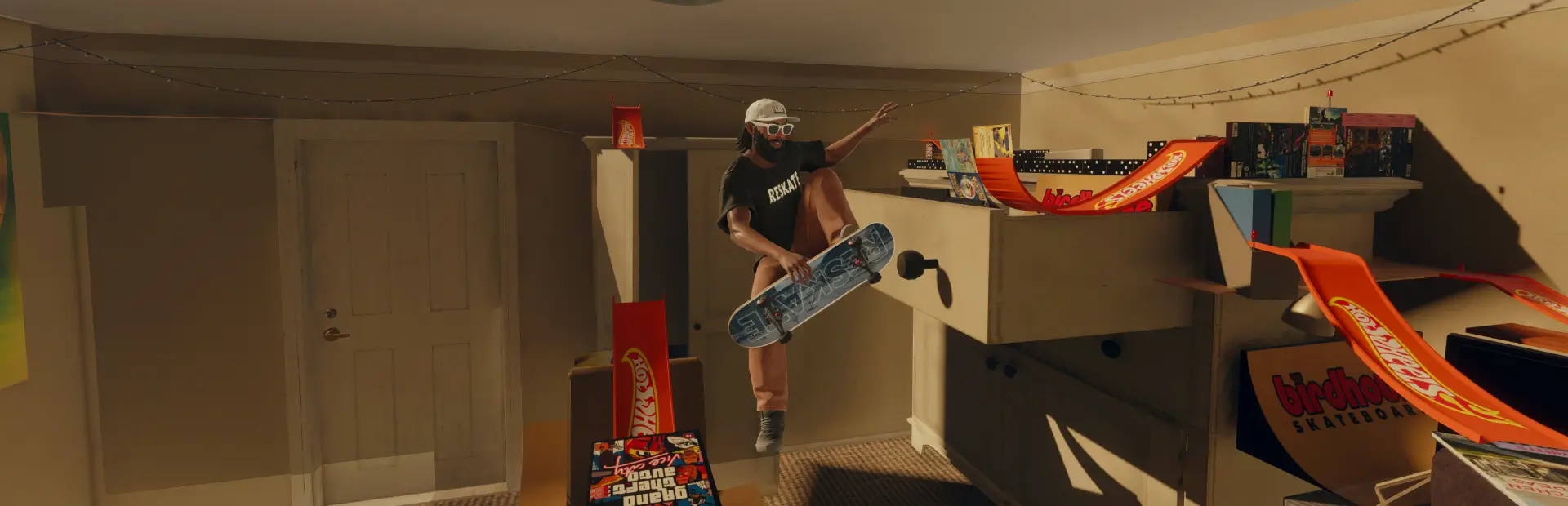

Lil Peep Hellboy Beanie
Adds a lil peep hellboy beainie.Lil Peep Hellboy Beanie
A white tee with a red hellboy logo.
- Front — hellboy on the head
- Back — nothing on the back

Install
Extract the Lil_Peep_Hellboy_beanie folder into your ReSkate mods folder:
<ReSkate>\Mods\Lil_Peep_Hellboy_beanie\
The default location is:
C:\Games\Skate\Mods\
Launch ReSkate and the mod is picked up automatically. To equip it, open the character's clothing and select the tee on the top slot.
If it does not show up, open the Mods tab in ReSkate Studio and make sure
Lil_Peep_Hellboy_Beanie is ticked in the load order.
Uninstall
Delete the ``Lil_Peep_Hellboy_Beaniefolder fromMods` and relaunch.