This package has been deprecated and may no longer be maintained. We recommend looking for an alternative.

Epoch Neon Empire Matrix HUD
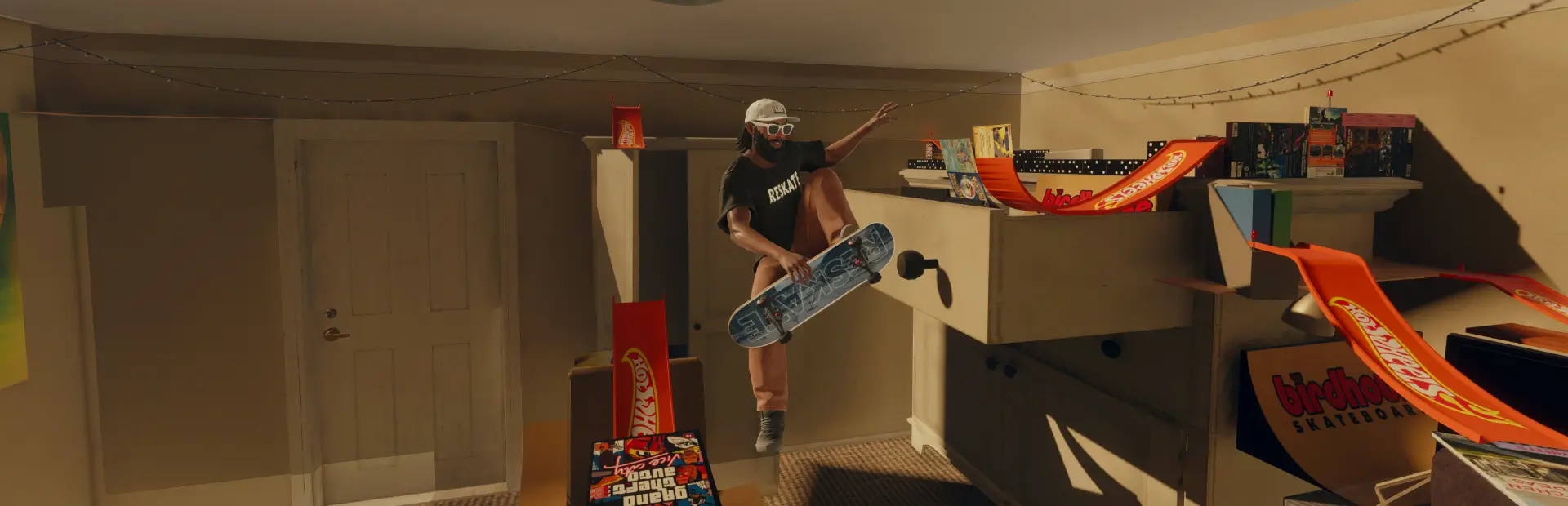
Matrix-style ReShade look for skate.: green code tint, falling digital rain, scanlines, vignette and HUD corner brackets. Manual ReShade install.EpochNeon Matrix HUD
A Matrix-style screen effect for skate./ReSkate by Glassy_Epoch (Epoch_Neon_Empire).
- Green "code" colour grade
- Falling digital rain with flickering glyphs (keeps the centre clear so you can see your skater)
- Scanlines and vignette
- Glowing HUD corner brackets
- Everything adjustable with sliders: tint, rain amount, glyph size, rain speed, clear centre, scanlines, vignette, brackets
This is a ReShade effect, not a game file mod. It works on the whole screen and does not change the game's own menus or HUD text. The shader is self-contained (no ReShade effect packages needed).
Install (manual - mod managers can't place ReShade files)
- Install ReShade (reshade.me) for Skate.exe - choose DirectX 12 (use DirectX 11 if the menu doesn't appear). You can skip the effect packages.
- Copy the reshade-shaders folder from this ZIP into your game folder (next to Skate.exe). If you already have one, just put
EpochNeon_MatrixHUD.fxintoreshade-shaders\Shaders. - Copy EpochNeon_MatrixHUD.ini next to Skate.exe.
- In game press Home, select the EpochNeon_MatrixHUD preset and tick EpochNeon Matrix HUD.
Not listed? ReShade menu > Settings > Effect search paths > add
.\reshade-shaders\Shaders, then Reload.
Tip: right-click the effect in the ReShade menu to set a toggle key.
Good to know
- Some games' anti-cheat flags ReShade. Check that ReShade is allowed on the ReSkate servers you play on before using it online.
- To remove it, run the ReShade setup again and choose Uninstall.
Credits
- Glassy_Epoch - design. Shader written for this pack.
- ReShade by crosire (reshade.me) - required, not included.