
You are viewing a potentially older version of this package. View Latest Version

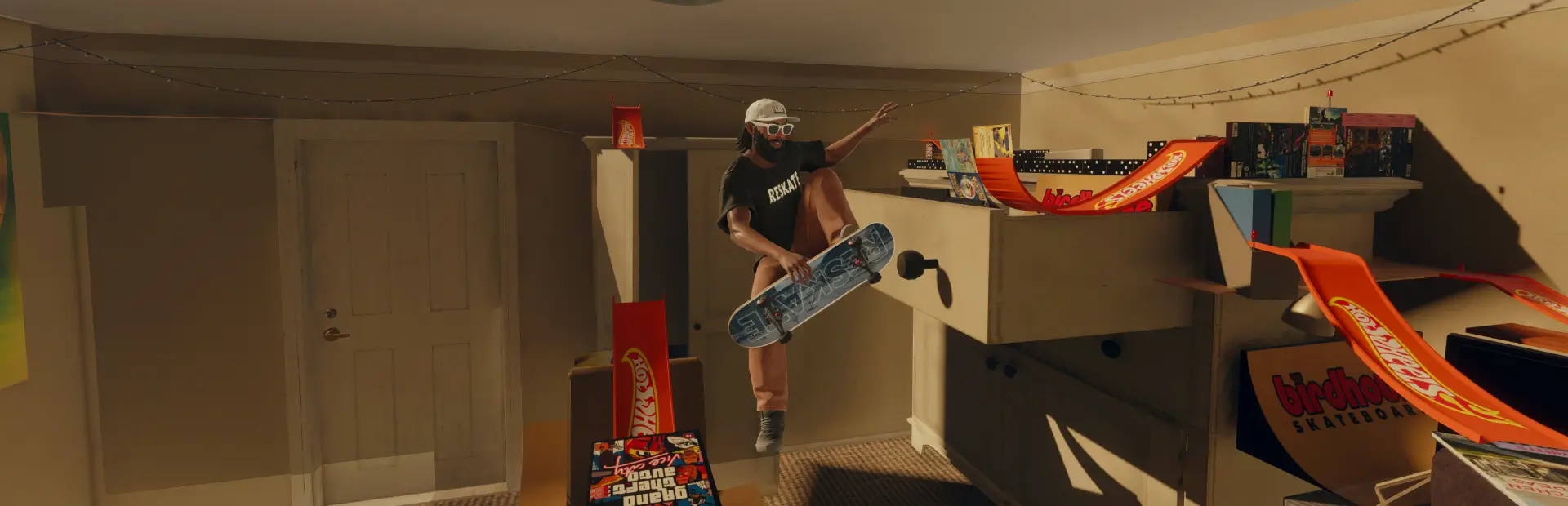
K7 Super Baggies
Super Baggies by K7.K7 Super Baggies
Created by K7
Install
With a mod manager
- Click Install on this mod's page.
- Launch skate. through the mod manager.
Manual install
- Download and extract the mod.
- Copy the K7 Super Baggies folder into your ReSkate
Modsfolder (for exampleC:\Games\Reskate\Mods). - Open the ReSkate launcher and make sure K7 Super Baggies is turned on.
- Launch the game. You'll find the pants in your closet under Bottoms.
Uninstall
Turn the mod off in the ReSkate launcher, or delete the K7 Super Baggies folder from your Mods folder.
Credits
- K7: creator
Please don't reupload this mod or its files. Credit K7 if you share it.