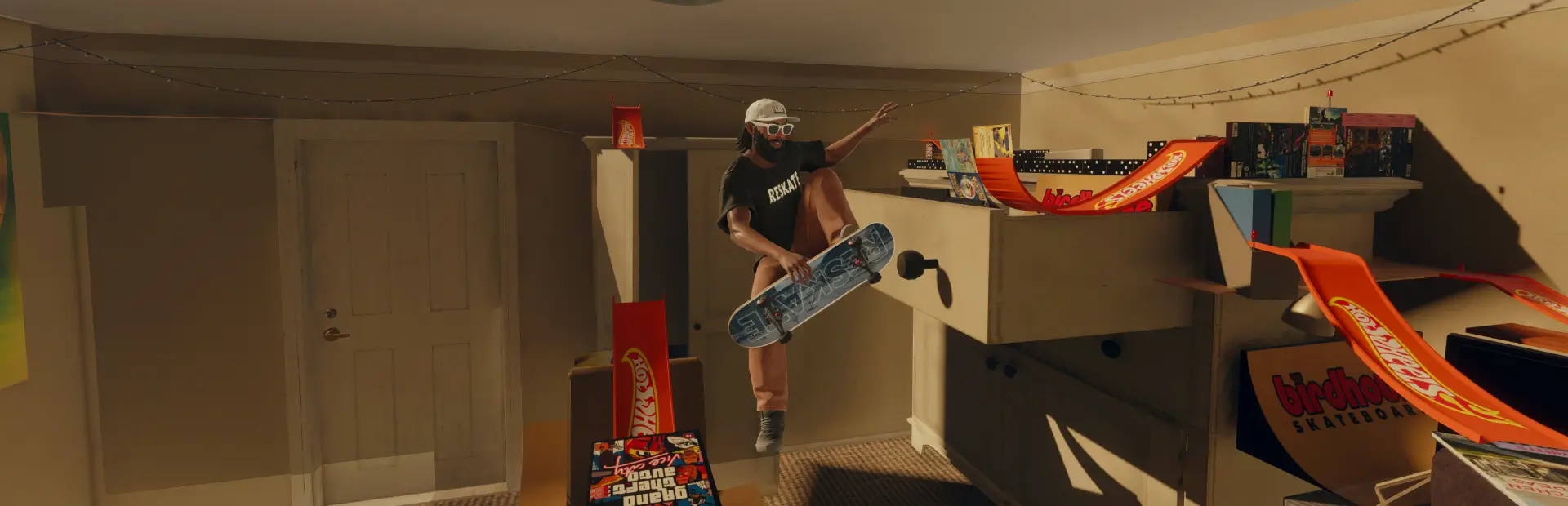

Board Color Picker
Go to Stickers and pick the wood color, sides and top.Board Colors
Recolour your board's wood from the Stickers menu: the ply edges on the sides and the wood under the grip and graphic, with the grain kept. Your deck graphic, grip colour and grip pattern stay as you picked them.
- Open the board customization, go to Stickers and pick a 0BoardColor sticker. It draws nothing on the board; it recolours the wood.
- Remove it to get the natural wood back.
Colours
- Gray_1 (#ffffff)
- Gray_2 (#808080)
- Gray_3 (#000000)
- Hue000_1 (#ff8080)
- Hue000_2 (#ff0000)
- Hue000_3 (#aa0000)
- Hue000_4 (#550000)
- Hue015_1 (#ff9f80)
- Hue015_2 (#ff4000)
- Hue015_3 (#aa2b00)
- Hue015_4 (#551500)
- Hue030_1 (#ffbf80)
- Hue030_2 (#ff8000)
- Hue030_3 (#aa5500)
- Hue030_4 (#552b00)
- Hue045_1 (#ffdf80)
- Hue045_2 (#ffbf00)
- Hue045_3 (#aa8000)
- Hue045_4 (#554000)
- Hue060_1 (#ffff80)
- Hue060_2 (#ffff00)
- Hue060_3 (#aaaa00)
- Hue060_4 (#555500)
- Hue075_1 (#dfff80)
- Hue075_2 (#bfff00)
- Hue075_3 (#80aa00)
- Hue075_4 (#405500)
- Hue090_1 (#bfff80)
- Hue090_2 (#80ff00)
- Hue090_3 (#55aa00)
- Hue090_4 (#2b5500)
- Hue105_1 (#9fff80)
- Hue105_2 (#40ff00)
- Hue105_3 (#2baa00)
- Hue105_4 (#155500)
- Hue120_1 (#80ff80)
- Hue120_2 (#00ff00)
- Hue120_3 (#00aa00)
- Hue120_4 (#005500)
- Hue135_1 (#80ff9f)
- Hue135_2 (#00ff40)
- Hue135_3 (#00aa2b)
- Hue135_4 (#005515)
- Hue150_1 (#80ffbf)
- Hue150_2 (#00ff80)
- Hue150_3 (#00aa55)
- Hue150_4 (#00552b)
- Hue165_1 (#80ffdf)
- Hue165_2 (#00ffbf)
- Hue165_3 (#00aa80)
- Hue165_4 (#005540)
- Hue180_1 (#80ffff)
- Hue180_2 (#00ffff)
- Hue180_3 (#00aaaa)
- Hue180_4 (#005555)
- Hue195_1 (#80dfff)
- Hue195_2 (#00bfff)
- Hue195_3 (#0080aa)
- Hue195_4 (#004055)
- Hue210_1 (#80bfff)
- Hue210_2 (#0080ff)
- Hue210_3 (#0055aa)
- Hue210_4 (#002b55)
- Hue225_1 (#809fff)
- Hue225_2 (#0040ff)
- Hue225_3 (#002baa)
- Hue225_4 (#001555)
- Hue240_1 (#8080ff)
- Hue240_2 (#0000ff)
- Hue240_3 (#0000aa)
- Hue240_4 (#000055)
- Hue255_1 (#9f80ff)
- Hue255_2 (#4000ff)
- Hue255_3 (#2b00aa)
- Hue255_4 (#150055)
- Hue270_1 (#bf80ff)
- Hue270_2 (#8000ff)
- Hue270_3 (#5500aa)
- Hue270_4 (#2b0055)
- Hue285_1 (#df80ff)
- Hue285_2 (#bf00ff)
- Hue285_3 (#8000aa)
- Hue285_4 (#400055)
- Hue300_1 (#ff80ff)
- Hue300_2 (#ff00ff)
- Hue300_3 (#aa00aa)
- Hue300_4 (#550055)
- Hue315_1 (#ff80df)
- Hue315_2 (#ff00bf)
- Hue315_3 (#aa0080)
- Hue315_4 (#550040)
- Hue330_1 (#ff80bf)
- Hue330_2 (#ff0080)
- Hue330_3 (#aa0055)
- Hue330_4 (#55002b)
- Hue345_1 (#ff809f)
- Hue345_2 (#ff0040)
- Hue345_3 (#aa002b)
- Hue345_4 (#550015)
Notes
- Works on every map: the board loader script and its parameter list are patched in the game's levels, and ReSkate applies them to maps' own copies.
- Ships the same board loader patch as the Hoverboard mod, so the two work together.
Building other colours
python tools/build_boardcolors.py --game "<folder with Skate.exe>" --out . --colors "Mint=#3dffb0,Wine=#6d1a36"