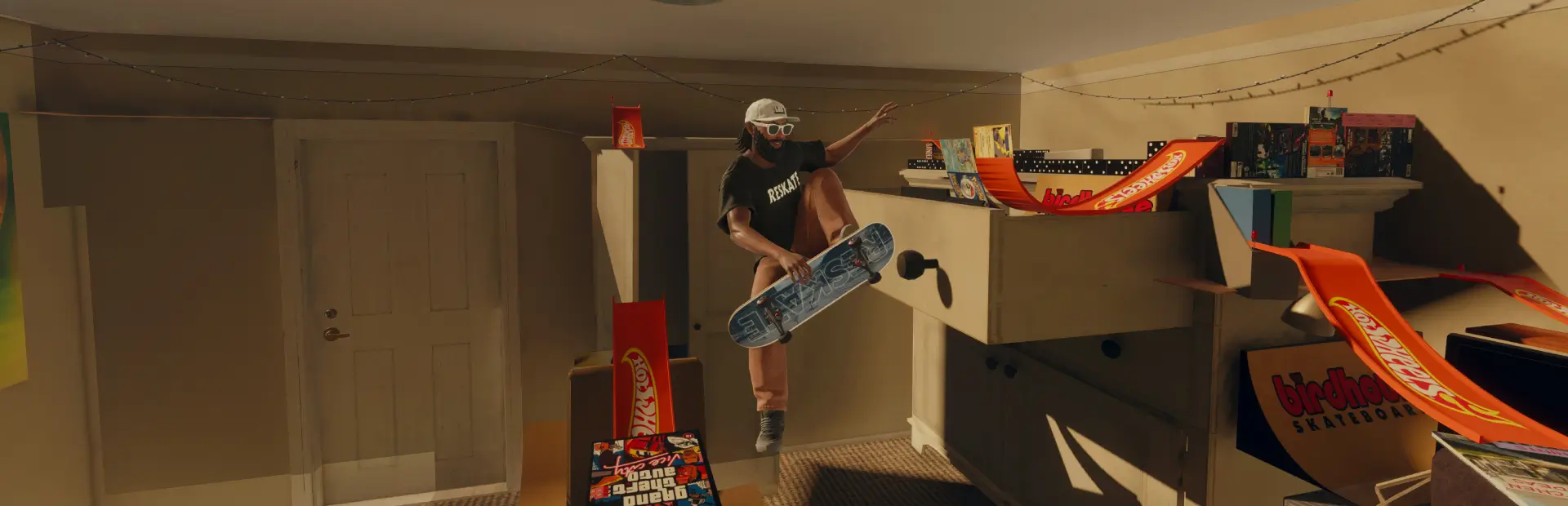

Ingame Testing Map
For level designers: every Skate Map audio tag, native VFX, prefab and game prop in one test level, each with a sign, a code and a fast-travel point. Many need context to trigger; see the README. Not a skate map.Ingame Testing Map (for level designers)
This is not a skate map. It is a reference and test level for people who build custom ReSkate maps with the
Skate Map Blender add-on and ReSkate Studio. Every audio emitter tag and every native VFX effect, prefab and
game prop the add-on can place is set out on one long floor. Each one has a sign with its code and name, so you can
hear and see it in game, up close, before you put it in your own level. No more working blind and guessing what a
tag name like obj_seawallentertainment02 or pf_env_bats_circling_5m actually does.
Please read the "What to expect" section first. Many entries do nothing on this floor, and that is a finding too.
In game
Install it, start skate., and pick Ingame_testing_1.0.0 from the map list. You spawn at the start of zone A.
Layout and fast travel
One flat concrete floor, about 3.4 km long (west to east) and 0.57 km deep. Zones sit side by side. Each zone has a title sign and a fast-travel point at its front, so use the fast-travel menu to jump between them.
| Fast-travel point | What is there | Count | Spacing | Travel point (Blender x, y) |
|---|---|---|---|---|
| (spawn) | south of zone A | 100, -40 | ||
| A Shops and buildings | emitter tags at small shop fronts, windows, a church tower | 32 | 40 m | 100, -26 |
| B Rooftops | AC units, vents, fans, rooftop tags | 12 | 40 m | 390, -26 |
| C Street props and vehicles | street props, power boxes, traffic, vehicles | 69 | 40 m | 680, -26 |
| D Nature | trees, bushes, ponds, insects, birds | 23 | 40 m | 970, -26 |
| E Skate spots | ramps, stairs, skatepark tags | 9 | 40 m | 1260, -26 |
| F Venues and structures | stages, tunnels, bridges, stadium, venues | 37 | 40 m | 1550, -26 |
| G Beach and water | seawall, boats, gulls, beach tags | 11 | 40 m | 1840, -26 |
| H Game and misc | everything else | 19 | 40 m | 2130, -26 |
| V Native VFX effects | effect blueprints (steam, smoke, leaves, birds, fire, water, light) | 205 | 30 m | 2545, -26 |
| V row 11 | the back half of zone V | 2305, 292 | ||
| P Native prefabs and triggers | 46 prefabs, 13 trigger effects, 12 real game props | 71 | 30 m | 3055, -26 |
- Audio emitters (zones A to H, 212): each sits inside a small blockout scene that fits its name (a shop front,
a rooftop, a street prop, a vehicle, a tree, a pond, a ramp, stairs, a stage, a tunnel, an alley, a pool, a boat,
a seawall). The sign stands 6 m in front of it:
<code> <name> [<scene>]. - VFX, prefabs and props (zones V and P, 276): in rows on the bare floor, with the sign 3.5 m in front:
<code> <name>, plus(trigger)for trigger effects. - Signs have no collision, so ride straight through them. The floor is concrete with full collision.
What to expect (read this)
- Some entries never trigger here. Missing sound or nothing visible doesn't mean the map is broken.
- Audio emitters only play with the right context nearby. The add-on says "nearby ambience chooses sounds from tags". On a bare floor they stayed silent, which is why every emitter here sits in a blockout scene. Even so, many stay silent: they seem to need things this map doesn't have, like the game's own region or district around them.
- Some may only play at certain times or conditions. Night insects, for example, are worth trying at night. Change the time of day in game and come back.
- Trigger effects (13, marked "(trigger)") fire on a game event, so they may do nothing on their own.
- Some prefabs are made for gameplay and may do nothing, or show odd markers.
- Water effects (ripples, wakes, waterfalls) are made for water and look strange on concrete. Big effects (fog planes, falling snow, flocks) spill over onto their neighbours.
- Range, falloff and cooldown come from the tag itself. The add-on has no range setting. Ride slowly along a row and note at which sign a sound starts and stops: that is its range. A sound that carries more than 40 m can overlap its neighbours.
- Game props: entries under
world/prefabs/...andworld/props/...place the game's own prop meshes (a trash bin, trash bags, building vents, a food trailer). Native props can be placed this way. - Seen working in game: 33 entries were confirmed by screenshot when the map was tested. They are marked in
ASSET_INDEX.csv(columnseen_working_in_game). Everything else is untested or didn't trigger here.
The files in this package
-
ASSET_INDEX.csv: every entry, one row each (488 rows). Columns:code,kind,zone,scene,name;path: the exact tag or blueprint to pick in the add-on;x,y,z: the position in Blender metres (the floor is at z 208);nearest_travel_pointanddist_from_travel_point_m;seen_working_in_gameandnote.
Find something you like in game, look up its code, and copy the
path. -
EXCLUDED_ON_PURPOSE.csv: 91 entries left out because they are made for the game's own missions and tutorials and could break a custom level: mission and player audio tags, quest splines, UI beacons and collectibles, the instance transition, Grabster.
Important for your own map: never place an Audio Volume
While building this map, any Audio Volume (Skate Map > Add Audio Volume, with any preset or size, even the button's untouched default) crashed the game while the level loaded, about 7 s in, with no error in the log. That's why this map has none. Audio emitters, native VFX, prefabs and plain fast-travel points all load fine.
Credits and notes
- Built in Blender with the Skate Map add-on and compiled with ReSkate Studio, by the Pink Palms Motel map maker.
- Every sound, effect and prop belongs to the game: this map only places them.
- The lists come from the add-on version used when the map was built. A newer add-on may have more or fewer tags.
- Feedback welcome, especially if you find out what makes a silent emitter play.