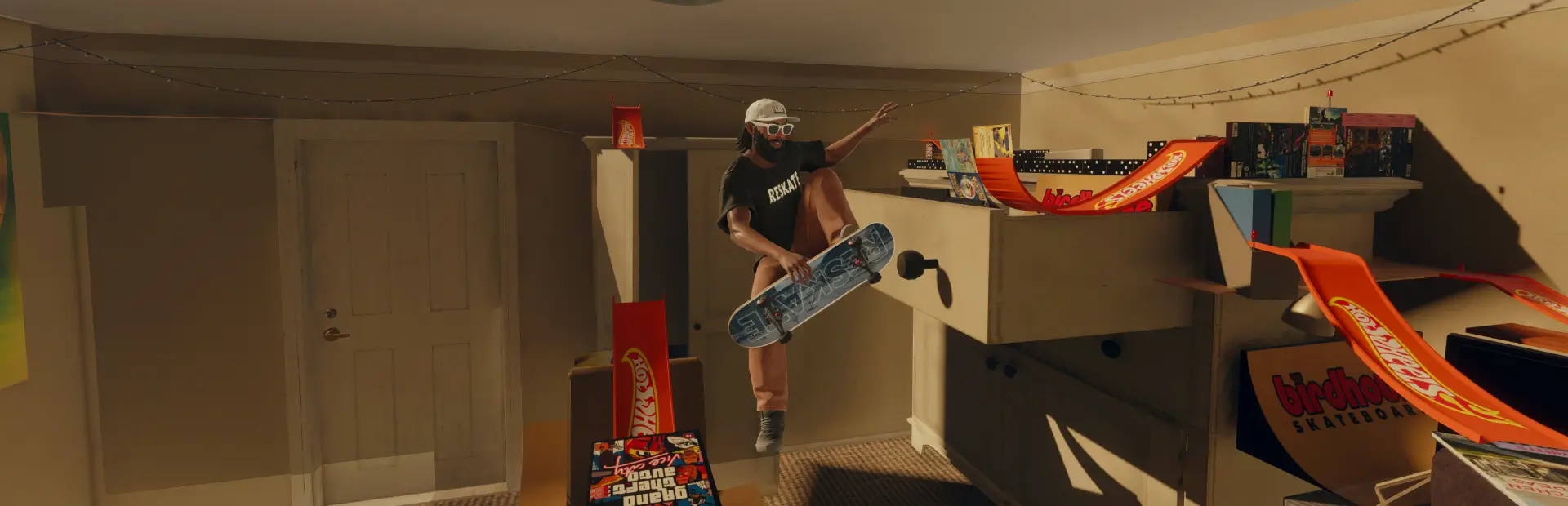

Immersion CleanView
Skate with a clean screen: hide the interaction prompts and button icons, the music source animation, the song title banner and the Quick Drop outline. Set from the ReSkate menu, in English, French, German or Spanish.Changelog
1.0.4
- Fix: the phone no longer disappears. The option "Hide standard HUD" was in fact ReSkate's hideui, which hides the whole game interface, the phone included. It is now called Hide the whole game interface, explains that it hides the phone, and is off by default; it is turned off once for everyone updating, since up to 1.0.3 it rarely took effect at start and hid the phone when it did.
- That option is now only asked once a level is active: asked earlier, ReSkate dropped it while still counting it as asked.
1.0.3
- Interface options apply at the next game start. The button is now Save: the choice is stored and ReSkate loads it when the game starts. In play, ReSkate's background merge did not reload the level, so the menu no longer waits for one; it says to restart. If ReSkate is still busy merging, the menu explains it and keeps your choice to save again after the restart.
- Quick Drop outline: on/off switch instead of the opacity slider, whose intermediate values had no visible effect.
immersion opacitystill works (0 hides, any other value shows); newimmersion contour hide|show. - Menu and messages in English, French, German and Spanish, English by default, with accented letters. Pick the language in GENERAL or with
immersion langue en|fr|de|es. - The Apply-in-progress tracking and its 10-minute timeout from 1.0.2 are removed (nothing to wait for any more); their saved keys are cleaned up.
- Store page in all four languages.
1.0.2
Corrective release. The eight interface variants are unchanged.
- Global switch: Immersion CleanView active now covers everything. Off, the Quick Drop outline and the standard HUD go back to the game at once and the interface target becomes the stock one (
v000), loaded with Appliquer. Your configuration is kept and comes back when you turn it on. - Clear states: the menu and
immersion statusshow what is loaded, what ReSkate was asked for and what Apply would ask for. A menu edit stays a draft until Appliquer (or Annuler la modification); a choice made from the console or elsewhere is taken into account without discarding that draft. - Appliquer: never starts a second merge while one is running or when the target is already loaded. A refusal from ReSkate is shown with its reason. If nothing loads within 10 minutes, the menu says so and offers Reessayer. A level load no longer clears an Apply in progress, and an Apply in progress survives a hot reload of the plugin.
- Engine settings: refusals are retried with a growing delay and given up after repeated refusals (until the next level or a new value), with one message. A value changed by something else is put back at most three times per level. Held values are read back every 10 s instead of being rewritten.
- Quick Drop slider: 100 % gives the game's own look back instead of forcing a value; values in between scale from the game's value.
- Timing: based on ReSkate's clock (
reskate.time.now) instead of frame counts. - Console:
immersion hud masquer|afficher(the oldon|offstill work),immersion appliquer, stricter checks ofimmersion affichage vXYZ, and a fullerimmersion status. - Settings: the 1.0.0 keys are kept; your interface configuration is now saved too (taken from ReSkate's choice on the first run). A 1.0.0 setup with Immersion active turned off keeps the same look.
- The launcher shows the mod's build info (
reskate-build.json).
1.0.0
First public release.
- Hide the interaction prompts (
Interact,Climb,Grab Music) and their controller button icons. - Hide the song title and artist banner and the music source animation, each on its own.
- Hide the blue Quick Drop outline.
- Optional standard HUD hiding.
- All settings in the ReSkate menu: PLUGINS → Immersion CleanView.