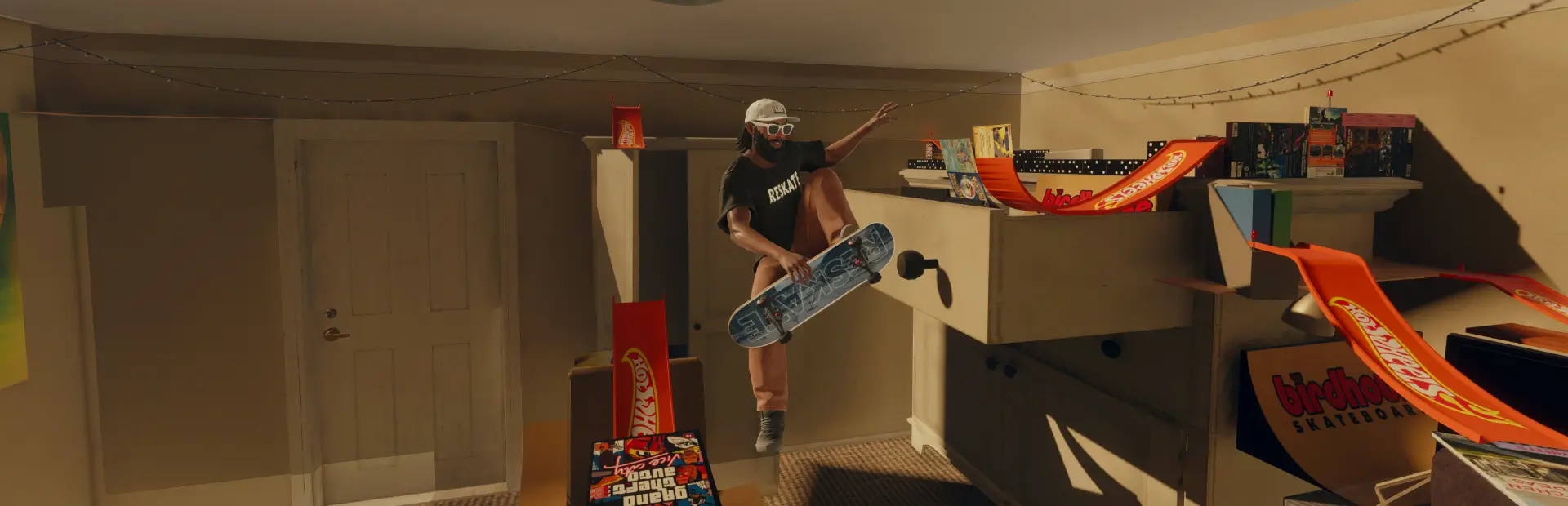

Immersion CleanView
Skate with a clean screen: hide the interaction prompts and button icons, the music source animation, the song title banner and the blue Quick Drop outline. Each one is set from the ReSkate menu.Immersion CleanView
Skate with a clean screen. Immersion CleanView removes the on-screen clutter that pulls you out of a session (prompts, button icons, music pop-ups, selection outlines) and leaves the city, your skater and your lines. Everything it hides keeps working: you can still interact, climb, grab music and use Quick Drop.
What it can hide
Applied with the Appliquer (Apply) button, then a level reload:
- Interaction buttons: the
Interact,ClimbandGrab Musicprompts and their controller button icons. - Song title and artist: the banner announcing each new track.
- Music source animation: the animated ring around a music source. The music keeps playing.
Instant:
- Quick Drop outline: the blue outline around selectable Quick Drop objects. 0 % hides it, 100 % keeps the game's look, values in between soften the selection highlight.
- Standard HUD: the game's regular HUD.
Actions, inputs, music playback, menus, gameplay, physics, progression and online play are not changed.
Why two kinds of settings
The Quick Drop outline and the standard HUD are engine settings the plugin can change at any time. The prompts, the music animation and the title banner live in the game's interface files: the mod ships the eight combinations pre-built, and switching between them makes ReSkate merge your mods again and reload the level. With a few mods this is quick; with hundreds it can take several minutes. CleanView never starts that on its own: it waits for Appliquer.
How to use it
- Install with the ReSkate launcher (Thunderstore tab, or MODS → Install .zip).
- Start the game and open the ReSkate menu: PLUGINS → Immersion CleanView (the menu is in French).
- Tick what you want hidden:
- BOUTONS D'INTERACTION → Masquer les boutons d'interaction.
- MUSIQUE → Masquer le titre et l'artiste and Masquer l'animation de la source (two separate options).
- In APPLICATION, click Appliquer. The card shows what is loaded (En jeu), what ReSkate was asked for (Demandee) and what Apply would ask for (Cible). While a change is being applied the button is hidden; if nothing loads within 10 minutes the card says so and offers Reessayer (retry). Restarting the game also loads the saved choice.
- OBJETS QUICK DROP (slider) and GENERAL apply instantly.
On first launch everything is hidden.
Turning it off and on
GENERAL → Immersion CleanView active:
- Off: the Quick Drop outline and the standard HUD go back to the game at once. The interface target becomes the stock interface (
v000); click Appliquer to load it (level reload). Your own configuration is kept. - On: your configuration becomes the target again; click Appliquer if the menu says a change is pending.
Restoring the stock interface
- Keep the mod installed: turn CleanView off, click Appliquer, wait for the level to reload.
- Remove it completely: disable or uninstall Immersion CleanView in the launcher's MODS page and restart the game. ReSkate no longer loads any of its variants, so nothing of CleanView remains in the interface.
Console
immersion status: what is enabled, requested, selected and loaded, and the last error.immersion on/immersion off: global switch.immersion opacity 0..100: Quick Drop outline.immersion hud masquer/immersion hud afficher: hide or show the standard HUD (hud on= hide,hud off= show, as in 1.0.0).immersion affichage v110: pick a combination and apply it. Digits: buttons, music animation, title;1= hidden.immersion appliquer: apply the current target.
Compatibility
- ReSkate 2.1.2 on its supported Skate build.
- Mods that change the same HUD or music player interface files can conflict: ReSkate then loads only the one higher in the load order.
- If another plugin holds the same engine setting, ReSkate refuses CleanView's change; the menu says so instead of claiming success.
- About 460 MB installed: each combination ships pre-built, so switching never needs extra tools.
Known limits
- The interface options cannot change instantly: ReSkate's plugin API has no way to hide a single interface element at run time, so a merge and a level reload are needed.
- The plugin cannot confirm what is drawn on screen: the menu reports what ReSkate accepted or loaded, not a visual check.
- The intermediate Quick Drop values scale the selection highlight the game reports; their visual effect depends on the engine.
- Settings saved by version 1.0.0 are kept. A 1.0.0 setup with Immersion active turned off is migrated to keep the same look (interface variant kept, outline and HUD left to the game).
Français
Skatez avec un écran épuré. Immersion CleanView masque les invites Interact, Climb et Grab Music et leurs icônes de manette, le titre et l'artiste des morceaux, l'animation des sources musicales, le liseré bleu du Quick Drop et le HUD standard. Toutes les actions restent disponibles.
- Boutons, titre/artiste, animation de la source : menu ReSkate, PLUGINS → Immersion CleanView, puis Appliquer. ReSkate refusionne les mods et recharge le niveau, ce qui peut prendre plusieurs minutes avec beaucoup de mods. Rien ne se lance sans votre clic.
- Liseré Quick Drop (0 % le masque, 100 % garde l'aspect du jeu) et HUD standard : immédiats.
- Désactiver (GENERAL) : liseré et HUD reviennent tout de suite ; l'interface d'origine revient après Appliquer. Votre configuration est conservée pour la réactivation.
- Désinstaller : désactiver le mod dans le Launcher et relancer le jeu.