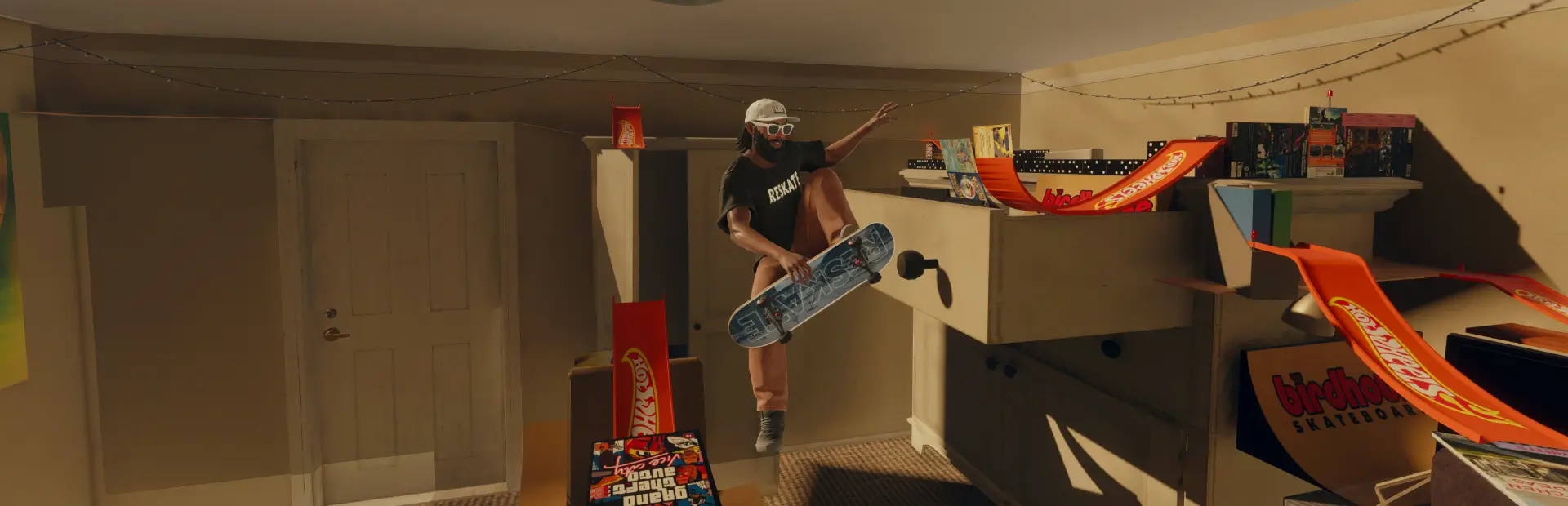

Feet
Adds FeetFeet
Adds feet to the player model.
How to use
The game still puts shoes on your skater by default, so you need to turn them off in the ReSkate console.
- Launch the game through ReSkate.
- Press
`(the~key) to open the console. - Type each of these and press Enter:
DelMarGame.DisableCASSlotFootwear 1 DelMarGame.DisableCASSlotSocks 1 DelMarGame.DisableCASSlotTop 1
- Load into a map. The change shows up the next time your skater is loaded.
Notes
- These commands reset when you close the game, so enter them again each session.
- To turn something back on, enter the same command with
0instead of1. DisableCASSlotFootwearremoves shoes,DisableCASSlotSocksremoves socks, andDisableCASSlotTopremoves your top.