You are viewing a potentially older version of this package. View Latest Version
New emote picker as a separate mod to not break existing stuff
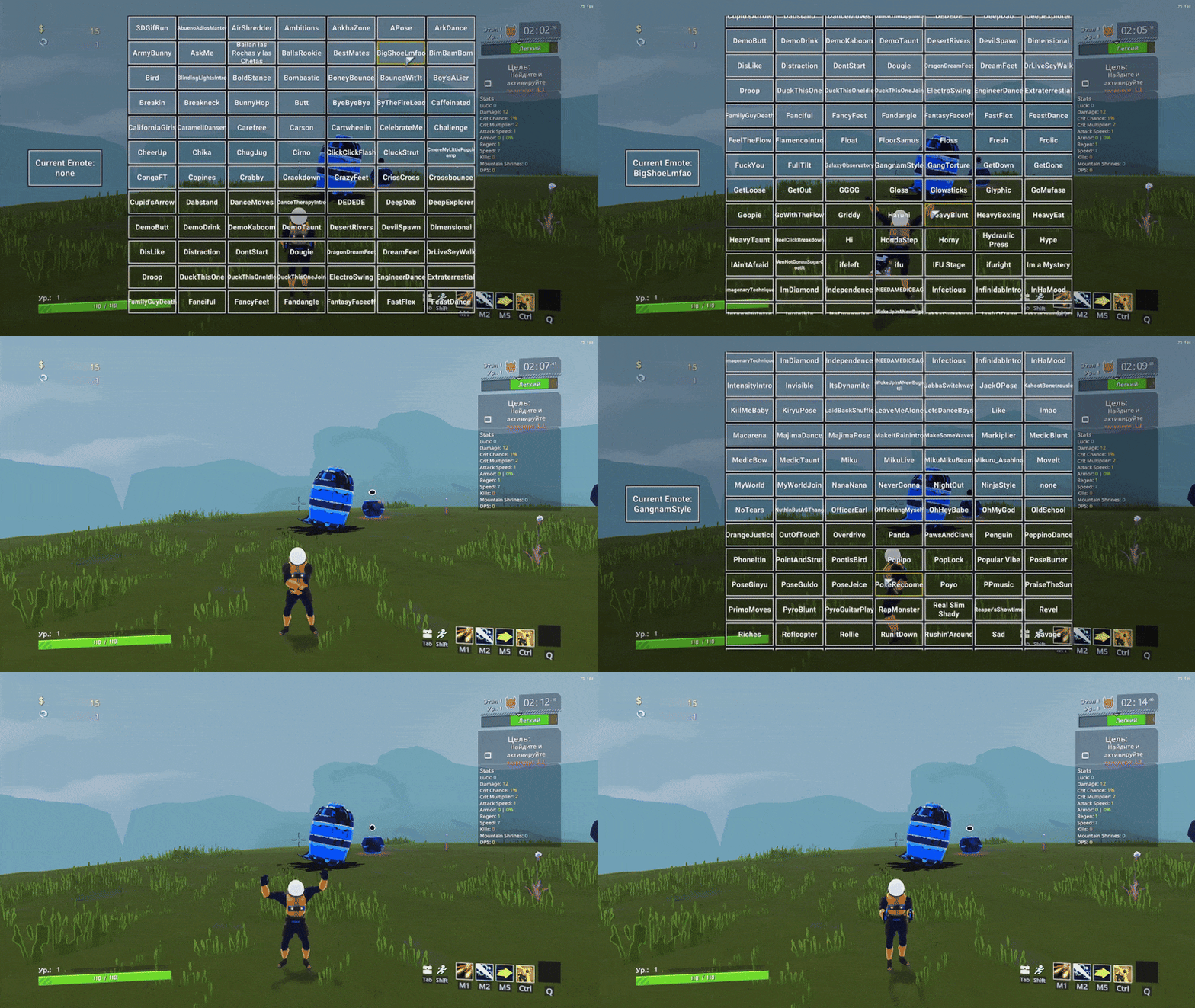
Press H to open Emote picker menu.
Press Left Mouse Button on selected emote to play it. Menu will automatically close
Scroll through the menu using mouse wheel or via dragging.
Selecting and clicking left side will cancel current emote.
Press H again to close it.
Makes control similar to original.
Hold H to open Emote picker, release the key to play selected emote.
Releasing the key on the left side will continue to play current emote.
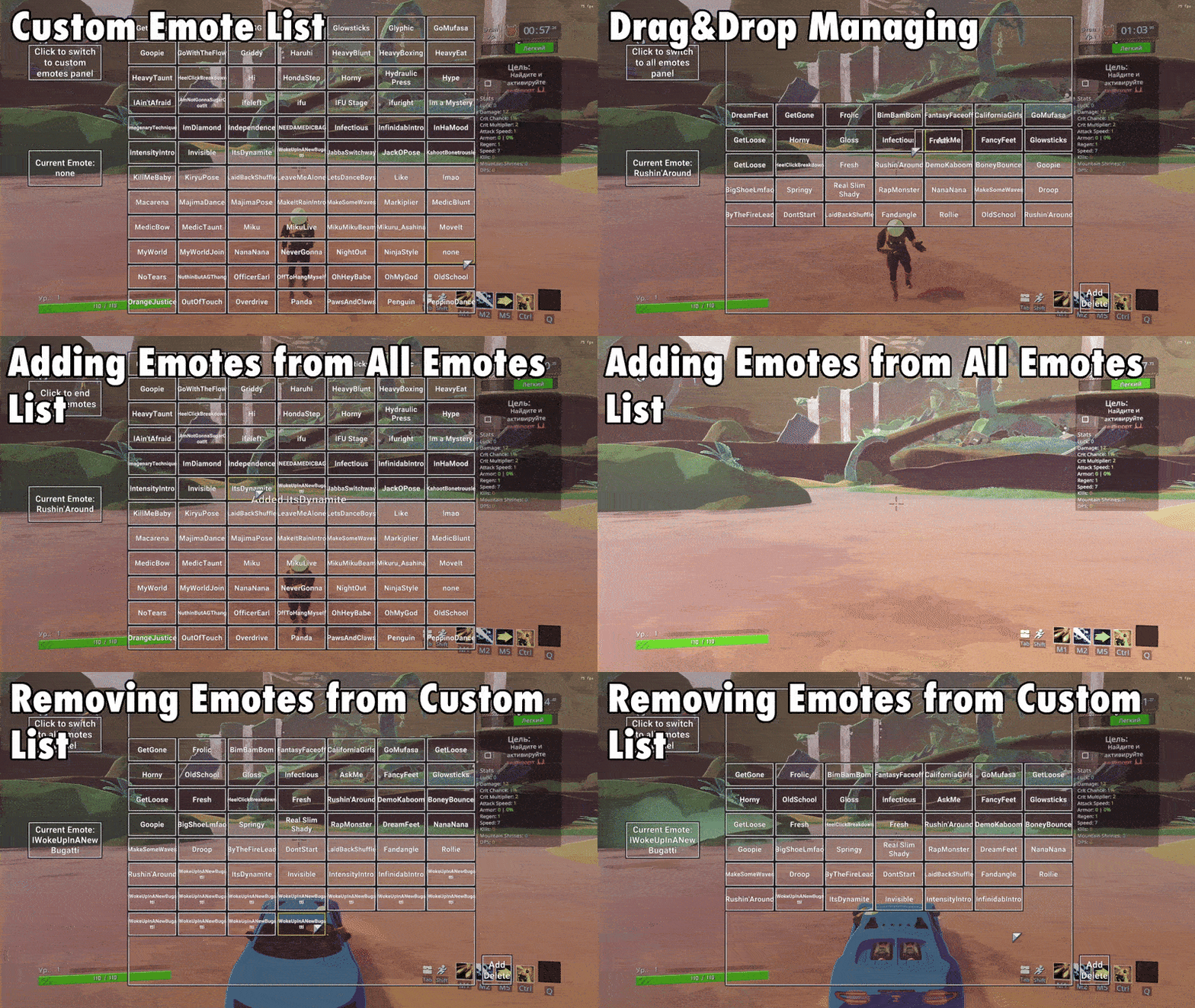
You can add/delete emotes to your custom emote menu. Picked emotes will save in config to be loaded on game start
To switch between all emotes and custom emotes menus press the top left button.
To start adding emotes press "Add Delete" button in the bottom right. You will be relocated to all emotes menu. Left click on emote to add selected emote to your custom emote menu. To end adding emotes click top left button.
You can also add current emote by pressing "Bind Current Emote To Wheel" CustomEmotesAPI button (B by default).
You can remove emotes from custom emotes menu by holding right cllick and left clicking on them or by Drag&Dropping it to "Add Delete" button.
You can't have duplicates by default.
Press J to play random emote from your custom emotes menu.