
Risk Of Options Extender
Puts every mod's settings in the Risk Of Options menu, including the ones mods leave out, and adds search, sorting, pinning and a tab picker to the mod list.Risk Of Options Extender
An add-on for Risk Of Options that puts every mod's settings in its in-game menu, and makes the mod list easier to get around.
I play with a pretty extensive modlist, and a lot of those mods either don't show up in Risk Of Options at all or only list some of their settings. I got tired of searching through r2modman's config list and editing settings manually. With as many mods as I have, finding the one I wanted in the list was super annoying. Especially for things like OST Mods that have a volume slider that you need to use instead of the default game's music slider. So I made this to help with all of that.
What it does
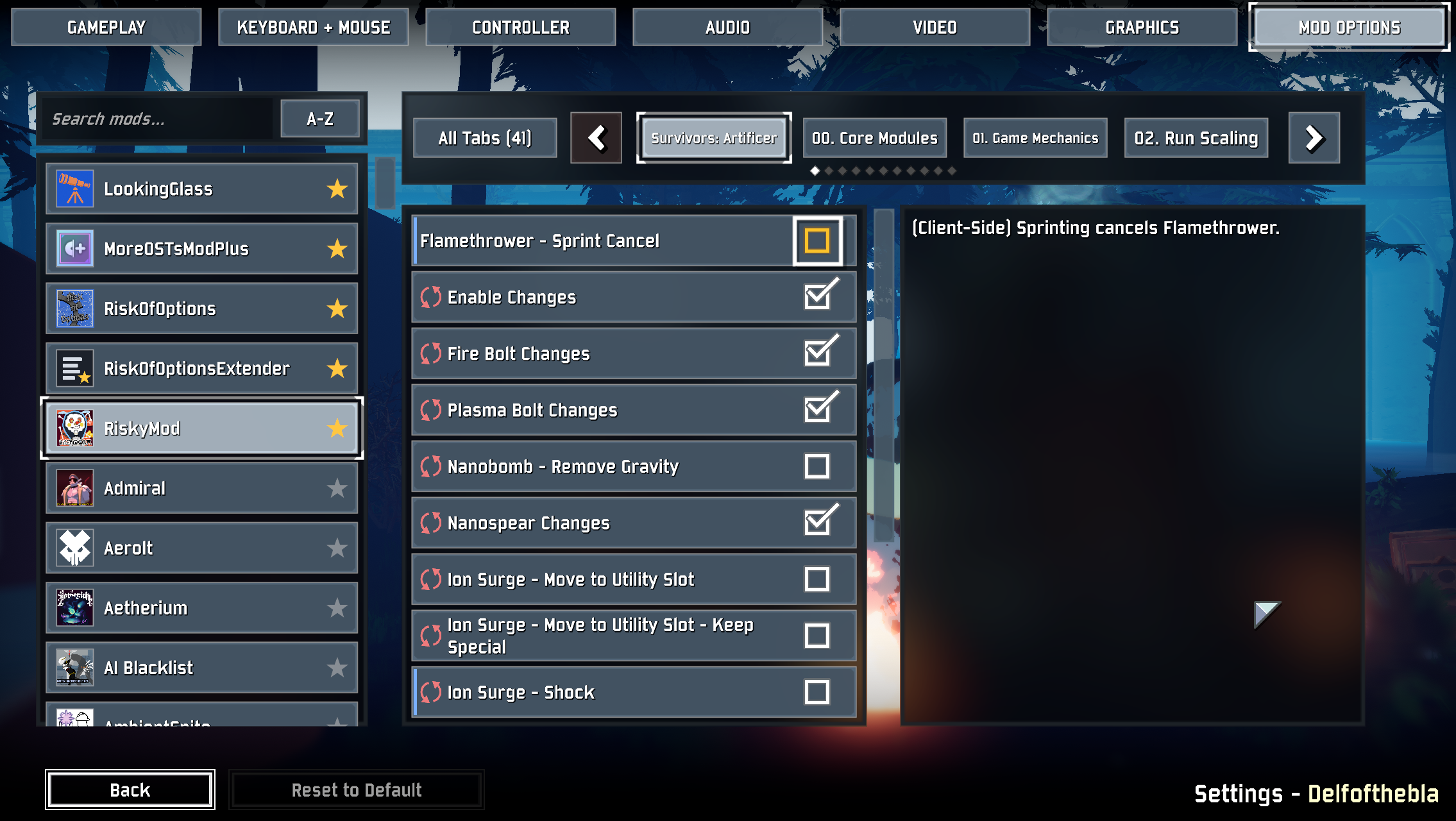
Every mod's settings are in the menu
Mods with no Risk Of Options support get a page built from their config files. Mods that do support it but only list some of their settings get the rest added to their page. Those added settings are marked restart required, since the mod might only read them at startup. Settings spread across extra config files are included too.
Risk Of Options can't show every setting type directly. Settings like Double, Int64, KeyCode and Vector2 show up as the closest control it has: a number field, a key bind or a text box. Mods without an icon or description get the ones from their Thunderstore package.
Restart-required settings and long names
Settings that only take effect after a restart show a restart icon before their name, and say so at the end of their description. Risk Of Options' own "Restart Required!" banner still appears when you change one.
Long setting names wrap onto more lines instead of running under the setting's control, and checkboxes line up with the other controls.
Mod list polish
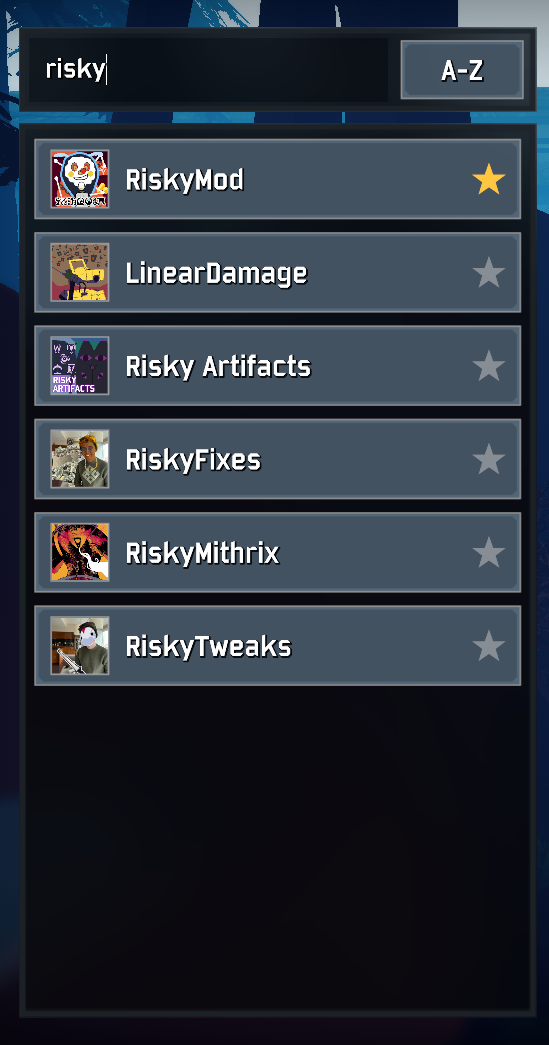
- Search: type in the box above the list to filter mods by name.
- Sort: the button next to the search box switches between A-Z and Z-A.
- Pin: click the star on a mod's row to keep it at the top of the list.
New "All Tabs" picker
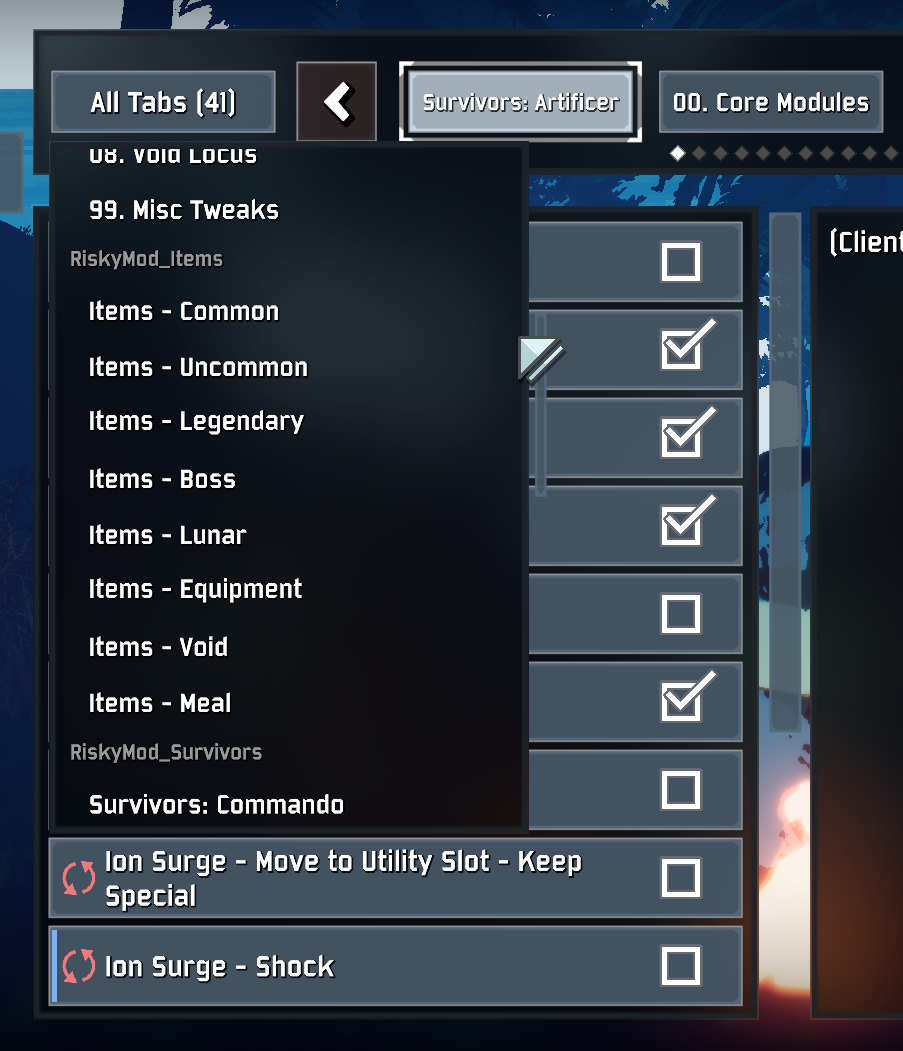
When a mod has more tabs than fit on one page, an All Tabs button appears at the start of the tab bar. It opens a list of every tab, grouped by config file when the settings come from several.
Don't want some of it?
Everything is a setting on this mod's own page, or in its config file:
- Visual Tweaks → Mod List Tweaks and Option Page Tweaks turn off the mod list and option page changes. Both take effect right away, and a switched-off feature doesn't hook into Risk Of Options at all.
- Mod List → Hide Empty Mods and Sort Order.
- Fill In Missing Options → Never Fill In Missing Options stops adding settings for every mod. Skip (mod name) will skip it for only the skipped mods, and is listed for each mod that has settings missing from the menu. Both take effect after a restart.
Compatibility
Supersedes OptionGenerator. You shouldn't install both, but they can technically be installed together. When they are, OptionGenerator fills in the mods that don't use Risk Of Options at all, and this mod will then only fill in the ones that do but leave some settings out.
I wouldn't recommend keeping both unless this mod starts breaking in the future and OptionGenerator doesn't. In that case you can also turn this mod's autofill off entirely with "Never Fill In Missing Options".
If a game update or Risk Of Options change breaks part of this mod, that part should turn itself off for the session and
log one error, while everything else keeps working. Please report the error from LogOutput.log on the GitHub if you see
one.