

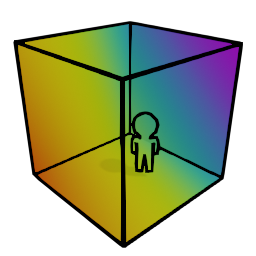
ChromaKeyScreen
Its basically a green screen :)How to use
-
Bind the "Spawn ChromaCube" to your emote wheel in Settings->Mod Settings->CustomEmotesAPI. You do this in game whenever.
-
The person who spawns the ChromaCube is the only one that is allowed to transform/rotate/scale it.
Default Keybinds
- The default binds for movement are
I = Forward
J = Left
K = Backwards
L = Right
U = Up
O = Down
- These binds only function when you are in one of the 3 modes:
LEFT CTRL = transform
LEFT ALT = rotate
CAPSLOCK = scale
-
It should be noted that for scale mode, only Up and Down will affect it as it scales as a whole.
-
I suck at quaternions, so the rotation mode sucks ass and I added a reset for rotation incase things get too screwy
BACKSPACE = rotation reset
Changelog
- Version 1.0.0: Updated localization files