

You are viewing a potentially older version of this package. View Latest Version
PingPlus
Shared pinned pings and server-authoritative party item ownership counts.Ping Plus
Networked ping improvements for Risk of Rain 2.
Item ownership
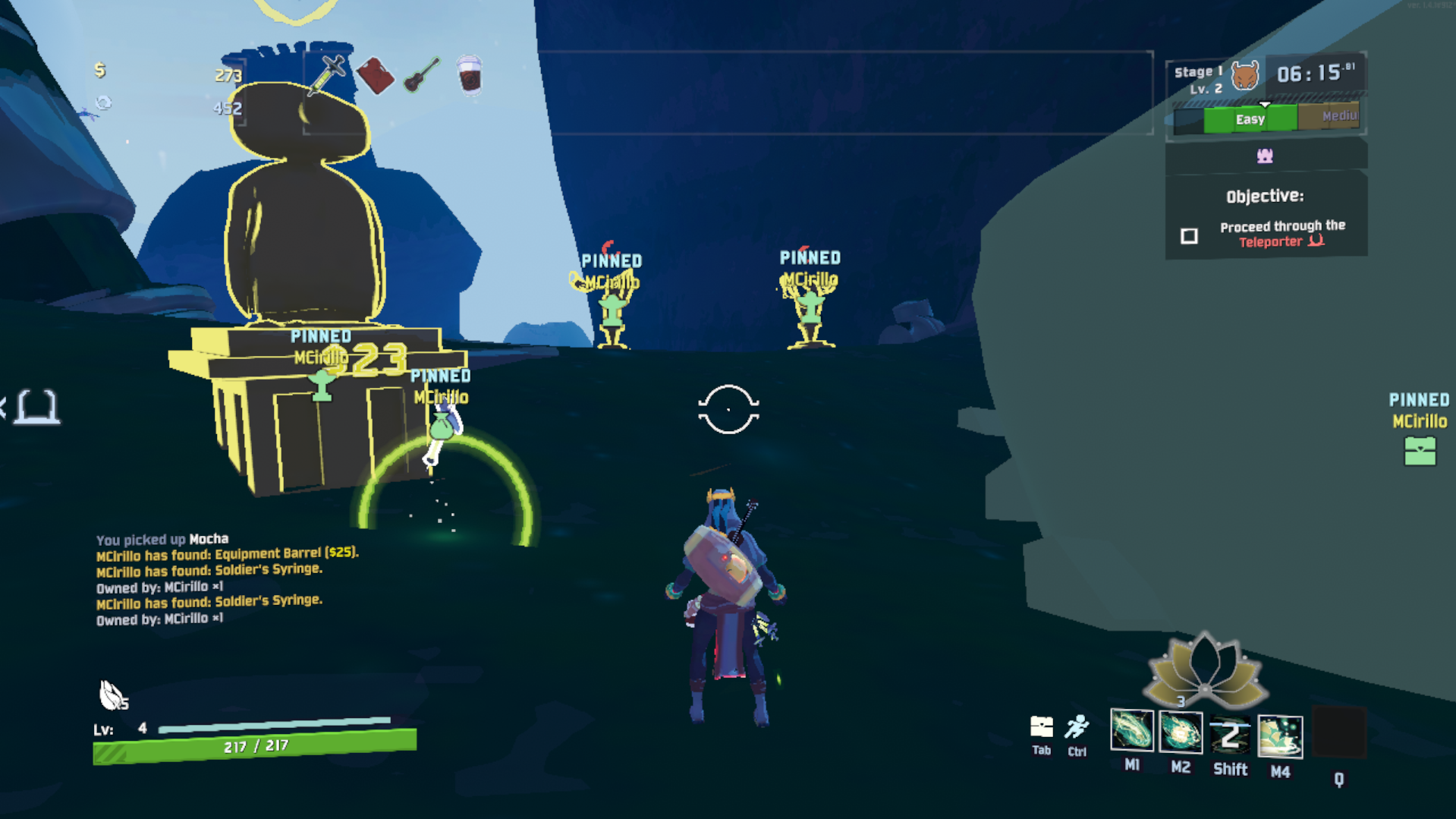
- Pinging an item or equipment broadcasts one
Owned by:chat line to the whole party - Counts are calculated by the host from authoritative player inventories
- Only players with at least one copy are listed; zero counts are omitted
- Item stacks use their real count and equipment uses
×1 - Ordinary world, object, and enemy pings remain unchanged
Loot colors
- Item and chest pings use Risk of Rain 2's tier colors: white, green, red, boss yellow, equipment orange, lunar blue, and void purple
- Normal, large, legendary, equipment, lunar, and void chests use the matching loot color
- Scrap items keep their tier color, and both scrap pickups and Scrappers use a dedicated scrap ping icon
- Enemy attack pings keep their vanilla red appearance
Ping distance
- Normal and pinned pings show the local player's distance in meters
- The label updates only when the rounded distance changes
Pinned pings
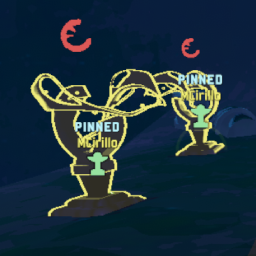
- Press
Gwhile aiming to create a pinned ping visible to the whole party - Only objects and enemies can be pinned; aiming at empty terrain does nothing
- Press
Gon the same object again to unpin it - Press
Pto remove every pinned ping for the whole party - A player's first five pins are named
ALPHA,GAMMA,BETA,TETA, andLAMBDA - Loot colors and the scrap icon apply to normal and pinned pings
- Each player's oldest pinned ping is removed when their configured cap is reached
- Pinned pings are cleared between stages
Configuration
PinnedPingDurationdefaults to0seconds;0means until removed or the stage endsMaxPinnedPingsdefaults to5PinKeydefaults toGClearKeydefaults toPShowDistancedefaults totrue
Multiplayer
The host and every player must install the same Ping Plus version. Do not enable Better Item Ping or Freeze Ping alongside Ping Plus, or their behavior will run twice.
Installation
Install Ping Plus from Thunderstore using Download with dependencies.
When testing by copying only PingPlus.dll, first install R2API Networking in that r2modman profile. Copying a DLL does not process manifest.json, so r2modman cannot install its dependencies automatically.
After Ping Plus loads once, successfully, edit its settings from r2modman's Config editor or open:
BepInEx/config/com.cirillom.pingplus.cfg