

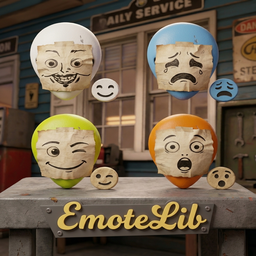
EmoteLib
Emote wheel UI and API for playing emotes in Roadside Research. Supports hotkeys, third-person camera, and custom animations via asset bundles.EmoteLib
Support: It's hard to keep mods updated and develop new ones! If you enjoy these mods, consider donating to me or other mod devs: https://ko-fi.com/deja1
Report issues or request features: https://github.com/BKPatt/EmoteLib/issues
An emote wheel and emote API for Roadside Research.
Features
- Emote Wheel — Hold a key (default: E) to open a radial emote selector. Release while hovering over a slot to play that emote.
- Hotkeys — Bind any of the 8 emote slots to individual keys for quick access.
- Third-Person Camera — Automatically switches to third person when emoting so you can see yourself. Configurable per-user.
- Custom Animation Support — Load custom emote animations from asset bundles.
- Emote API — Other mods can trigger emotes programmatically via
EmoteAPI.
Configuration
Settings are in BepInEx/config/com.emotelib.roadsideresearch.cfg, generated on first launch.
| Setting | Default | Description |
|---|---|---|
| ToggleKey | E | Hold to open the emote wheel |
| ThirdPersonOnEmote | true | Switch to third person while emoting |
| EmoteSlot1-8 | None | Hotkey bindings for each emote slot |
Installation
- Install BepInEx IL2CPP if you haven't already.
- Launch the game once to generate interop assemblies.
- Place
EmoteLib.dllinBepInEx/plugins/. - Launch the game. Hold E to open the emote wheel.