

P2P
Peer-to-peer 1v1 for ROUNDS with Steam lobbies, ping and a win counter. Both players need P2P.P2P

Русский
Игра 1 на 1 в ROUNDS через Steam. Требует Bugfixes.
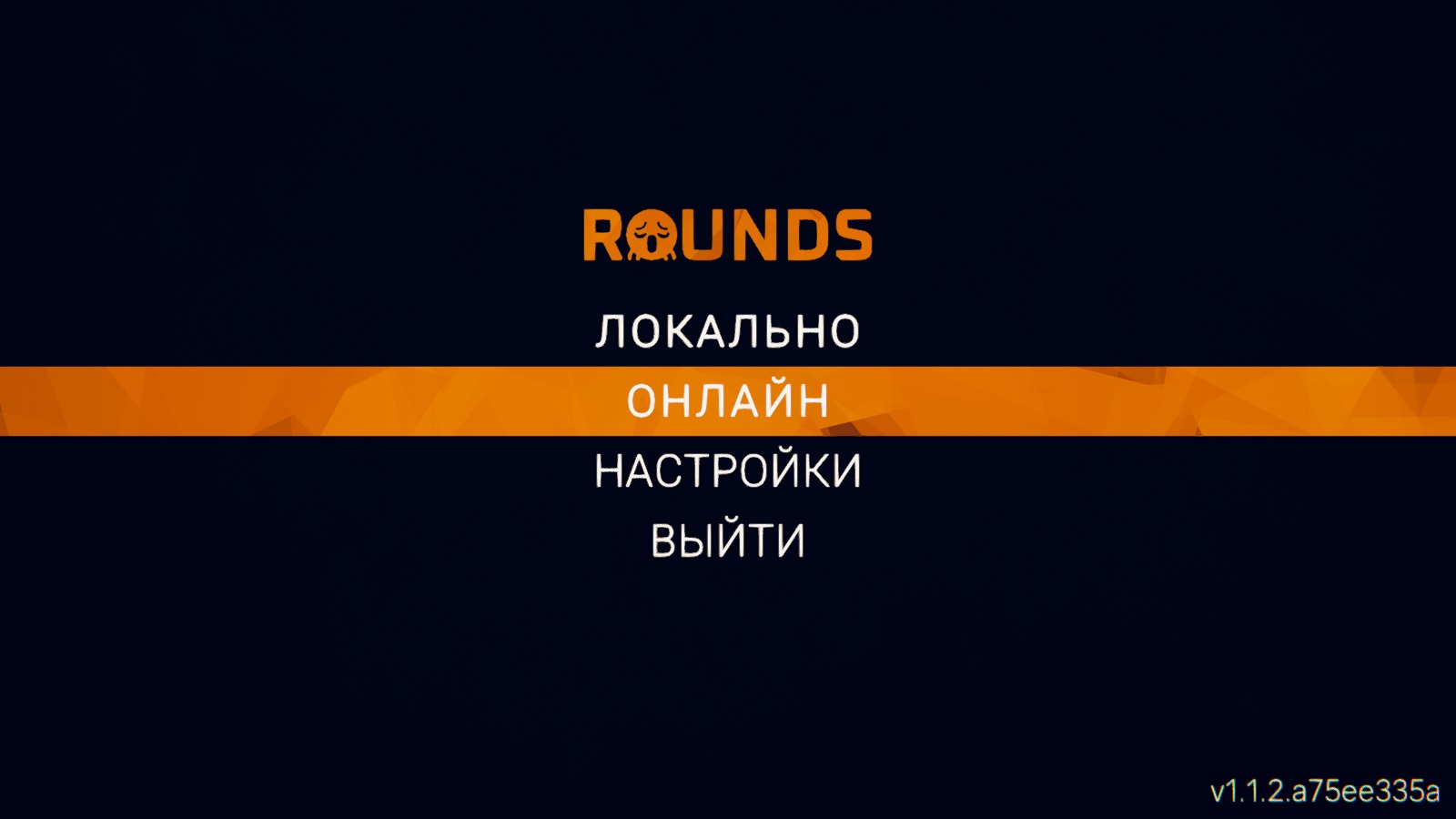
- 🚀 В разделе Онлайн главного меню можно создать лобби на двоих с выделенным сервером на ПК хоста и пригласить друга через Steam.
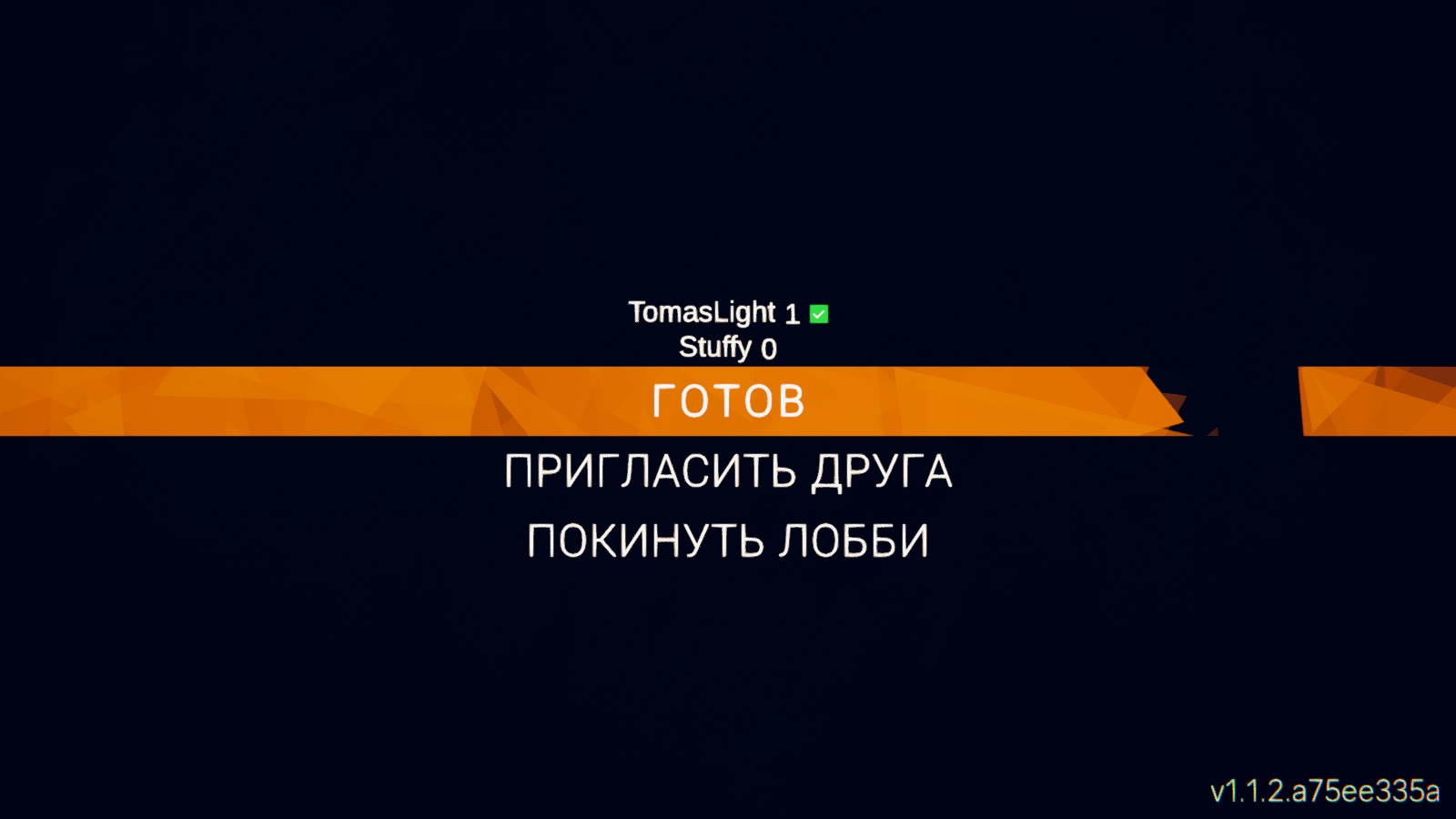
- 🚀 В лобби у каждого игрока видны ник, число побед и галочка готовности. Нажмите Готов, чтобы подтвердить готовность, или Не готов, чтобы снять её. Матч начинается, когда оба готовы.
- 🚀 В матче видны ping до соперника в миллисекундах и счёт побед за сессию. До первого замера ping отображается прочерк. Счёт начинается с 0:0 и обновляется сразу после завершения матча.
- 🚀 Выйти в лобби в меню паузы или ответ Нет на реванш возвращает обоих в прежнее лобби и сохраняет число побед. После новой готовности обоих следующий матч начинается с нулевых очков и раундов, без карт из предыдущего матча. Если оба отвечают Да, реванш начинается сразу.
Steam может выбрать прямое соединение или ретранслятор. Задержка зависит от вашего соединения.
Установка и запуск
Оба игрока:
- Выберите способ установки в профиль ROUNDS.
- Через Thunderstore. Найдите P2P в r2modman или Thunderstore Mod Manager и установите его вместе с зависимостями.
- Вручную из ZIP. Установите BepInExPack_ROUNDS в профиль и распакуйте архивы
Bugfixes-<версия>.zipиP2P-<версия>.zip. Перенесите папкиBugfixesиP2PизBepInEx/pluginsраспакованных архивов вBepInEx/pluginsпрофиля. Копируйте папки целиком, включаяP2P/luxonс сервером.
- Запустите Steam, затем игру с модами из этого профиля через менеджер модов.
- Один игрок выбирает Онлайн → Создать лобби → Пригласить друга, второй принимает приглашение в уже запущенной модифицированной игре.
- Когда оба подключатся к лобби, каждый нажимает Готов.
Для приглашений включите оверлей Steam (Shift + Tab). Если игра запущена напрямую через приглашение, она может открыться без профиля модов — сначала запускайте модифицированную игру.
Если хост вышел или соединение оборвалось, создайте новое лобби.
Скриншоты
Пункт «Онлайн» в главном меню
Лобби
Ping и счёт побед в левом верхнем углу

English
Steam 1v1 for ROUNDS. Requires Bugfixes.
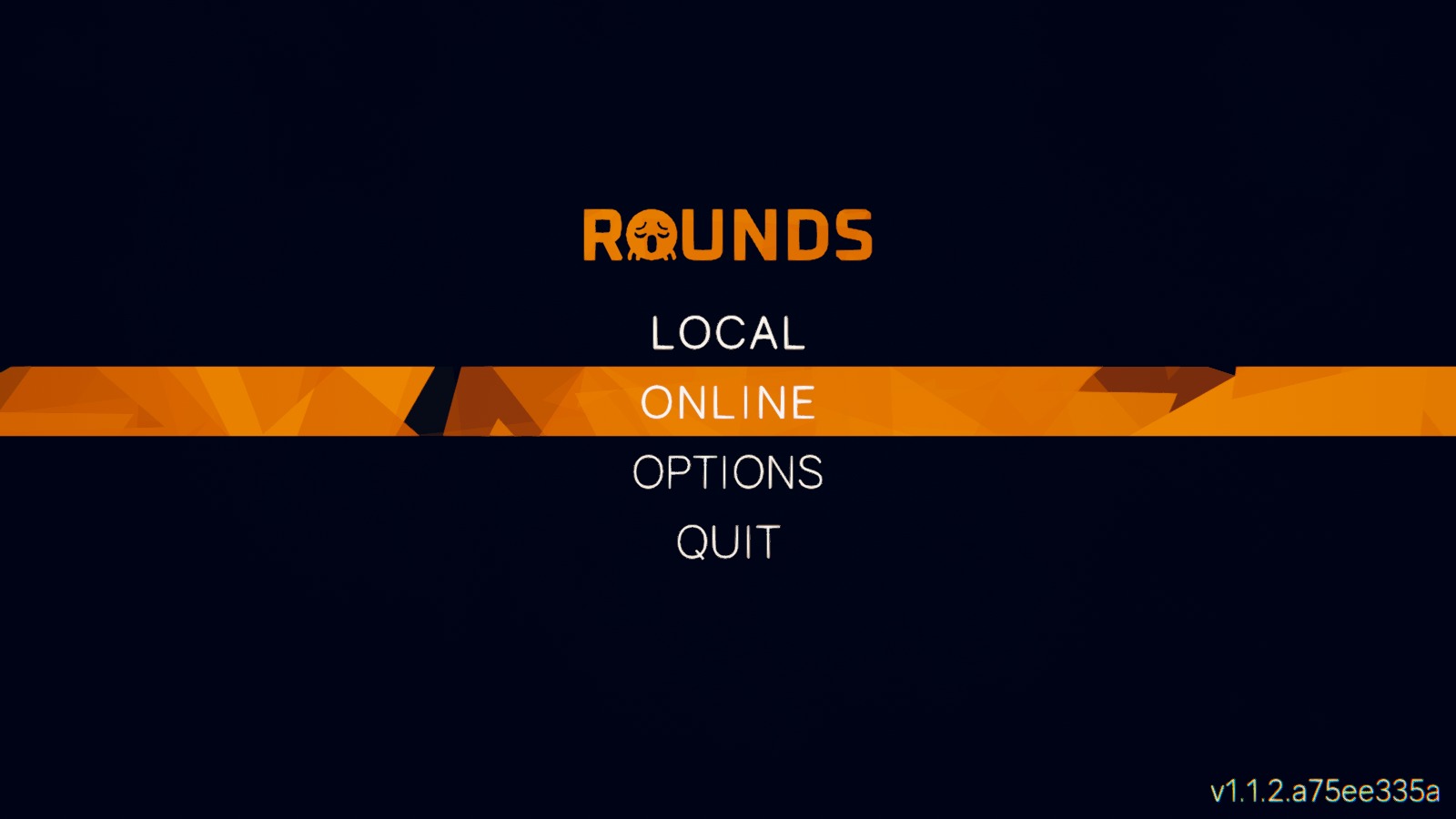
- 🚀 Under Online in the main menu, create a two-player lobby with a dedicated server on the host's PC and invite a friend through Steam.
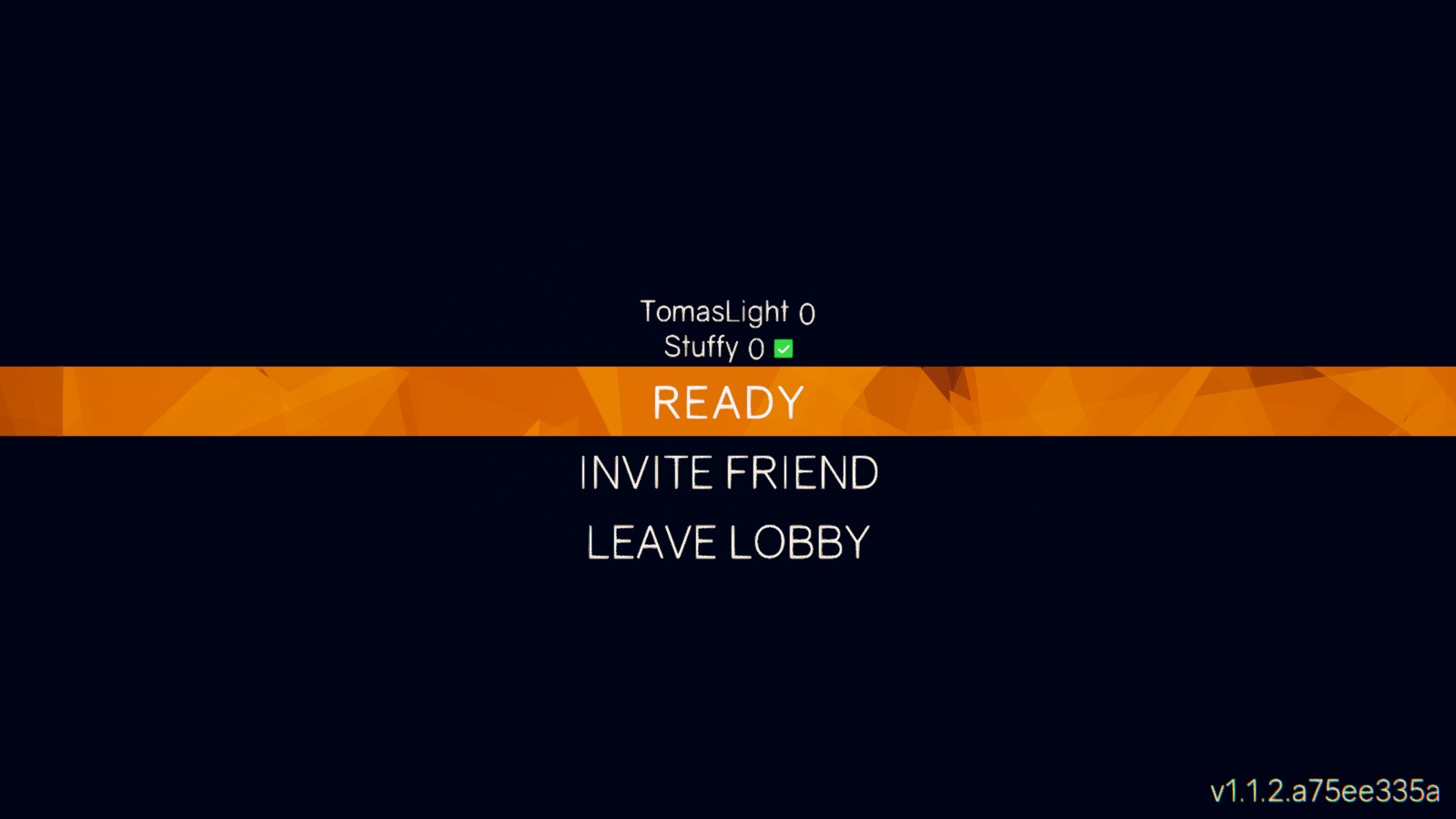
- 🚀 The lobby shows each player's name, match wins, and a check mark when ready. Select Ready to mark yourself ready or Unready to change your mind. The match starts when both players are ready.
- 🚀 The in-game HUD shows ping to the other player in milliseconds and the match wins for the session. Ping shows a dash until the first measurement. The score starts at 0:0 and updates as soon as a match ends.
- 🚀 Return to lobby in the pause menu or No on the rematch prompt brings both players back to the same lobby and keeps their match wins. When both players are ready again, the next match starts at zero points and rounds, with no cards carried over from the previous match. If both choose Yes, the rematch starts immediately.
Steam may use a direct connection or a relay. Latency depends on your connection.
Installation and play
Both players:
- Choose how to install the mod in your ROUNDS profile.
- From Thunderstore. Find P2P in r2modman or Thunderstore Mod Manager and install it with its dependencies.
- Manually from ZIP files. Install BepInExPack_ROUNDS in your profile and extract
Bugfixes-<version>.zipandP2P-<version>.zip. Copy theBugfixesandP2Pfolders from the extracted archives'BepInEx/pluginsinto your profile'sBepInEx/plugins. Copy both folders in full, including theP2P/luxonserver folder.
- Start Steam, then launch the modded game from that profile in your mod manager.
- One player chooses Online → Create lobby → Invite friend. The other accepts the invitation with the modded game already running.
- Once both players have joined the lobby, each chooses Ready.
Enable Steam Overlay (Shift + Tab) for invites. Start the modded game before accepting to keep using your mod profile.
Create a new lobby if the host leaves or the connection ends.
Screenshots
Online in the main menu
Lobby
Ping and match wins in the upper-left corner