

You are viewing a potentially older version of this package. View Latest Version
LastMovesList
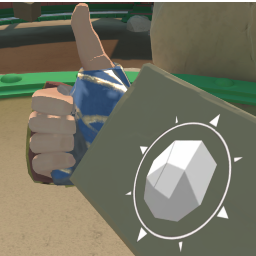
beta version of LastMovesList. Shows a image of the last move you have just done.- Install MelonLoader
- Run Game
- Drop Tempo Set.dll into Mods folder
- Don't forget the Rumble UI mod
- Play Game.
To change the game speed press f10 to enable Rumble UI, set the drop down to Tempo Set, and set game speed between " 0.01 - 69.0 ". After the value is entered press the enter key and press save to apply the game speed change.
Help And Other Resources
Get help and find other resources in the Modding Discord: https://discord.gg/fsbcnZgzfa