

You are viewing a potentially older version of this package. View Latest Version
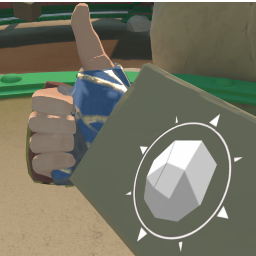
LastMovesList
Shows a list of Moves you have just done.How to Install the Mod
- Install MelonLoader
- Run Game
- Drop LastMovesList.dll into Mods folder
- Drop the LastMovesList folder in the UserData folder
- Play Game.
Help And Other Resources
Get help and find other resources in the Modding Discord: https://discord.gg/fsbcnZgzfa
Controls
- F10 to open ModUI then you need to select (LastMovesList 1.0.6)
- Click your Right Thumbstick or Left Thumbstick to reset the List